






















Chat Photo Editor for Product Images
Use Chat Photo Editor to edit product images for ecommerce. Modify colors, text, objects, or backgrounds with AI photo editing while keeping the original product structure intact.
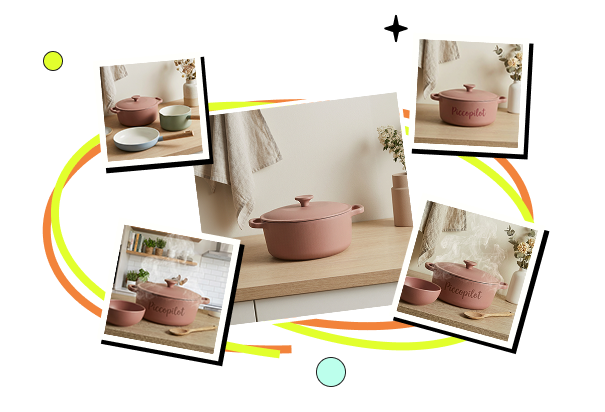


What You Can Do with Chat Photo Editor?
Chat Photo Editor provides a focused set of image editing capabilities tailored to real product workflows. Sellers can make precise updates without rebuilding visuals from scratch.
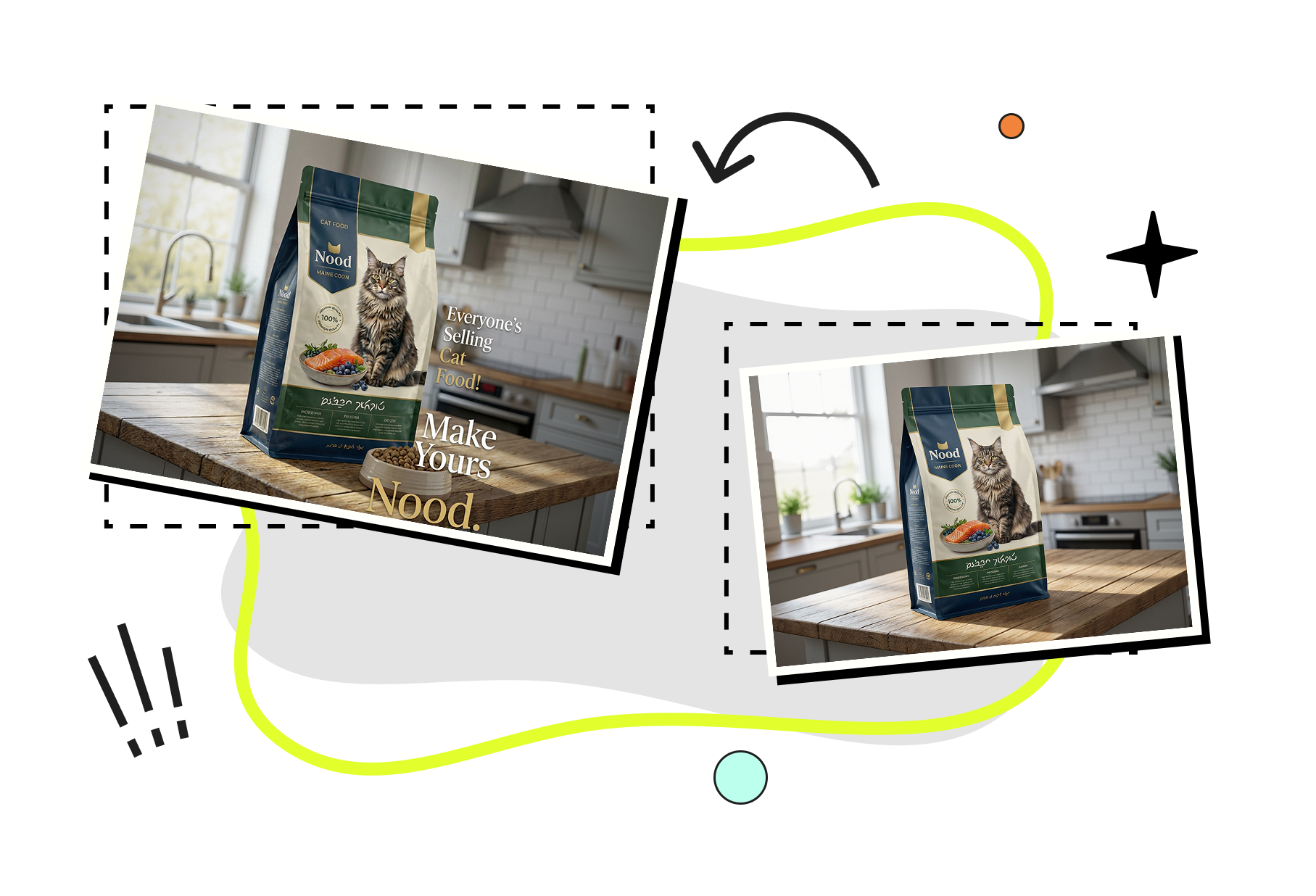

AI-Based Product Image Editing
Edit product images using AI photo editing to modify colors, visual details, and design elements with precision. This chat photo editor allows sellers to edit an image while preserving product structure and visual consistency.
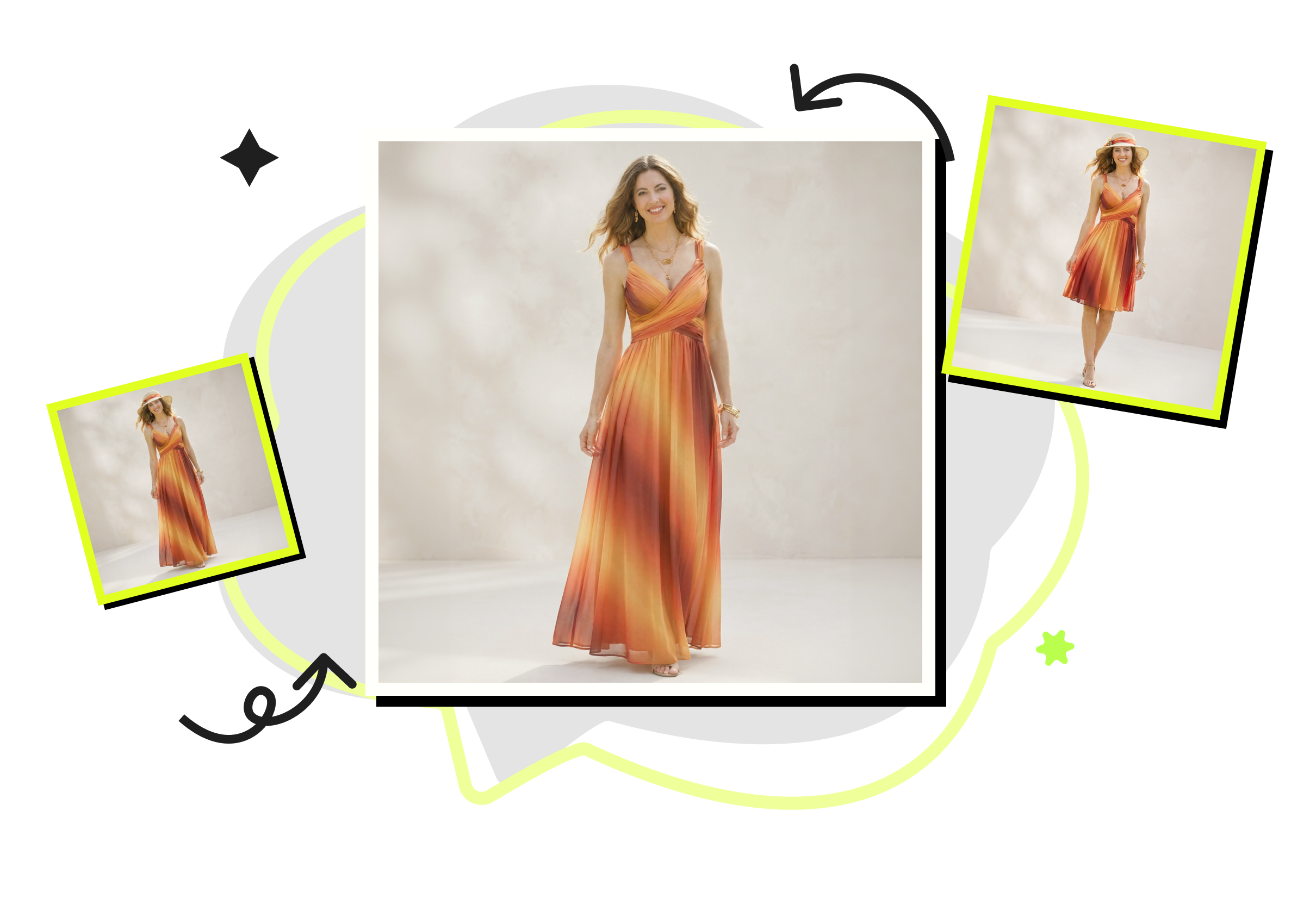

Targeted Text and Object Modification
Modify specific parts of an image, including edit text of an image, replace elements, or remove things from pictures without redesigning the entire visual. This targeted image manipulation service supports controlled updates to product photos.
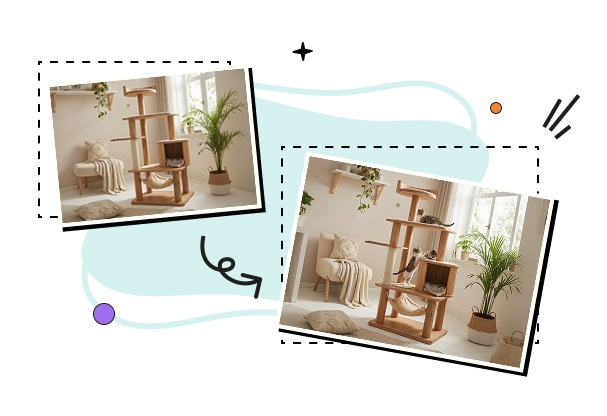

High-Resolution Output and Continuous Refinement
Generate high-resolution edited images suitable for ecommerce listings, ads, and marketing materials. Edited images can be further enhanced using built-in AI image enhancement tools, supporting continuous refinement from the original or previously edited versions.
How Chat Photo Editor Works?
- Step 1
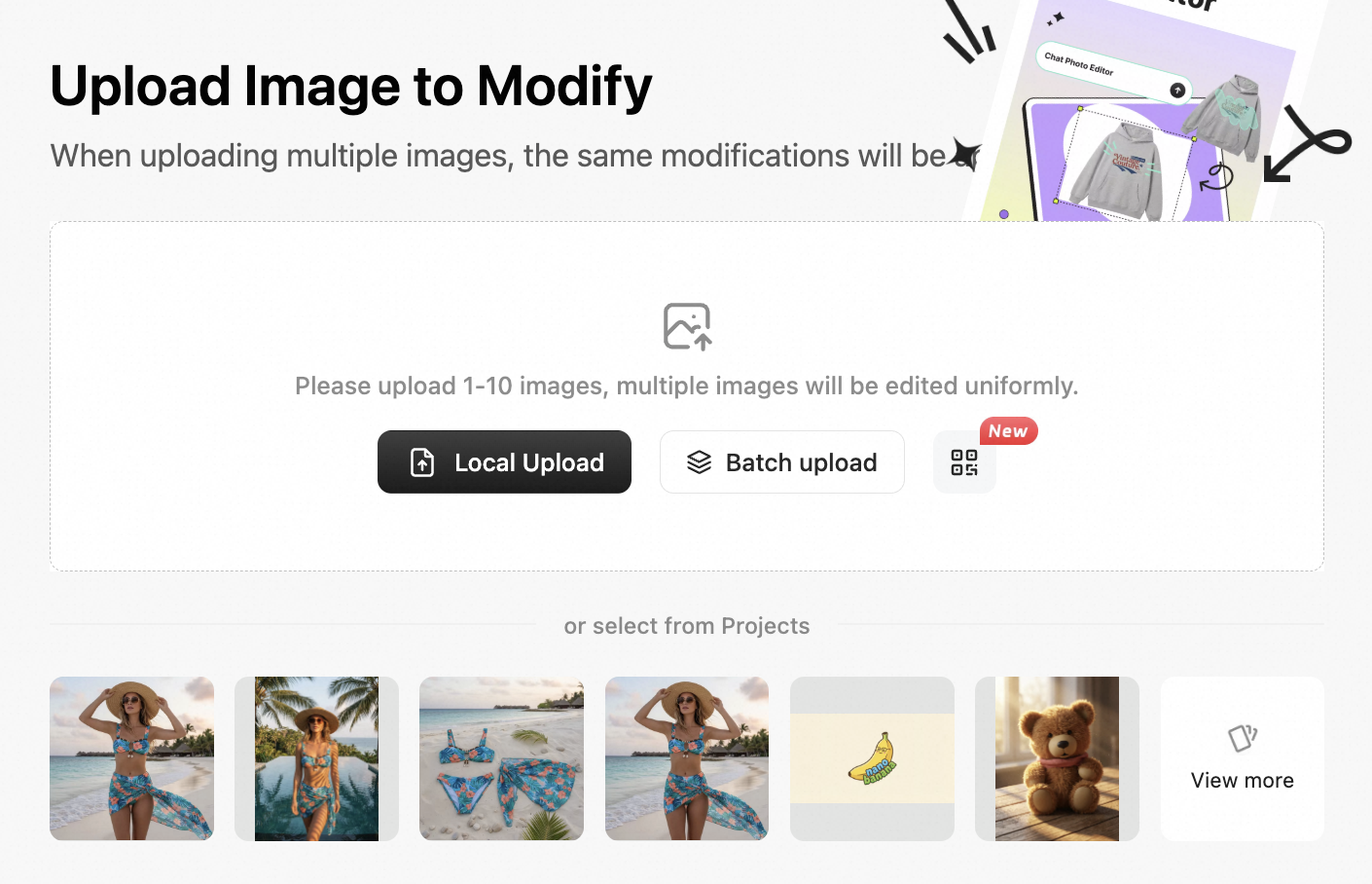
Upload a Product Image
Upload the image you want to work on. You can start from the original product photo or an image you’ve already edited before. This supports real ecommerce workflows where creatives are refined over time.
- Step 2
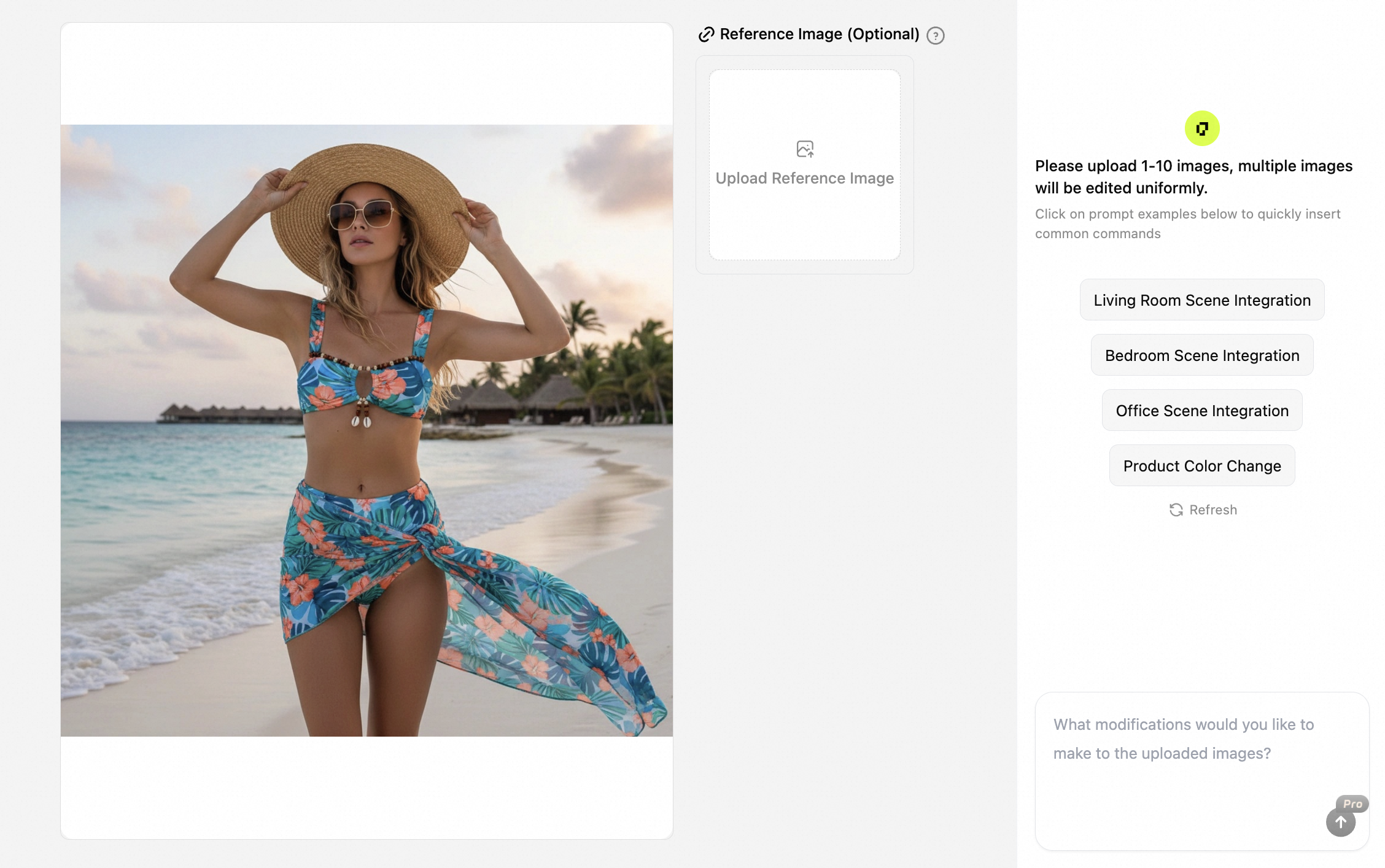
Describe How to Edit the Image
Describe the changes you need using natural language. For example, you can adjust colors, edit text of an image, remove things from picture, or add specific objects. The system applies AI photo editing based on your instructions.
- Step 3
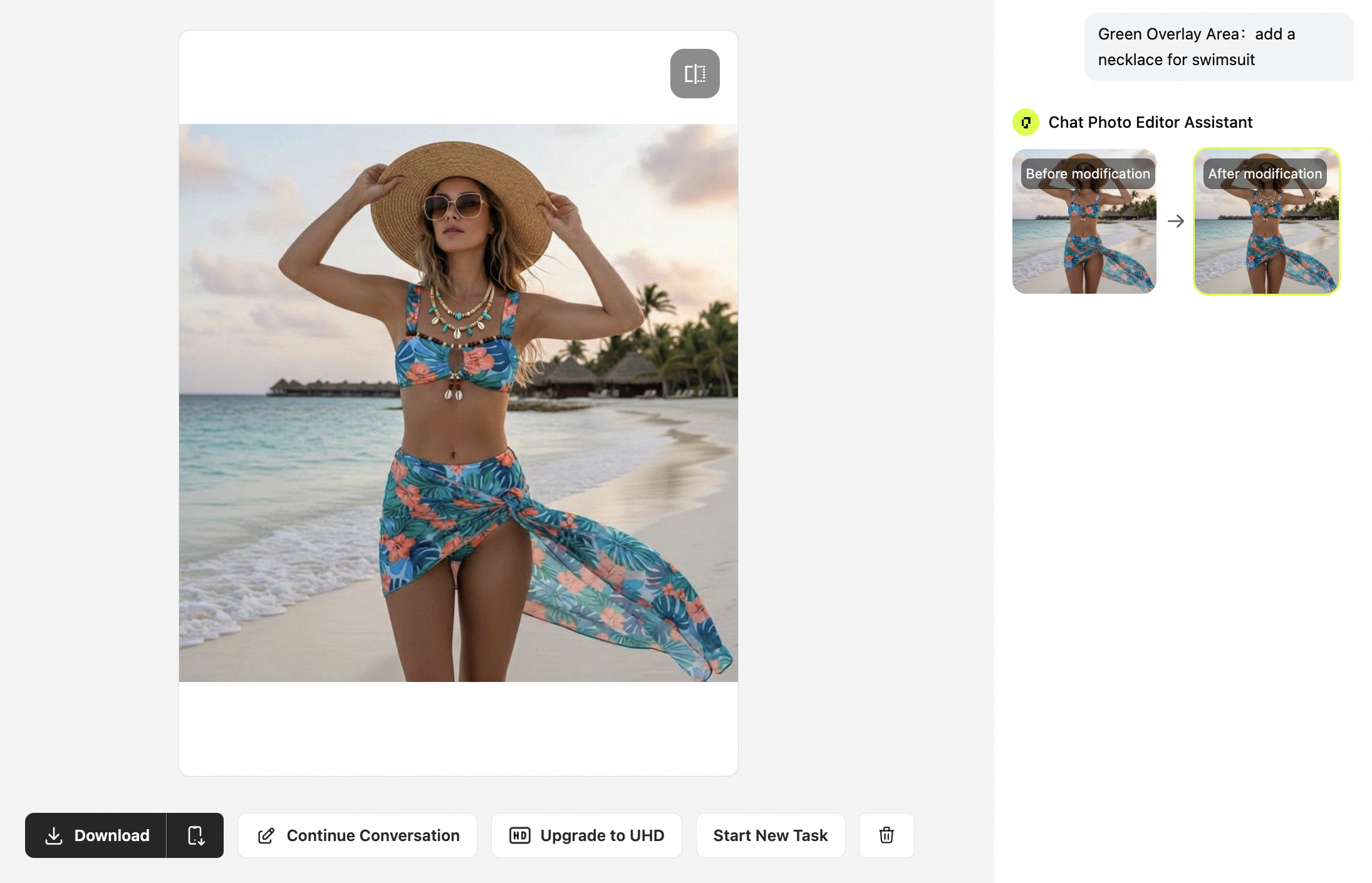
Refine and Download for Ecommerce Use
Review the edited result and continue to modify an image if further adjustments are needed. This continuous AI photo retouching workflow allows multiple revisions until the image is ready for product listings, ads, or marketplace uploads.
Model Used in Chat Photo Editor-Nano Banana 2
Equipped with Nano Banana 2, it intelligently reconstructs light and shadow and color temperature, making every image edit realistic and natural.
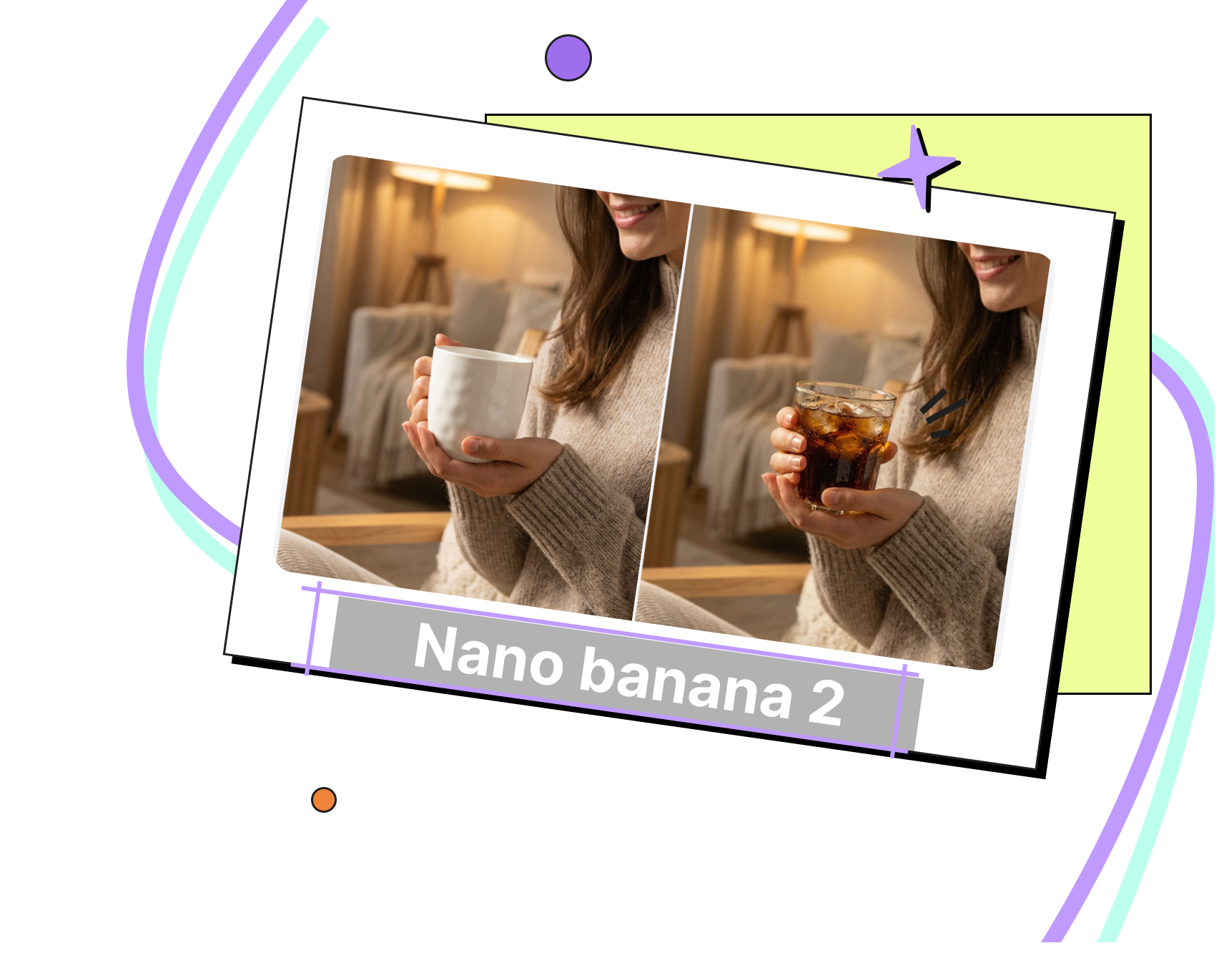
Nano Banana 2 Engine: Physics-Grade Realism
PiccoPilot doesn’t just patch your image; it understands its 3D lighting. Powered by Nano Banana 2, any object you modify automatically adapts to the original shadows, reflections, and color temperature. The result is a flawless, photorealistic blend that looks 100% natural.
Trusted by Ecommerce Sellers
Chat Photo Editor helps us edit product images efficiently after photoshoots. We often need to modify an image by adjusting garment colors or refining visual details without recreating the original photo, which keeps our product presentation consistent across ecommerce listings.

For product launches, we frequently need to refine existing visuals. For product launches, we frequently need to refine existing visuals. This tool allows us to remove things from picture and apply AI photo editing to background elements, making product images cleaner and more suitable for ads and online marketplaces.
When product labels or wording change, Chat Photo Editor enables us to edit text of an image with precision. The ability to edit a photo with AI while keeping other elements untouched helps maintain visual consistency across our product catalog.
Frequently Asked Questions
Can AI edit pictures for ecommerce product images?

Yes. This chat photo editor is built for product visuals. You can use AI photo editing to modify product images, adjust text, clean up scenes, or add/remove objects for listings and ads.
Can I edit the same image multiple times? (Original or edited)
Yes. You can continue to modify an image on top of: • the original upload, or • a previously edited result This lets you iterate: color → text → background → objects, without restarting.
What types of edits does the tool support?
Common ecommerce edits include: • edit text of an image (labels, letters, slogans) • remove things from picture (clutter, unwanted props) • background replacement and scene building • adding objects (e.g., extra bulbs, pillows) • AI clean up picture for small imperfections
Is my uploaded image private and secure?
Your images are processed securely. Uploaded images are used only to generate your editing results and are not shared with other users.
Will my images be used to train AI models?
No. Uploaded images are not used for public AI training without permission. They are only processed to deliver your requested AI photo editing outputs.
Can AI edit pictures while keeping product details accurate?
Yes. AI can edit pictures with controlled modifications designed for product images. Instead of free-form generation, the edits focus on maintaining product proportions, structure, and visual consistency required for ecommerce platforms.
Explore More of Our Tools
Fashion AI

Fashion Reels
Create stunning AI fashion videos for social media and e-commerce by transforming static product photos into dynamic video reels.

Product Avatars
Generate AI model videos by uploading product photos, letting avatars present and talk about your products.

Virtual Try On
Showcase your clothing online with AI-generated virtual model try-on images that highlight every product detail.

Virtual Try On Accessories
Quickly generate AI model try on visuals for bags, jewelry, eyewear, hats, and more.
Image Tool

AI Templates
Access tens of thousands of AI marketing templates in a variety of styles for instant, professional visuals. Easily apply them to online stores, ads, and social media.

AI Shadows
Automatically add or enhance realistic shadows to your product photos, creating more textured and three-dimensional images.

Background Remover
Remove image backgrounds in one click using advanced AI. Instantly get product images with transparent backgrounds.

Image Translator
Translate text within images across multiple languages with AI, accurately preserving the original visual appearance.
Advanced AI Tools

Image Enhancer
Use AI enhancement to improve the quality of blurry images, preserving every original detail.

Image Upscaler
Increase image resolution without losing quality using AI upscaling.

Remove Watermark
Effortlessly remove unwanted watermarks and blemishes from images with AI, delivering a clean and professional visual result.


Why Choose Pic Copilot AI
We simplify ecommerce design, cut costs, and boost sales—effortlessly!


 Start Creating Now