






















 Create Now

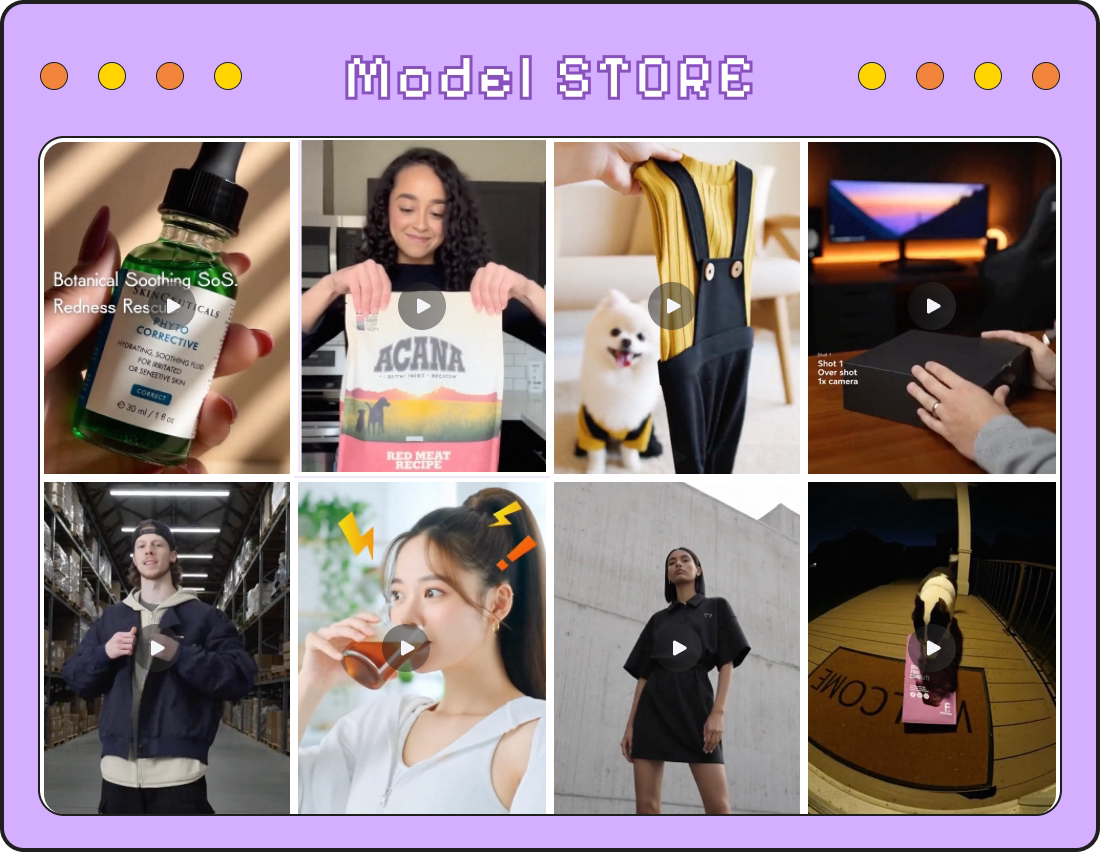









Popular Types of AI Viral Video for Ecommerce


How AI Viral Video Cloning Works
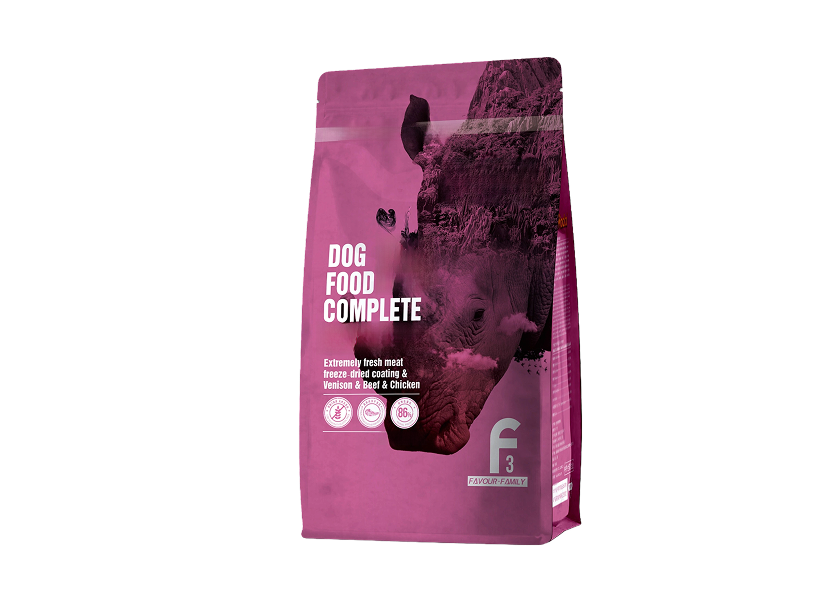
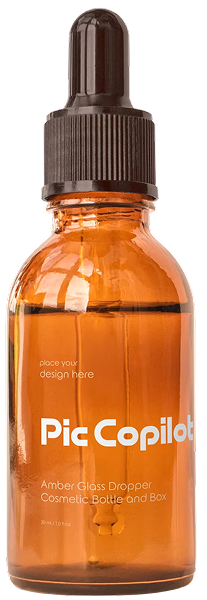
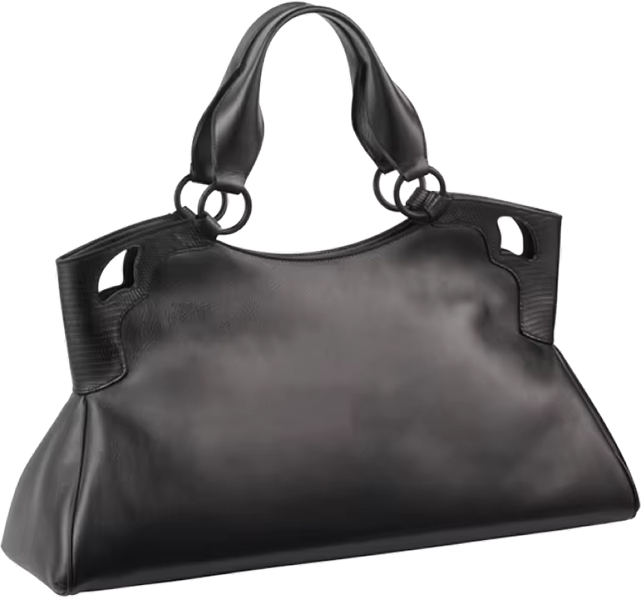
Step 1.Step1: Upload Your Product Image
Step 2.Step 2: Upload a Viral Video or Choose Our Template
Step 3.Step 3: AI Analyzes & Generates Your Viral Video



AI Viral Videos vs Traditional Ad Shoots

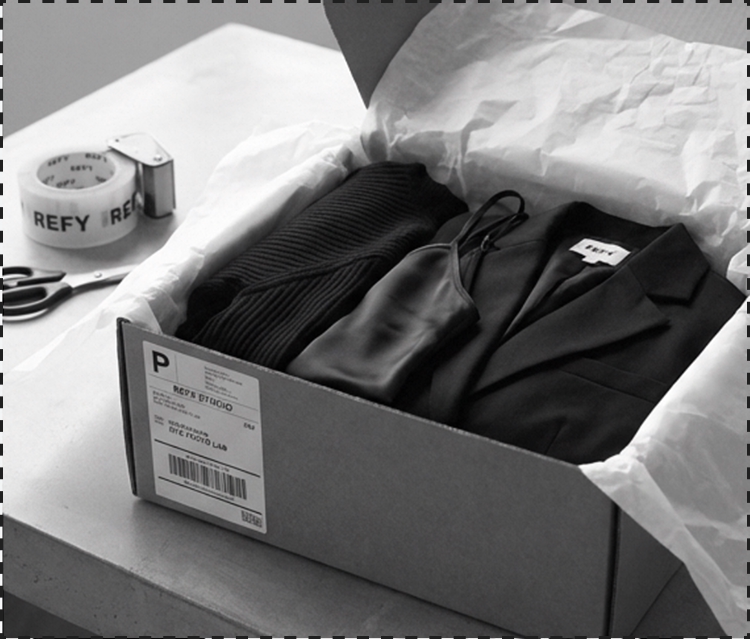

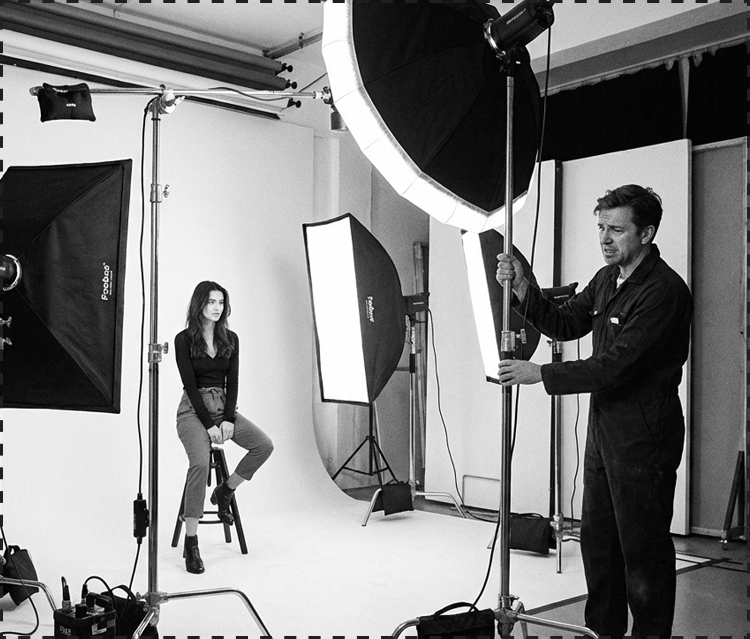
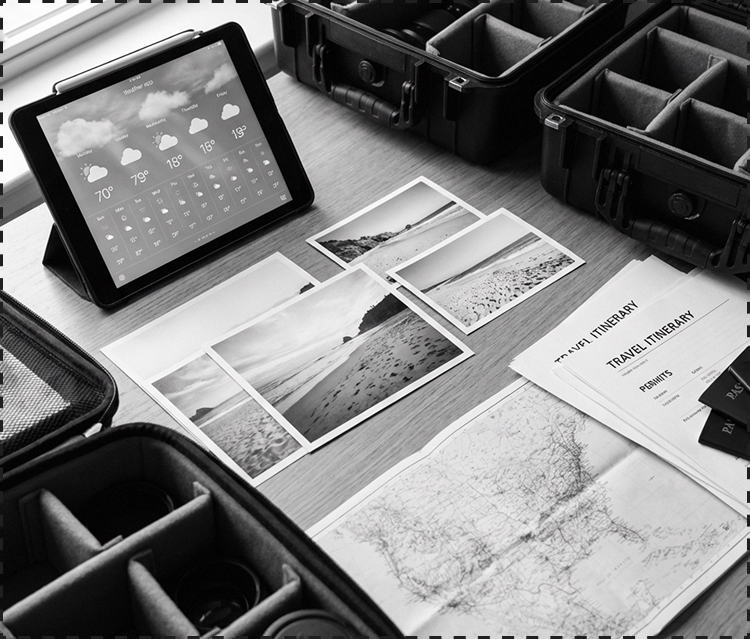

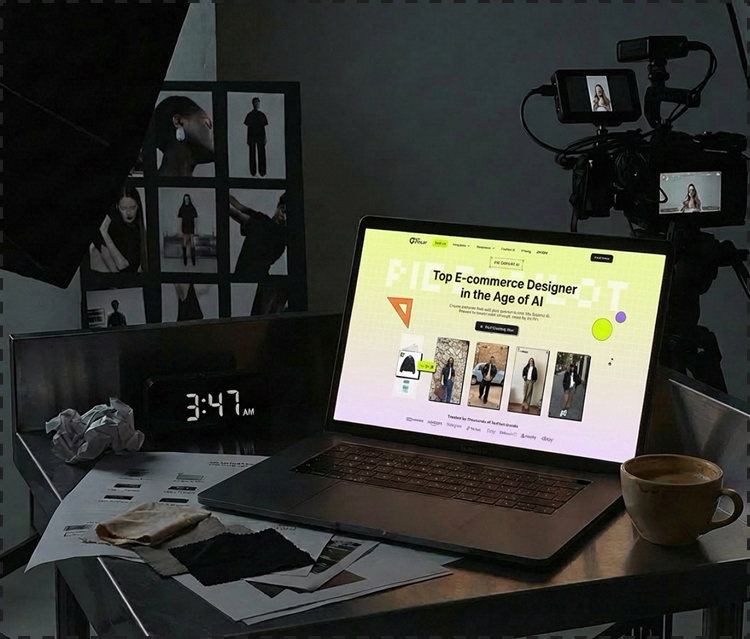
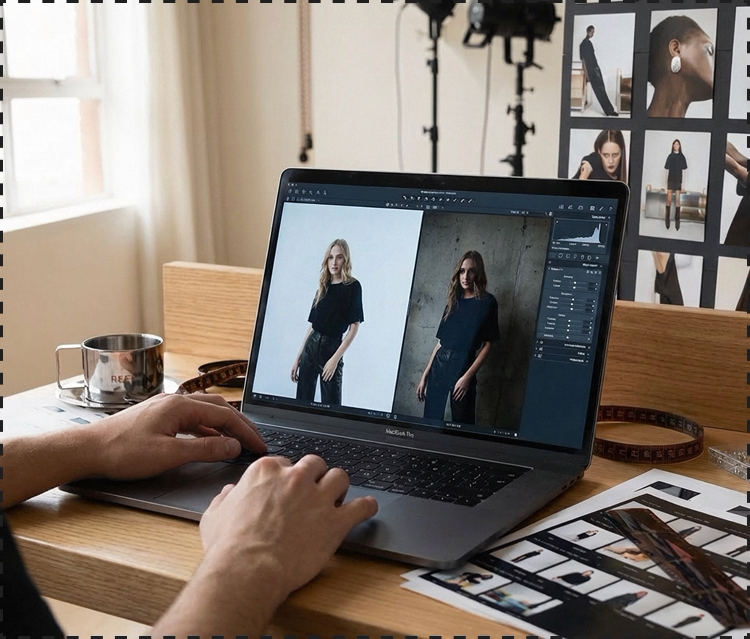
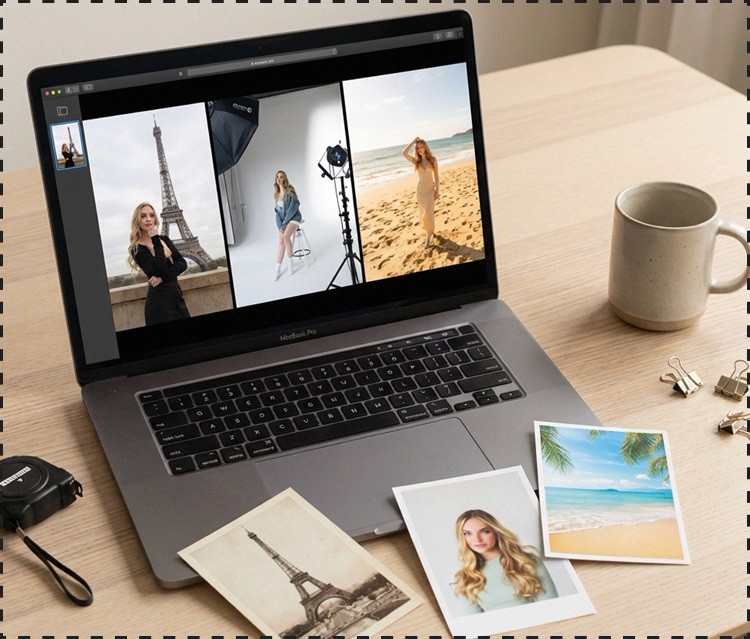
Common Use Scenarios for AI Viral Videos
See AI Viral Videos on YouTube and Social Platforms
FAQ: Mastering AI Viral Video Creation

You can easily make video from photos by using our ai video generator. Simply upload your product images, and our AI will deconstruct a viral reference to transform those static photos into a high-converting, professional video clip instantly.
Piccopilot is a dedicated viral video creator that goes beyond generic templates. We deconstruct the "Success DNA" of trending clips—hooks, pacing, and rhythm—allowing you to clone the exact viral structure for your own brand assets.
Yes! We provide a free ai video generator trial so you can experience the power of viral cloning firsthand. This ai video generator free option allows you to test our deconstruction technology and see how it scales your content production at no initial cost.
Absolutely. As a specialized ai video creator, our tool produces platform-ready 9:16 vertical videos. Every clip is optimized for TikTok, Instagram Reels, and YouTube Shorts, featuring automated sync and hooks designed to stop the scroll.
Not at all. You can make a video with pictures and music using our intuitive, no-code interface. This ai video editor handles the complex work—like beat-syncing and transitions—so you can generate expert-level ads without any previous editing experience