






















Pic Copilot AI User Guide - AI Virtual Try Shoes
 Pic Copilot Team
I.Overall Introduction
What is AI Virtual Try Shoes?
The Pic Copilot Virtual Shoe Try-On Tool is an AI-driven virtual shoe fitting solution that allows e-commerce sellers to display footwear with highly realistic visuals of a model wearing the shoes. Leverage cutting-edge AI shoe try-on technology to create lifelike product presentations that showcase the style and detail of every pair. From AI sneaker try-ons to AI fashion shoe try-ons, our virtual footwear try-on solution helps customers accurately visualize the fit of the shoes before making a purchase.
Elevate your digital shoe try-on experience and ensure a seamless shopping journey. This virtual shoe try-on solution enables you to quickly upload images and generate exquisite, model-based product visuals, giving shoppers a clear view of how the shoes look on foot. Integrate AI shoe shopping features into your footwear product line to maximize your global reach and boost customer engagement. Attract more buyer clicks with the latest shoe try-on technology and lead the market with AI-powered footwear try-on innovation.
Pic Copilot AI Virtual Try Shoes: Shoes Photo + Model Photo → Result Image | |
|
|
|
|
|
|
|
|
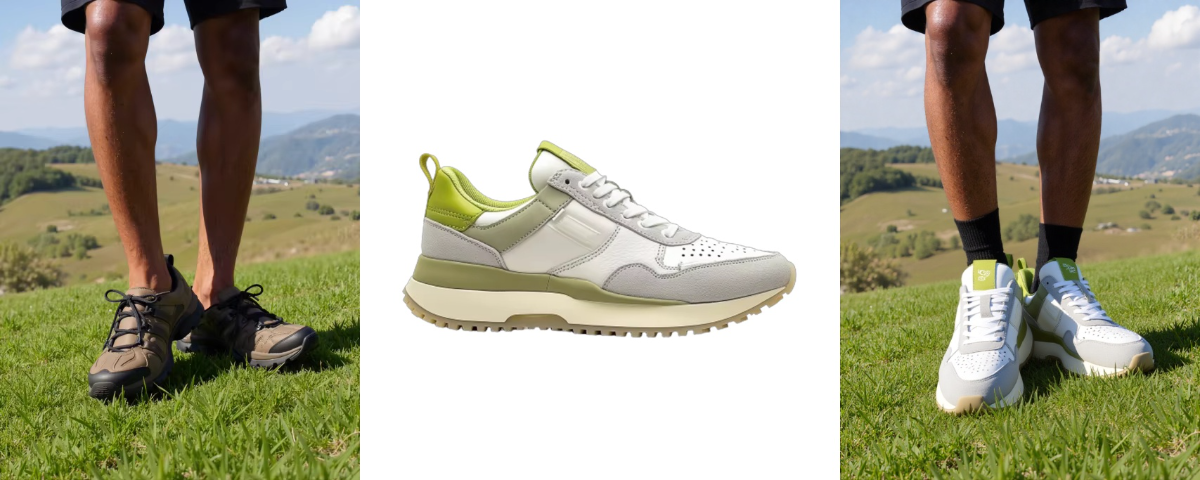
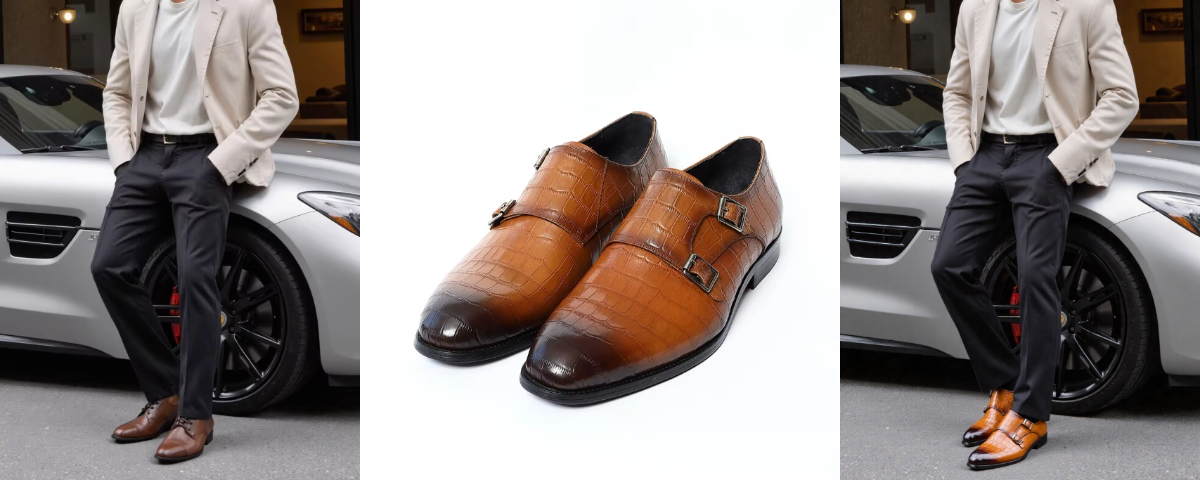
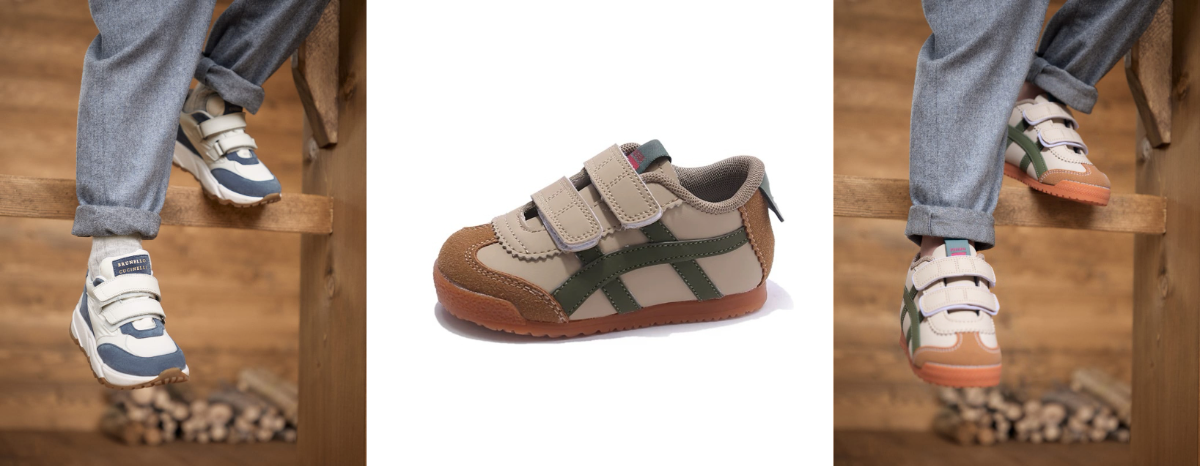
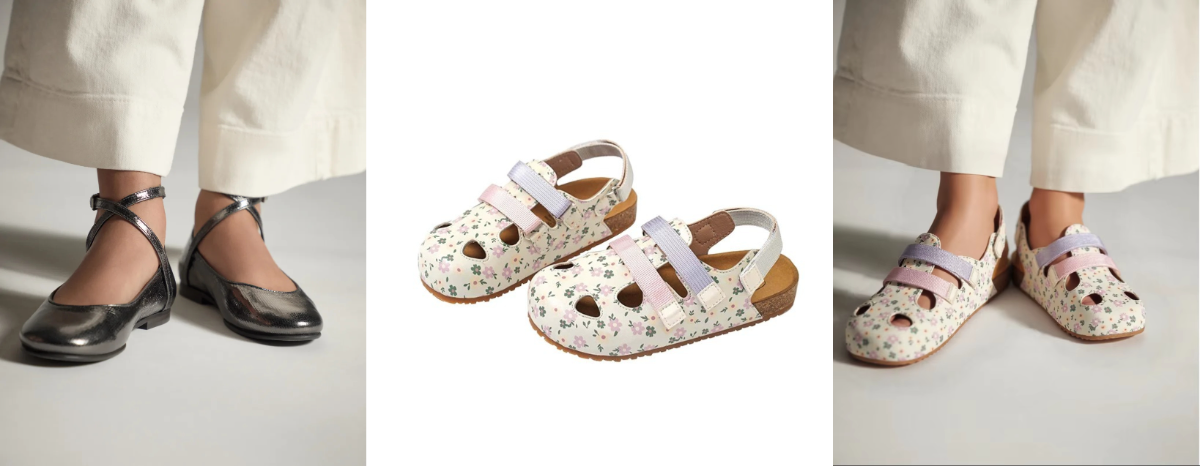
Benefits of Pic Copilot's Virtual Try-Shoes
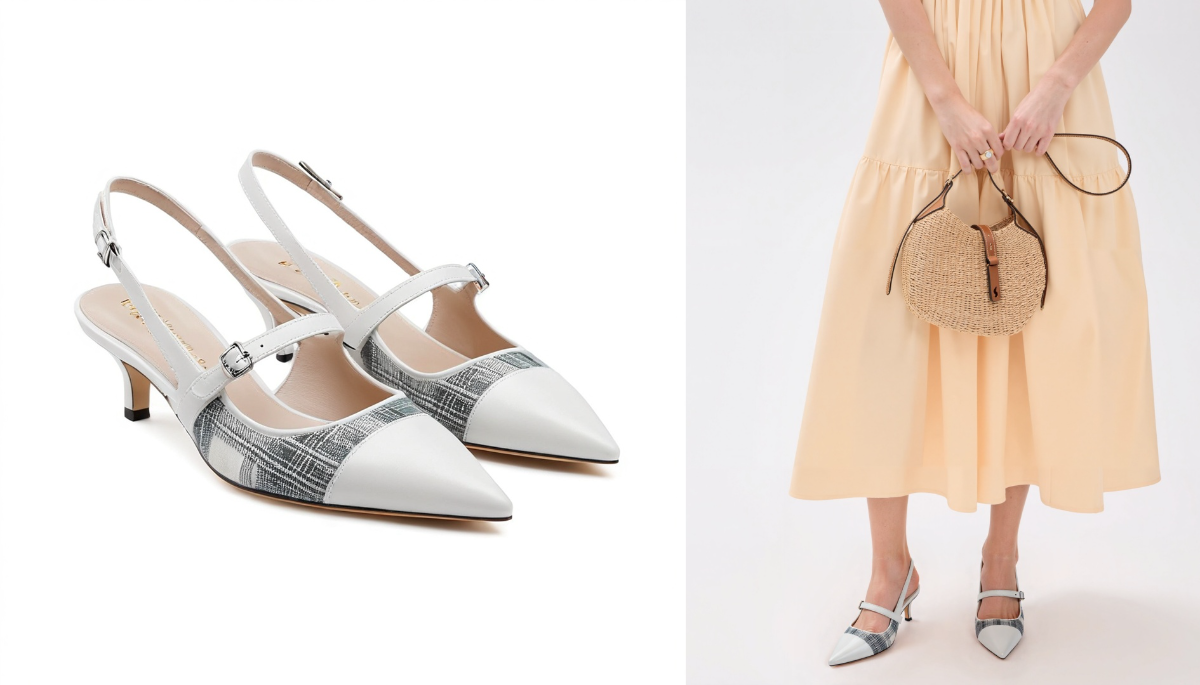
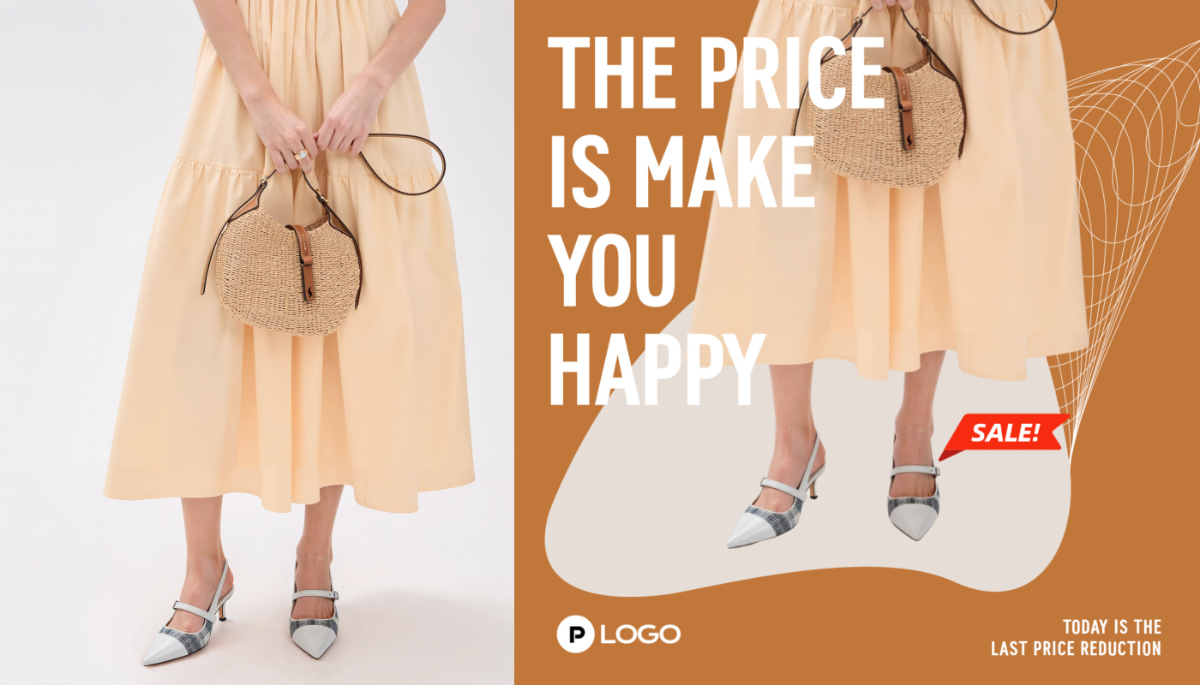
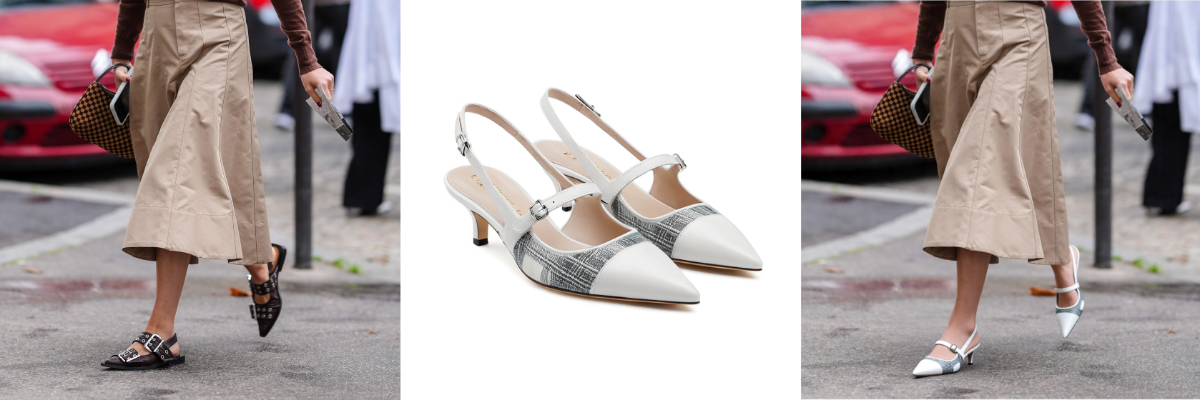
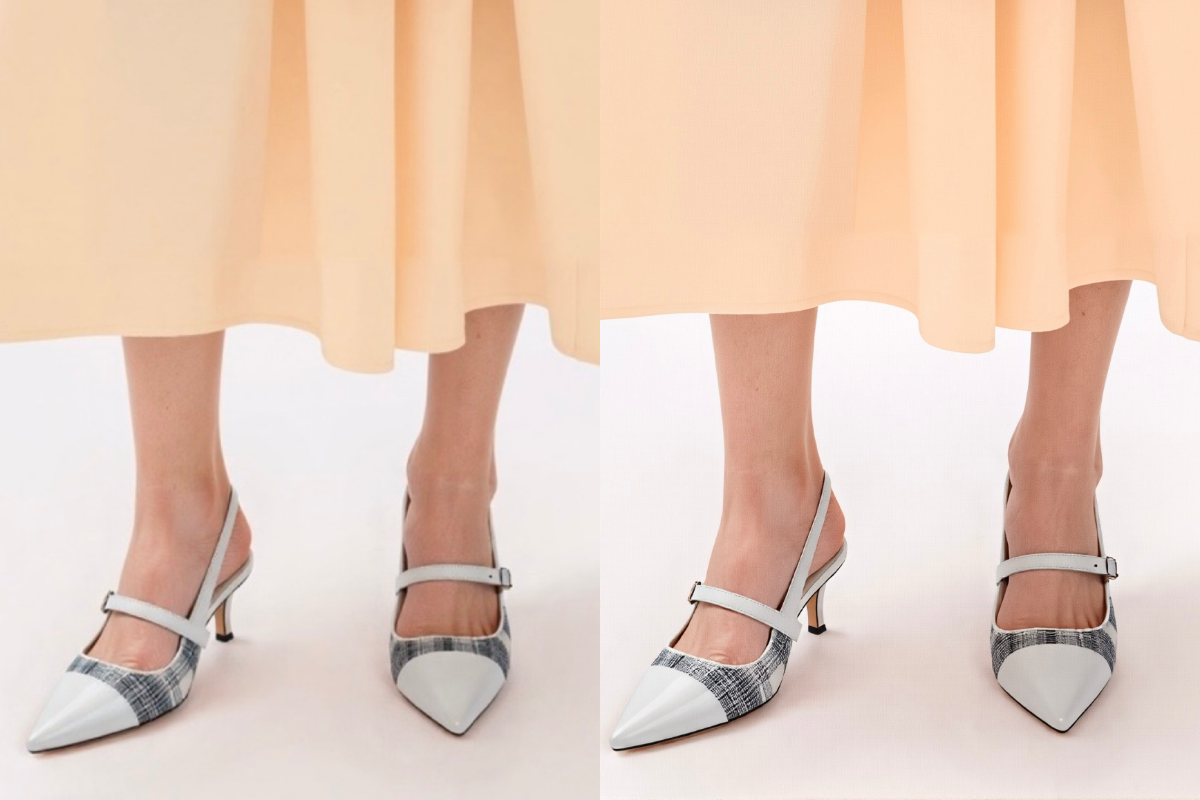
Preservation of Shoes Details | AI Tamplate | Custom | UHD |
|
|
|
|
Pic Copilot's virtual shoe try-on allows merchants to use diverse AI models to professionally showcase all footwear types (sandals, boots, sneakers, etc.). It is the ideal tool for automating e-commerce product photography and modeling. Crucially, it accurately preserves all minute details, including patterns, text, and material textures, guaranteeing the virtual try-on effect is highly consistent with the physical product. | Instantly elevate your marketing visuals using the Product Template Library. Generate editable, one-click template images that seamlessly integrate with your product, highlighting unique features, ensuring brand consistency, and maximizing market appeal. | Pic Copilot Virtual Shoe Try-On allows you to upload your own model images. This feature lets you integrate your product seamlessly into your favorite marketing materials. By selecting the appropriate shoe type, you can ensure more accurate product image generation! Create any product visual you envision! | For the highest image quality, Pic Copilot is your all-in-one solution, eliminating the need for other platforms. Utilize the AI Photo Enhancer to boost photo quality, restore product images, and dominate e-commerce with clear, professional visuals. |
Ⅱ.User Guide
Link of AI Virtual Try-Shoes:https://www.piccopilot.com/tools/tryon-shoes
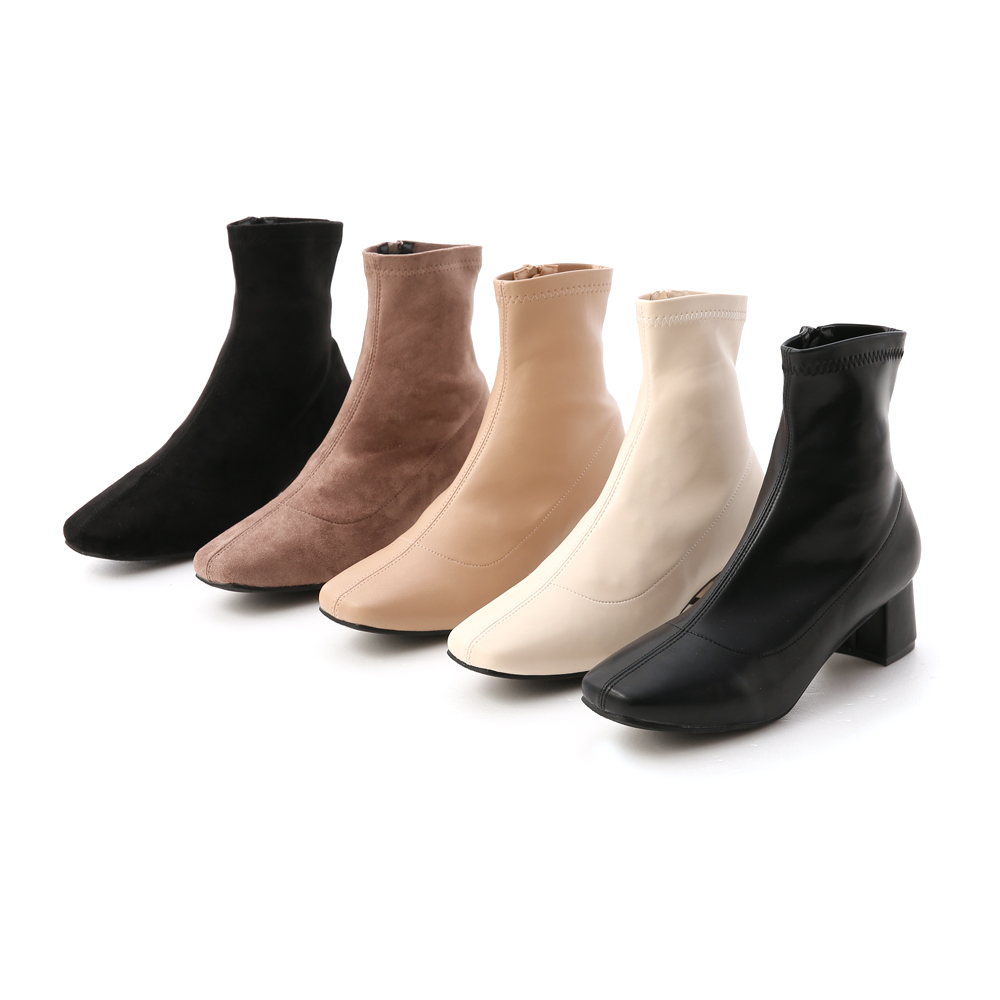
Step1: Upload Shoes Images
- Upload product images from your computer or via a QR code scan.
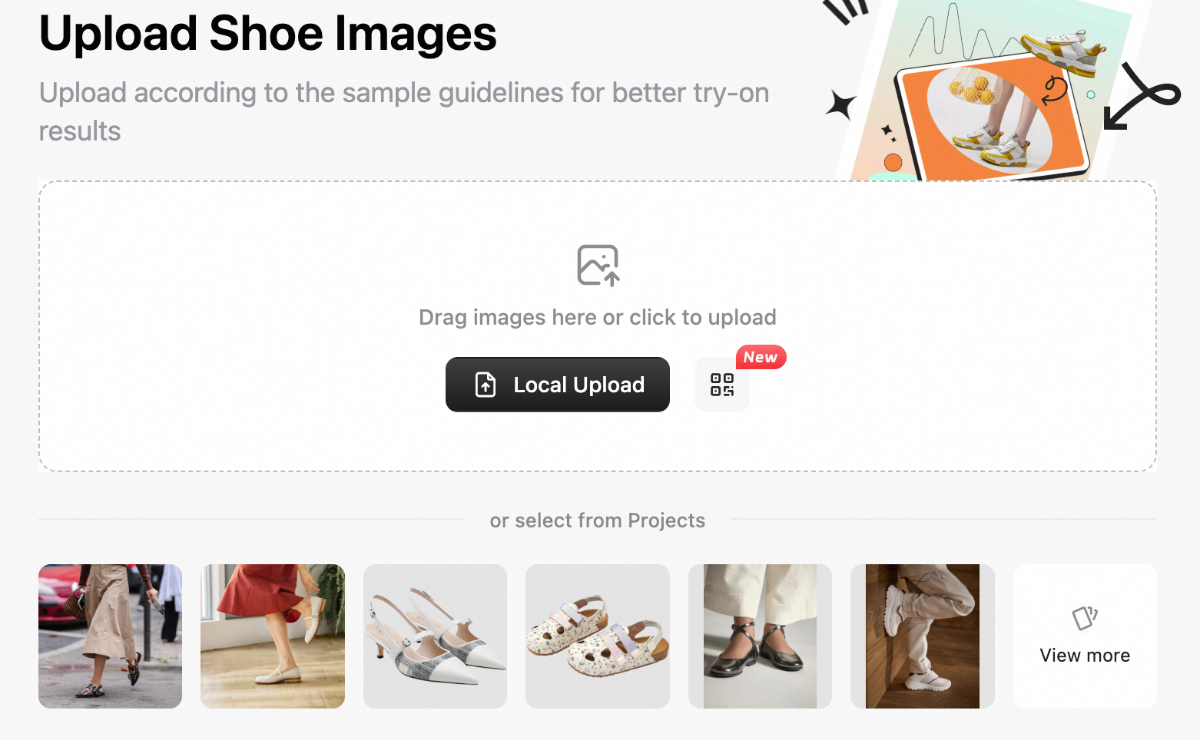
- You can upload a maximum of three images per product, taken from different angles, to achieve more precise product style identification.
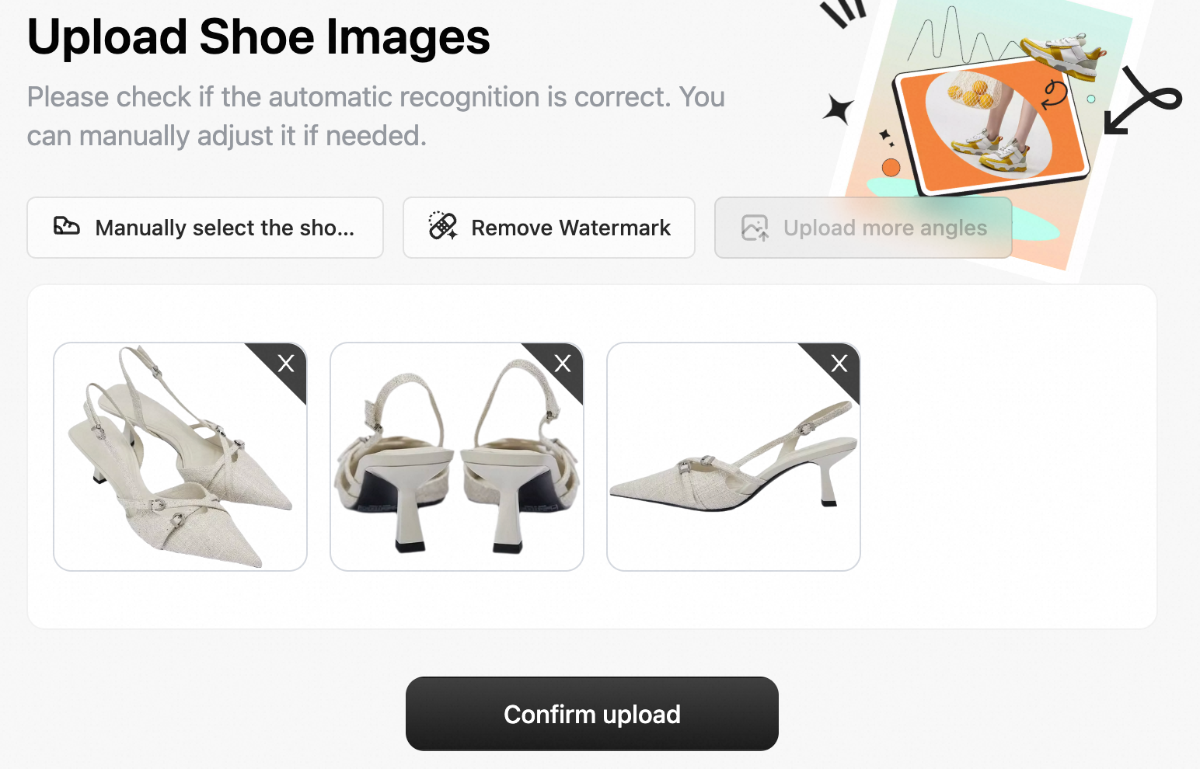
Samples
Recommended | Not Recommended | ||||
Shoes as the main focus |
White background / clean background |
Shoes positioned neatly |
Small proportion of shoes in the image |
Blurry image |
Only side/back view photos of shoes |
Shoe details clearly visible |
Upload either a pair or a single shoe |
Upload 3 photos of the same shoe from different angles |
Cluttered background |
Multiple pairs/multiple shoes in one image | |
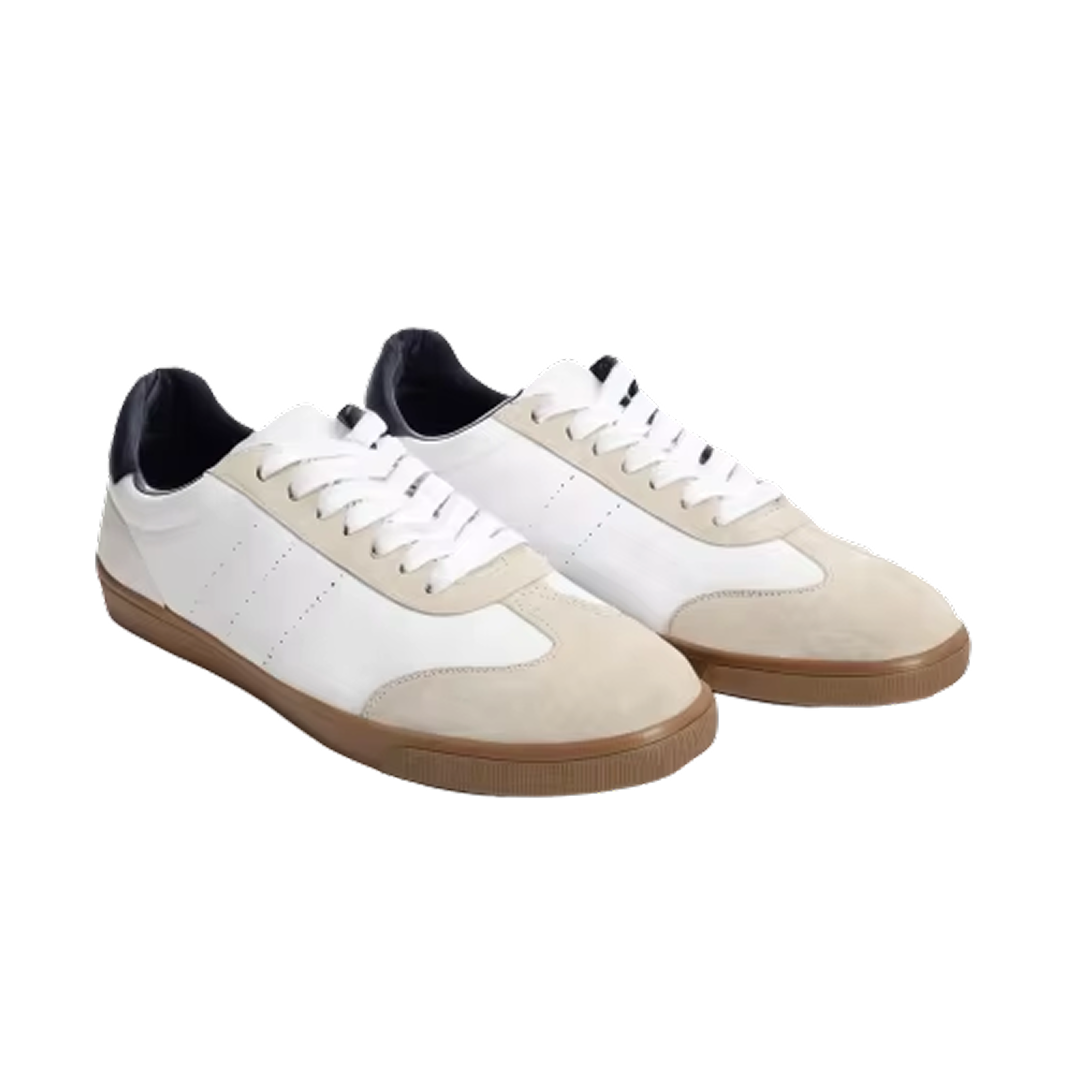
● Shoes as the main focus ✅ ● White background / clean background ✅ ● Shoes positioned neatly ✅ ● Shoe details clearly visible ✅ ● Upload either a pair or a single shoe ✅ ● Upload 3 photos of the same shoe from different angles ✅ |
| ||||
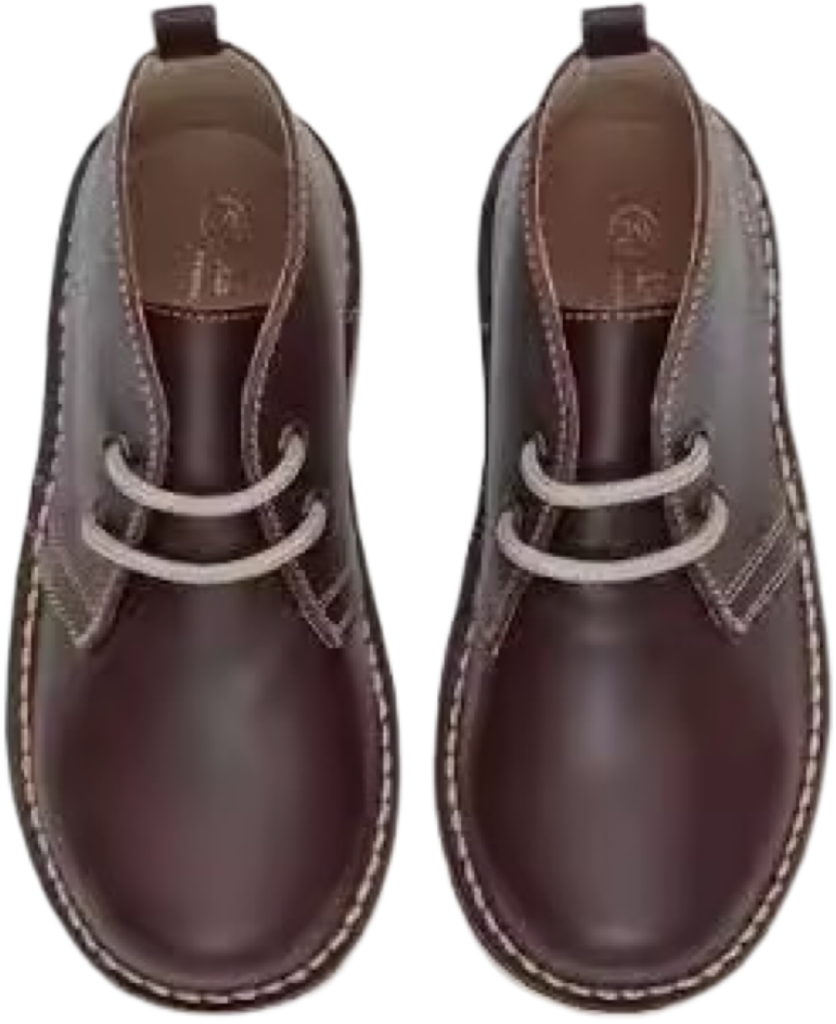
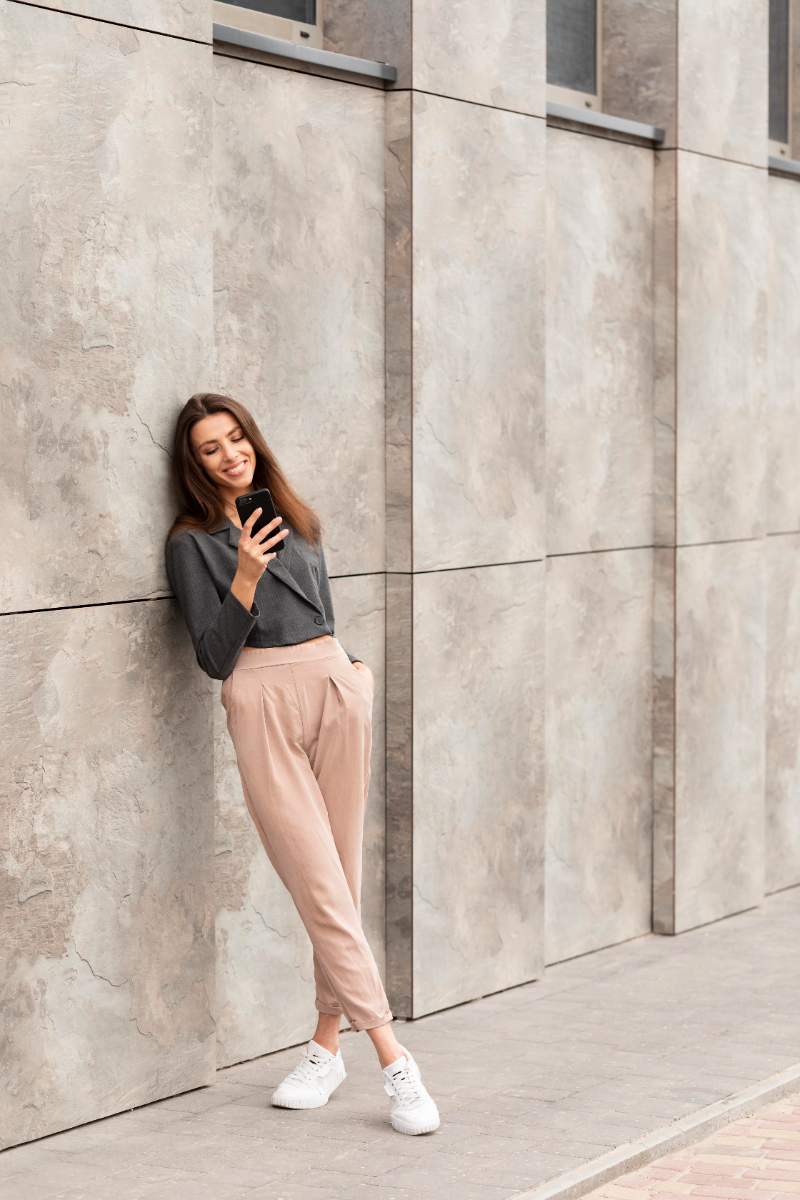
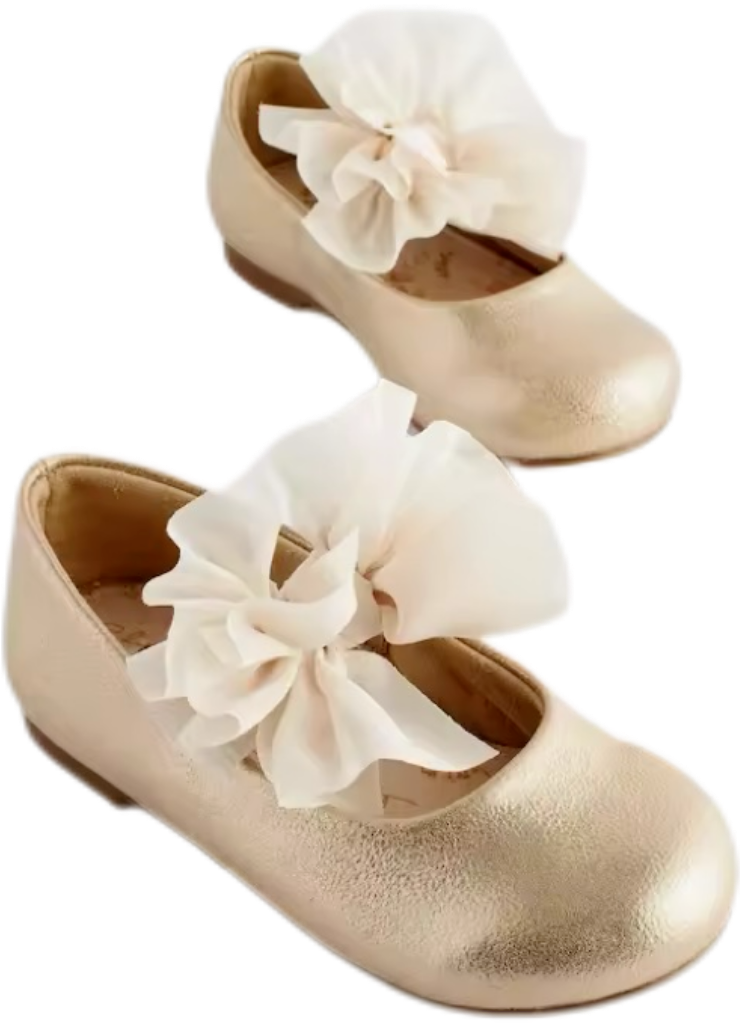
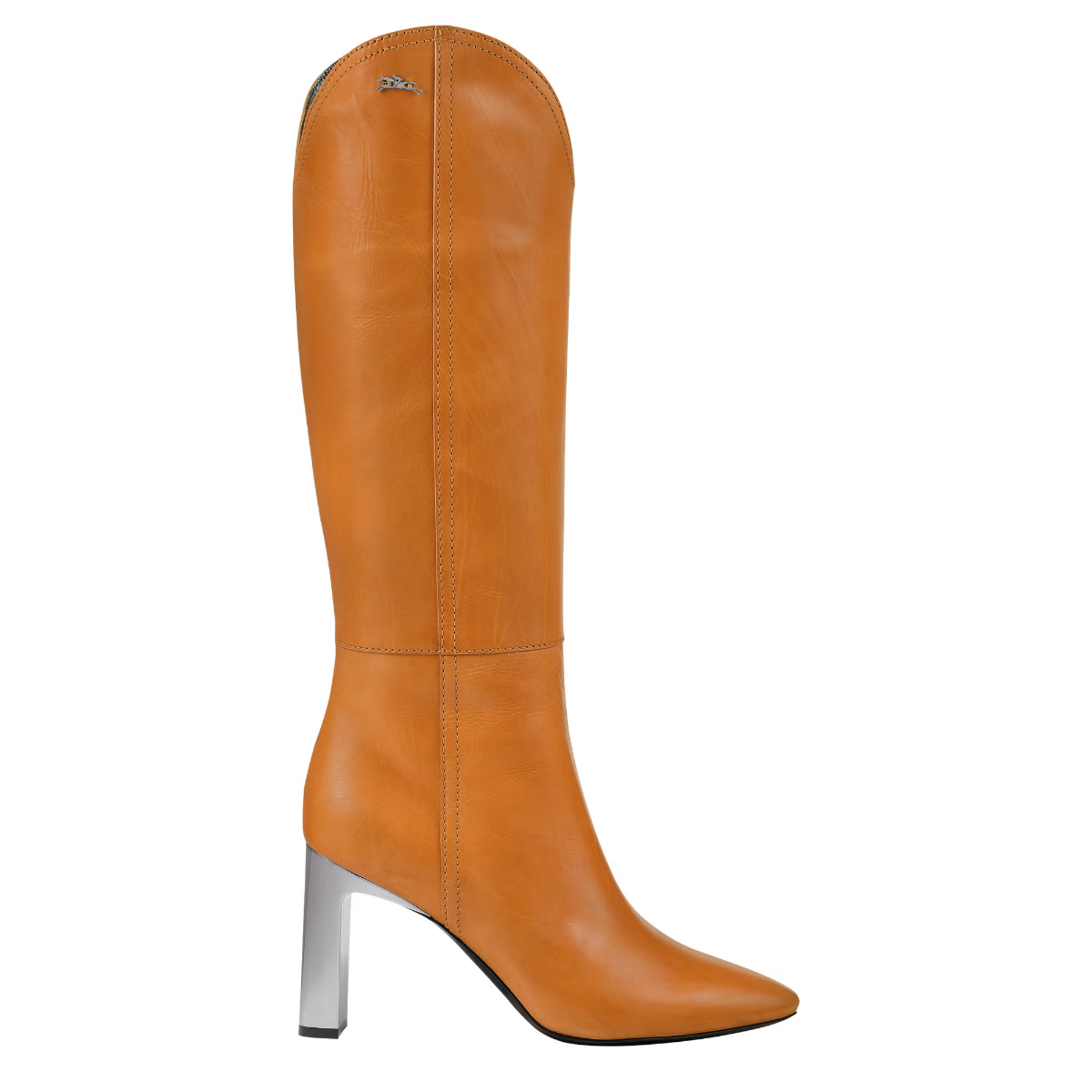
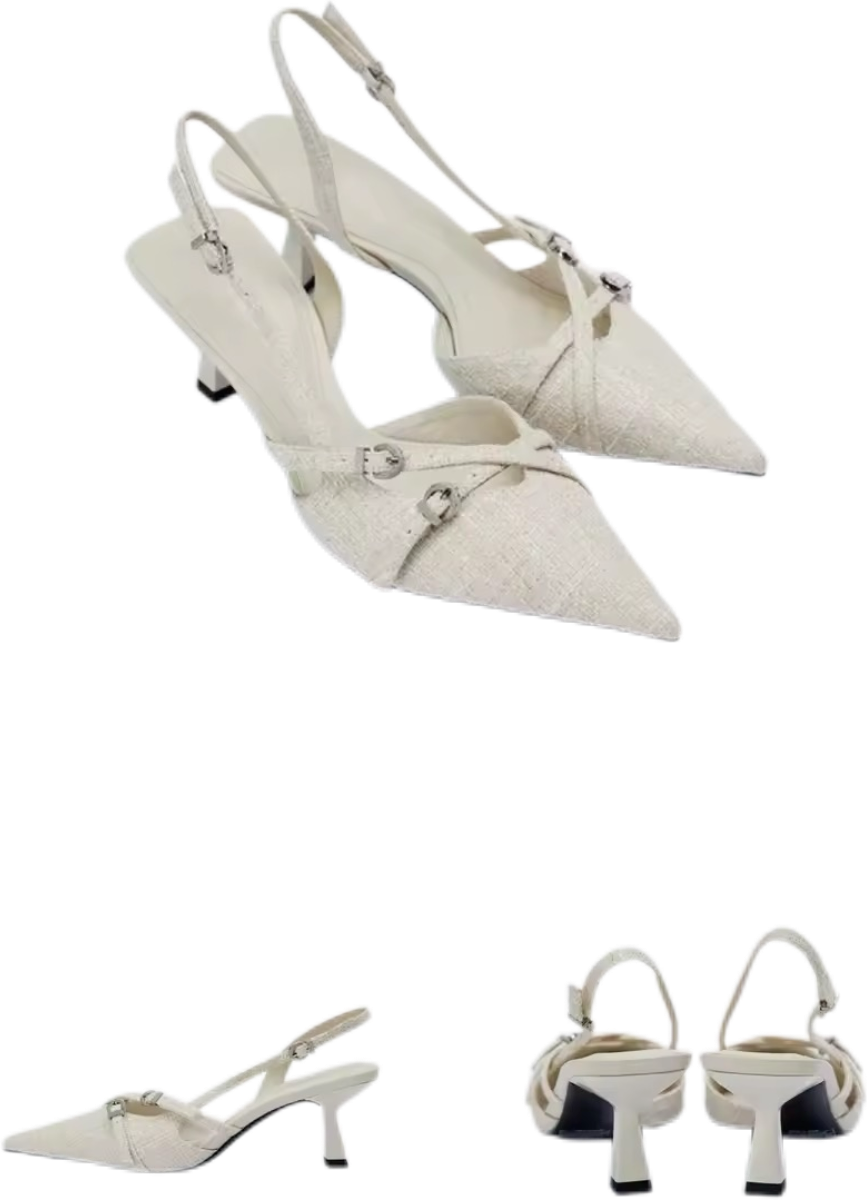
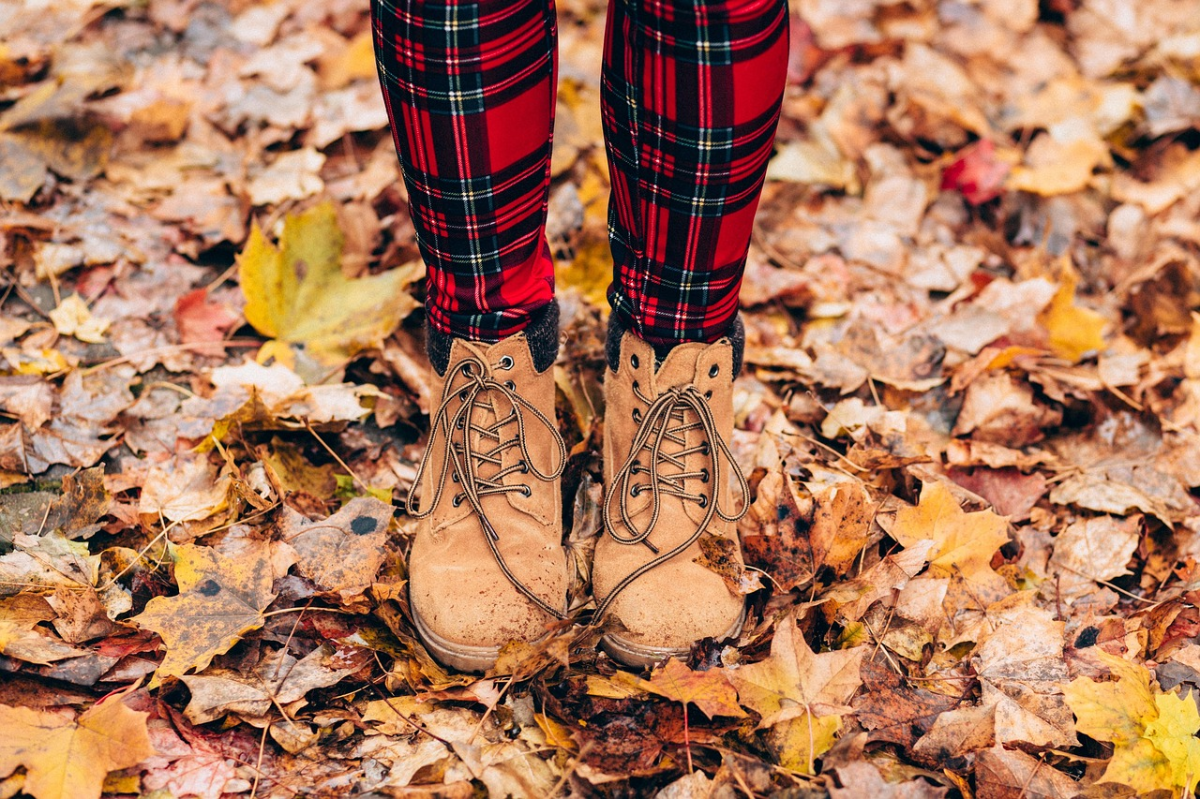
Step2: Choose model(s)
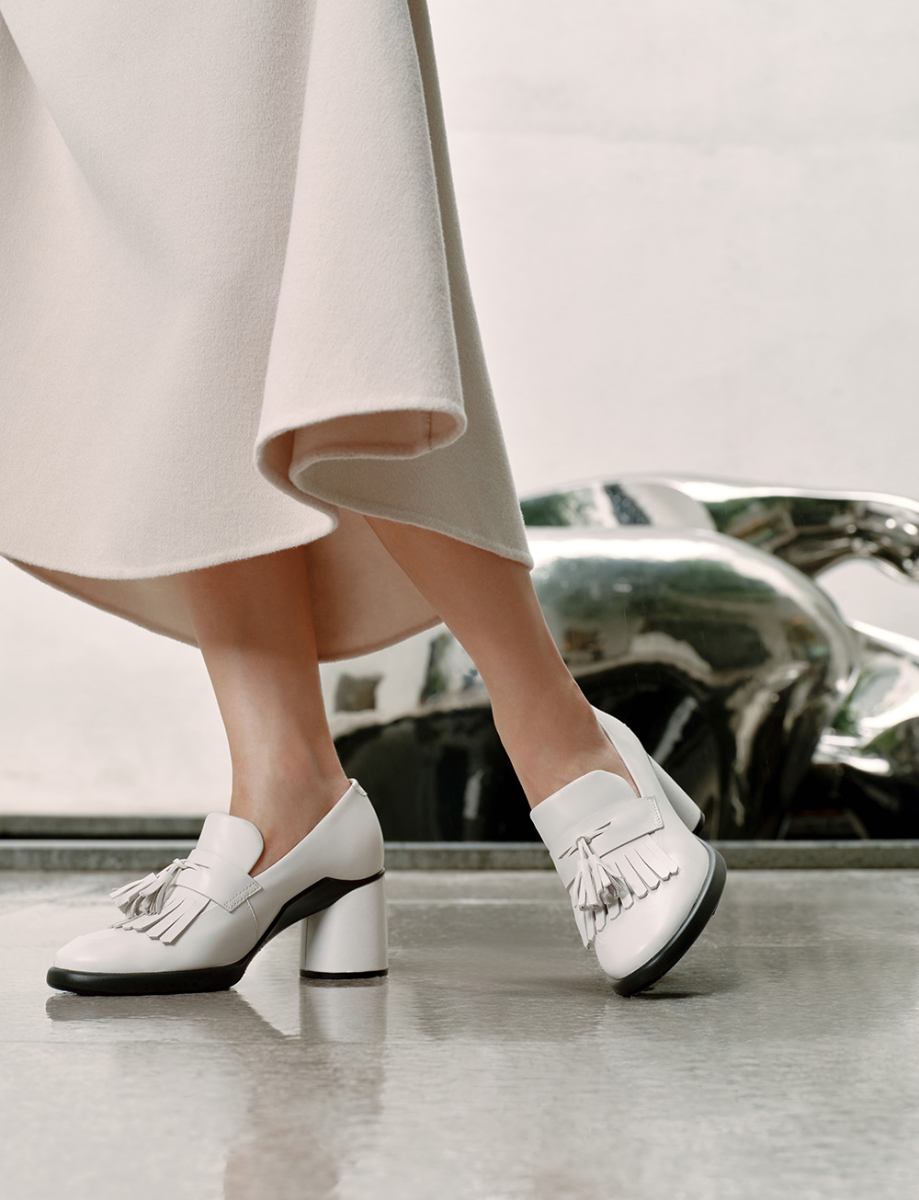
- You can select your footwear type and proceed to filter/select the models.
- You can also upload your own custom model images by clicking "Custom".
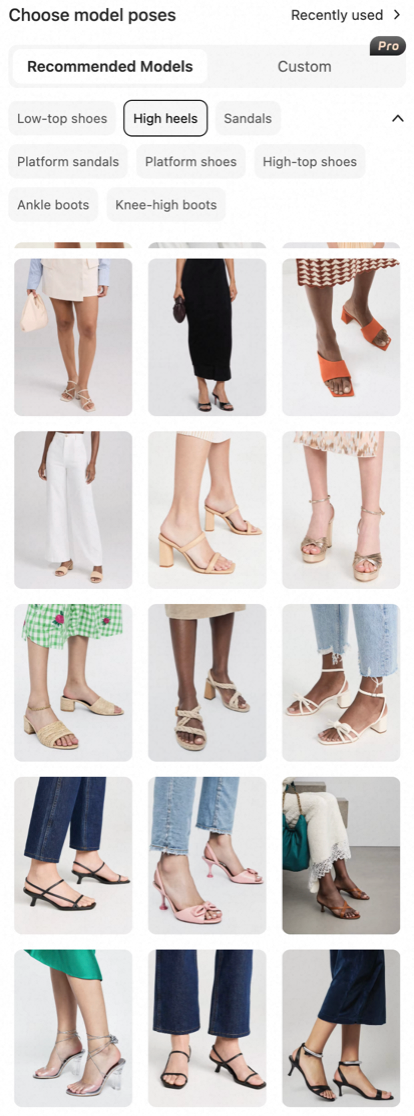
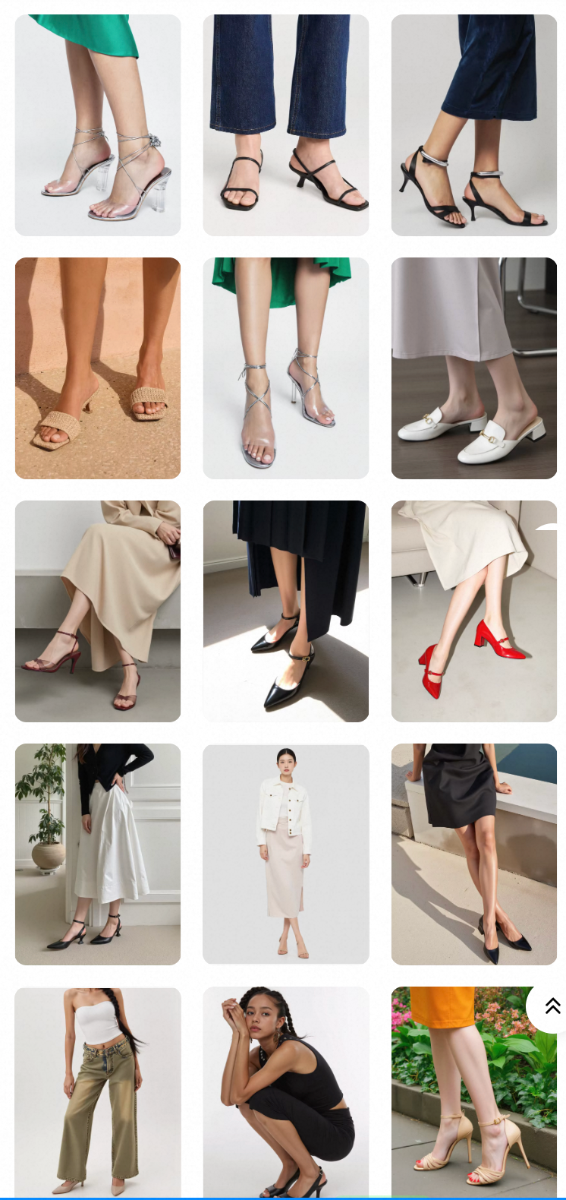
Samples
Shoes Types | Recommended✅ | Not Recommended❌ | ||
|
|
|
|
|
|
|
|
|
|
|
|
|
|
|
|
|
|
|
|
|
|
|
|
|
(Children's models can currently be achieved through customization) |
|
|
|
|
|
| |||
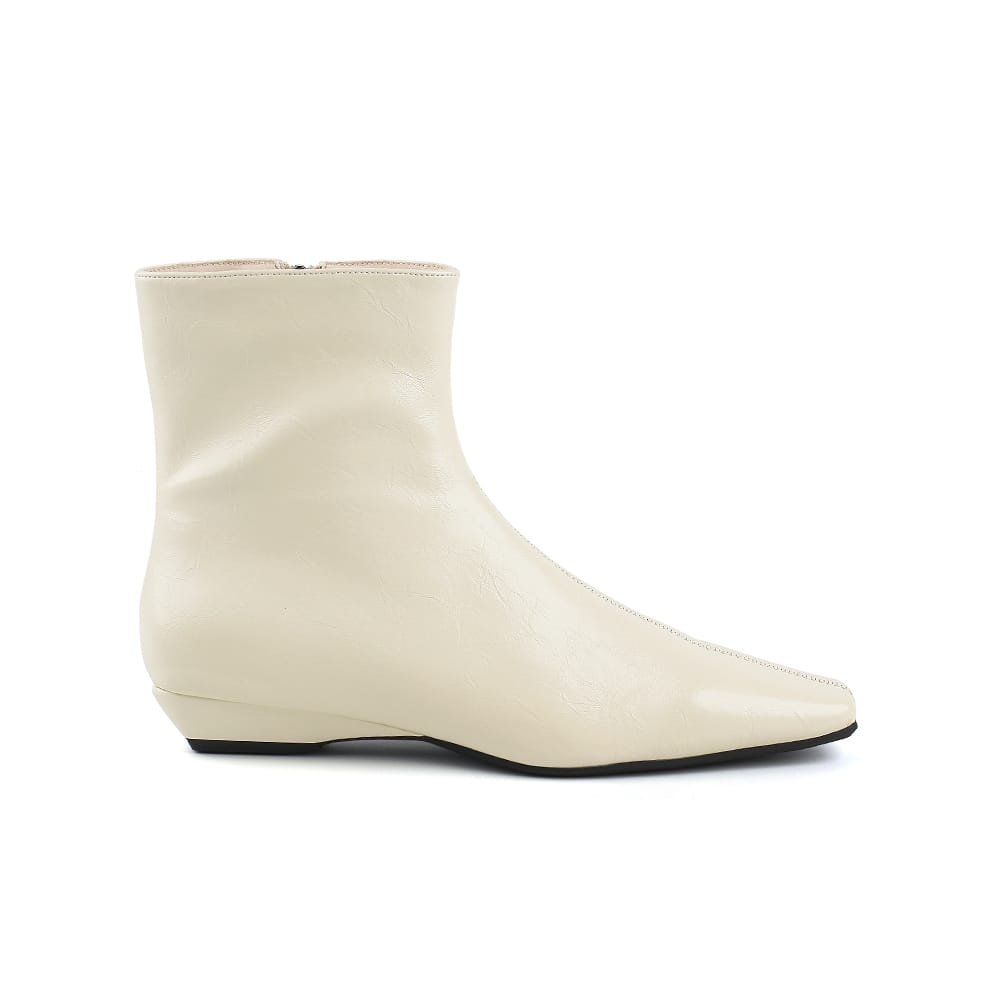
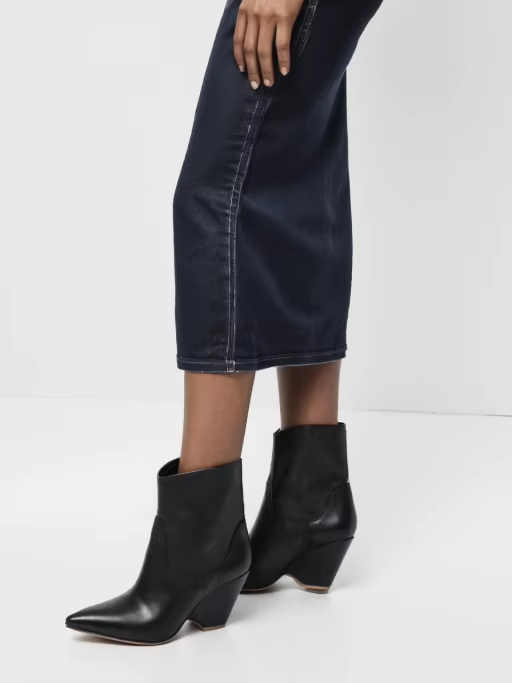
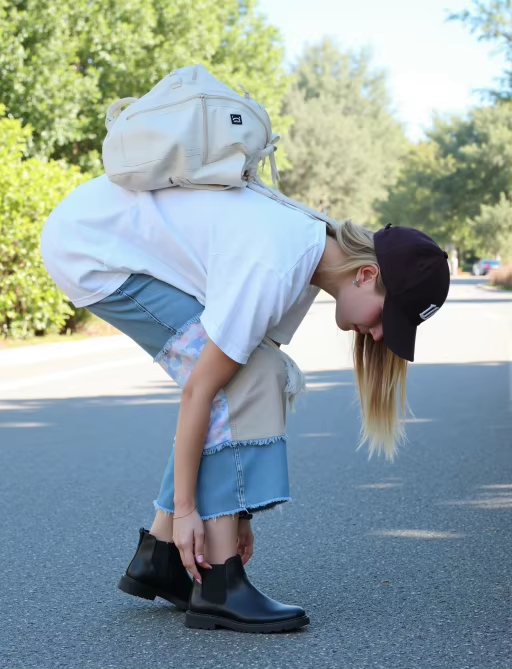
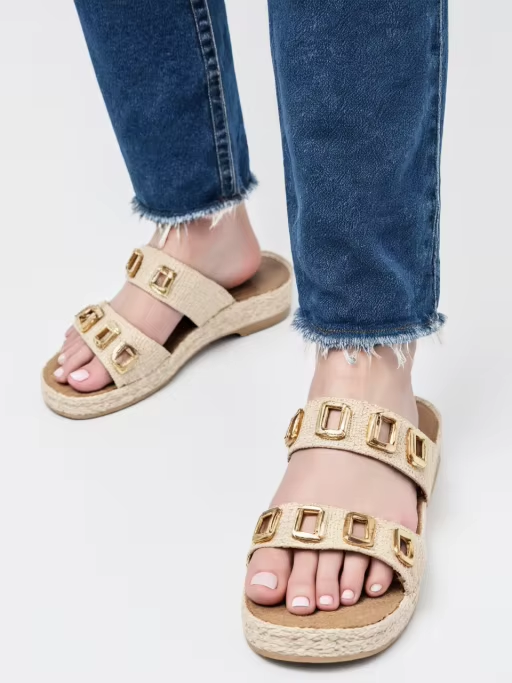
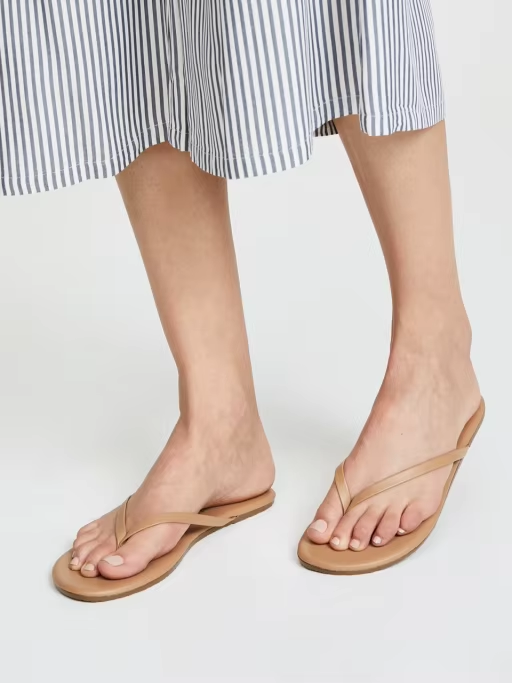
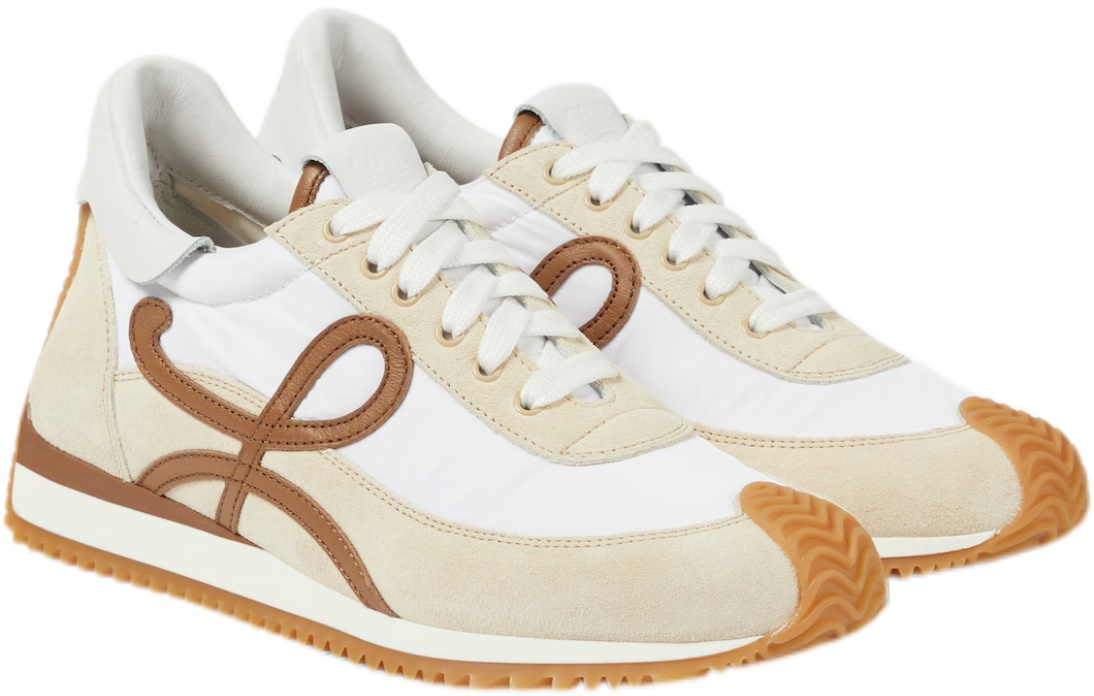
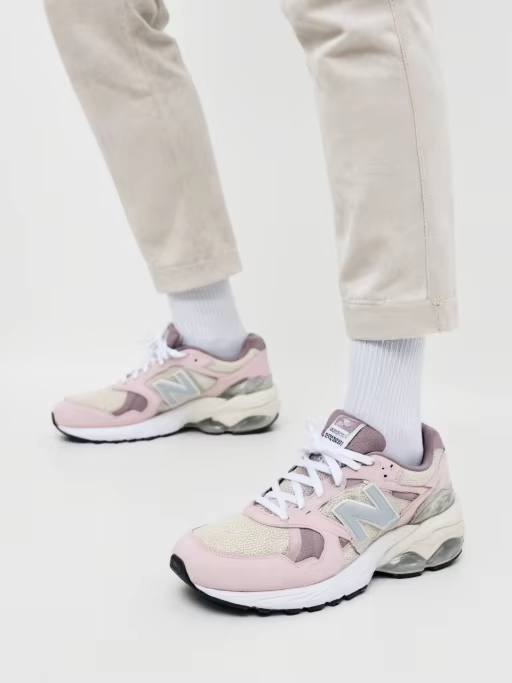
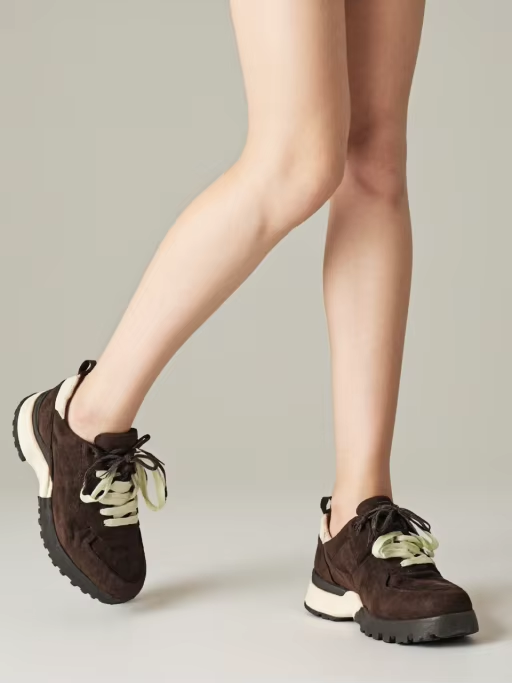
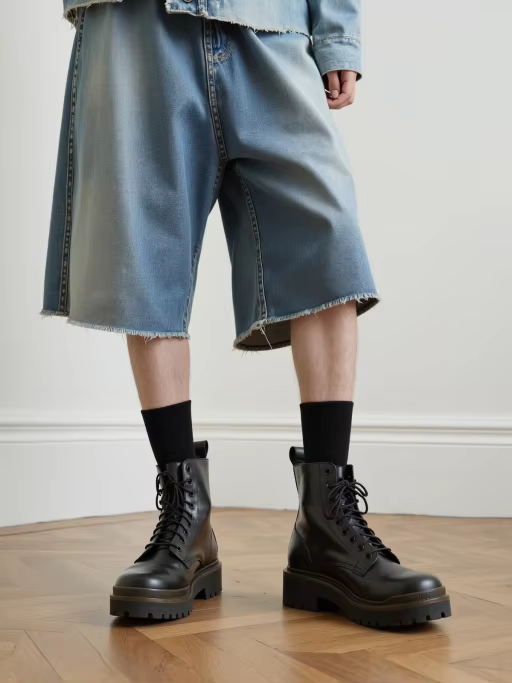
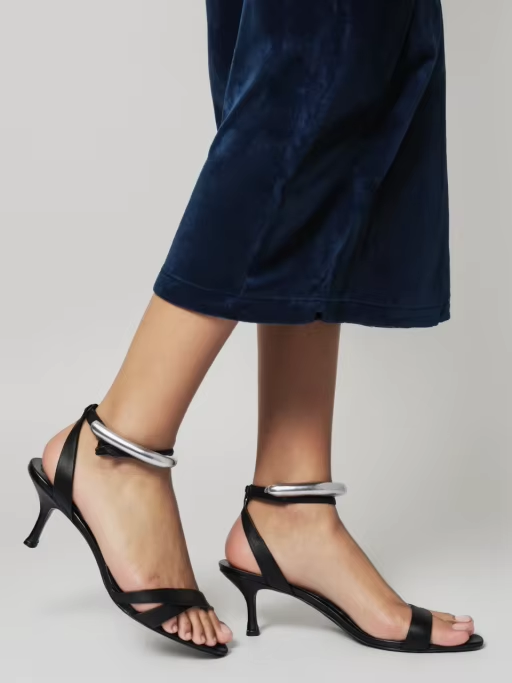
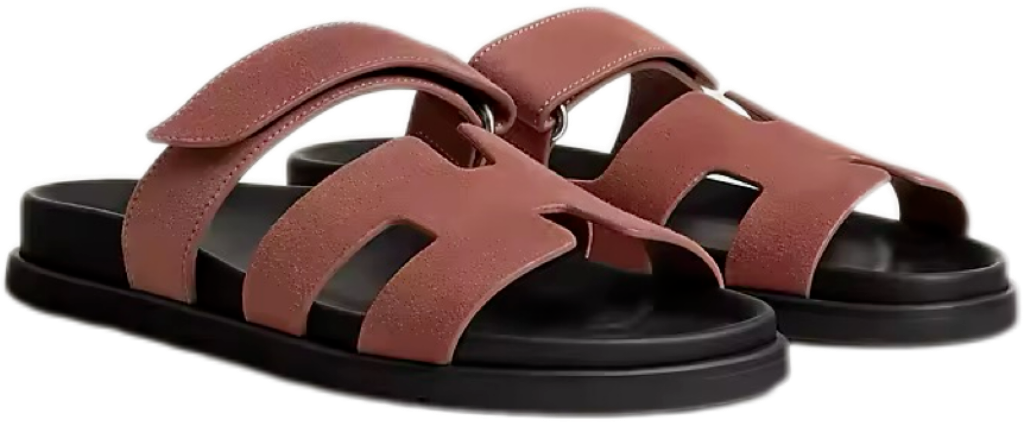
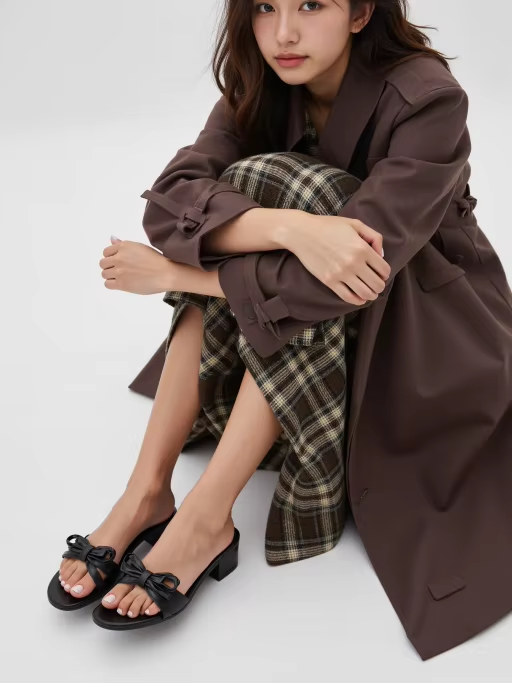

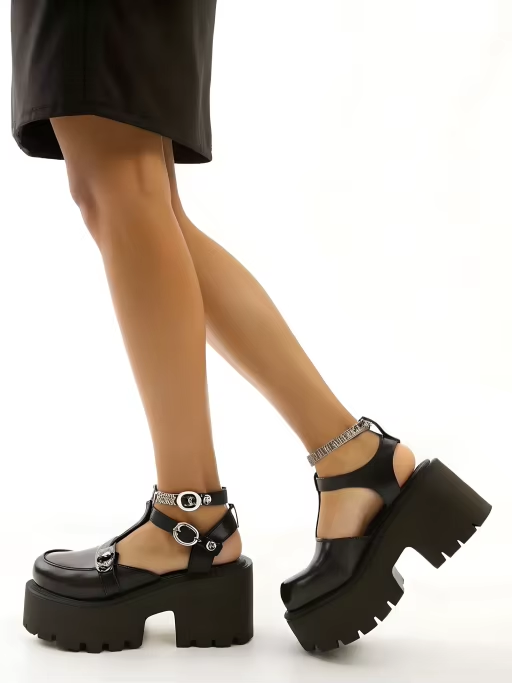
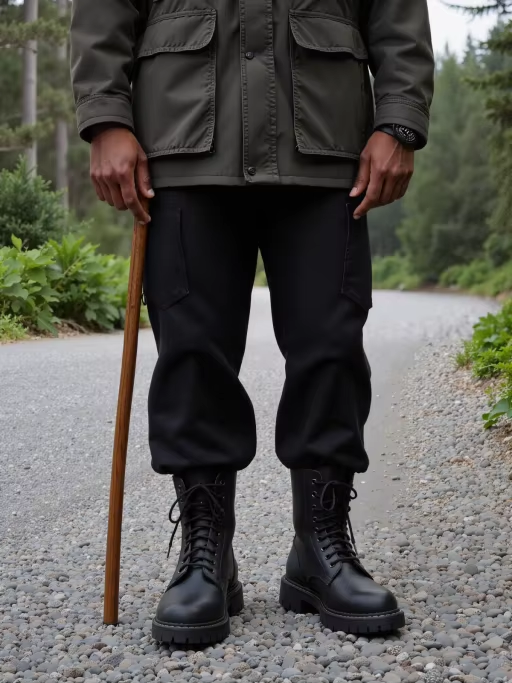
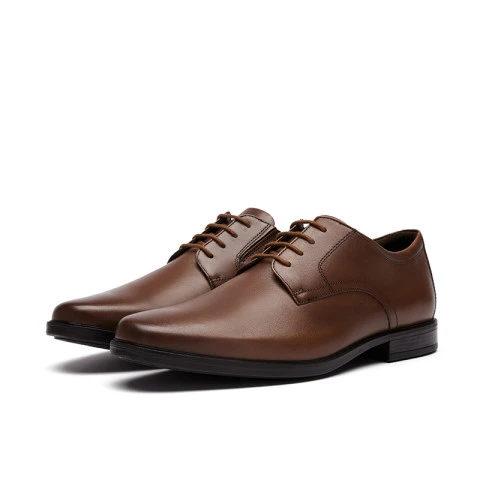
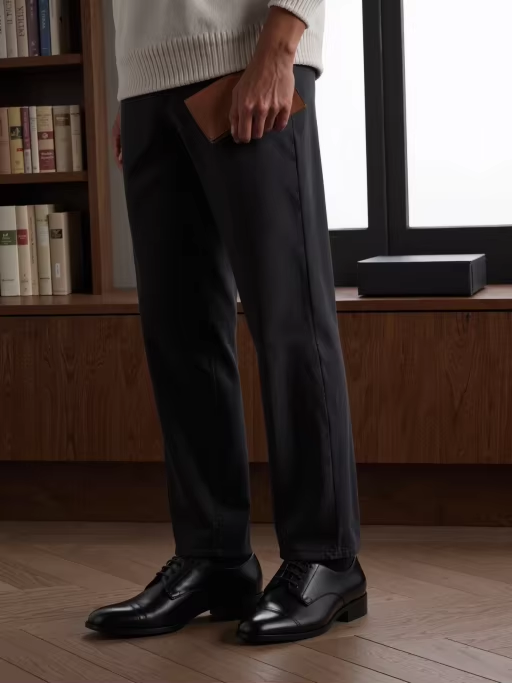

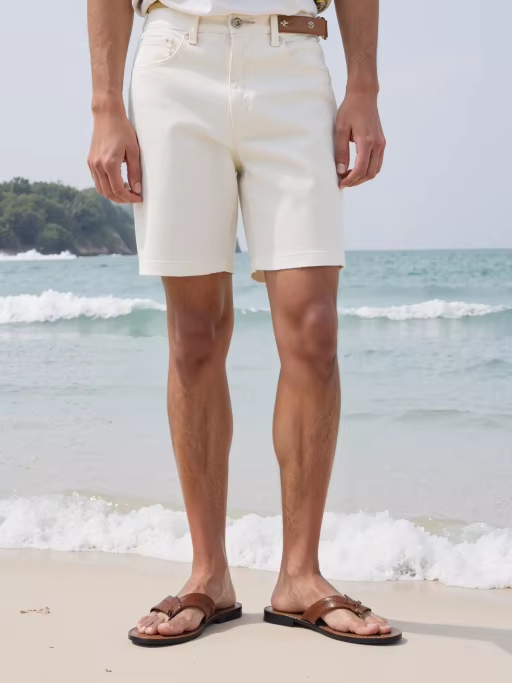
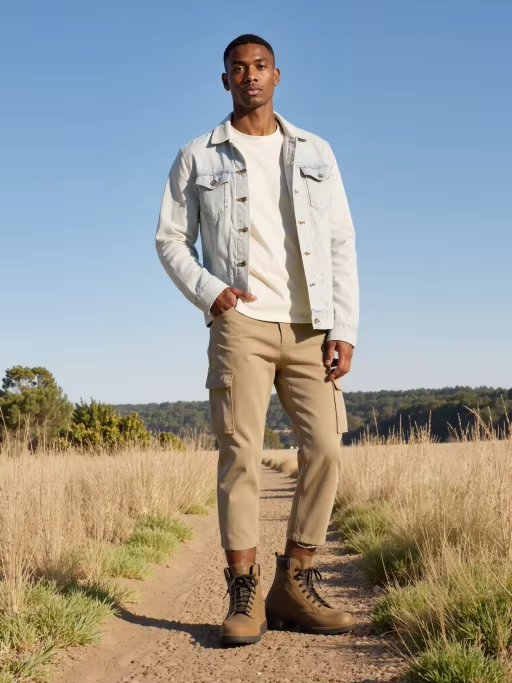
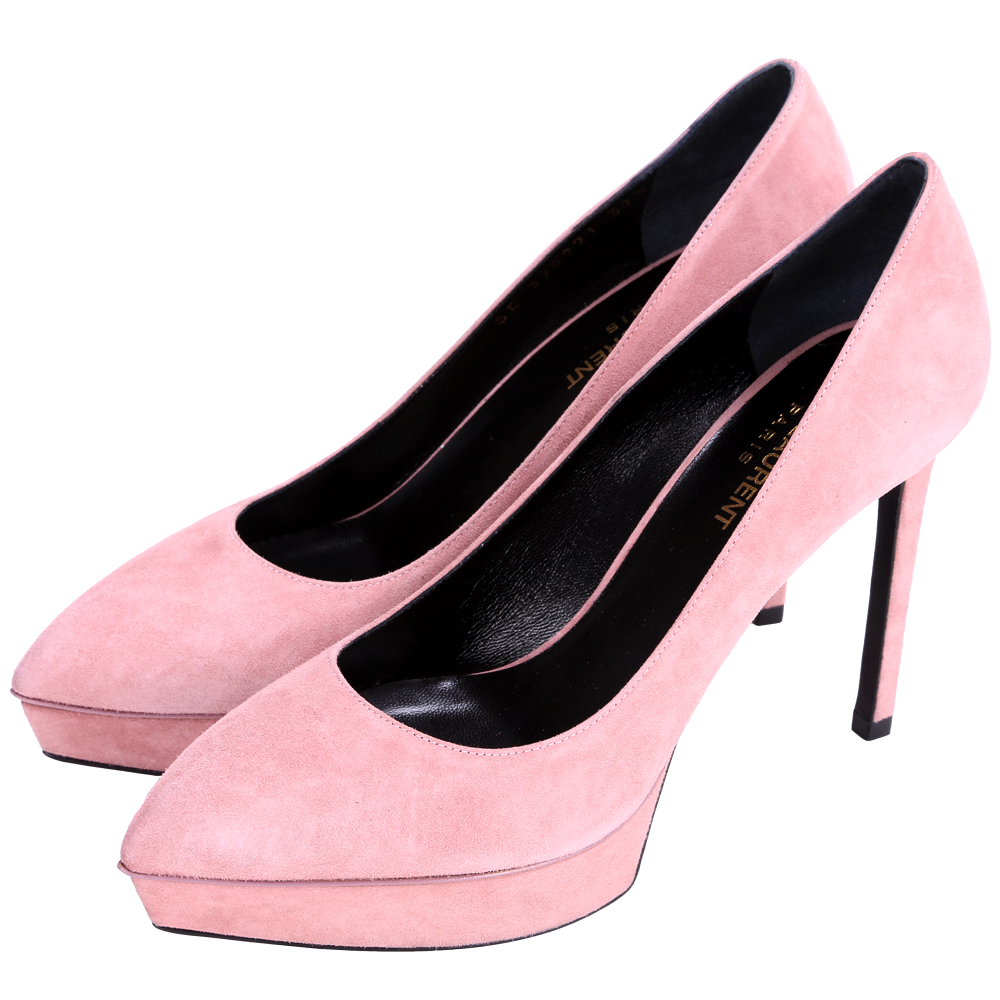
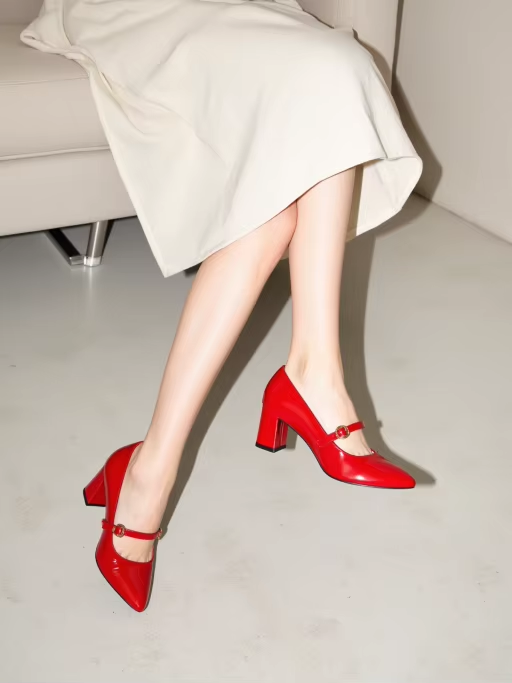
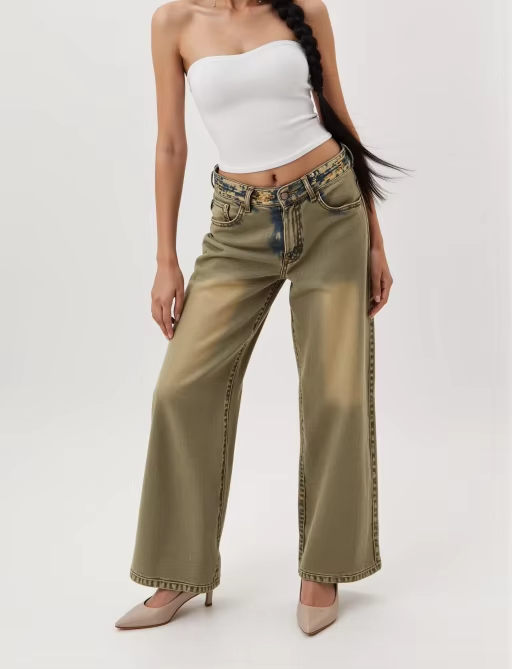
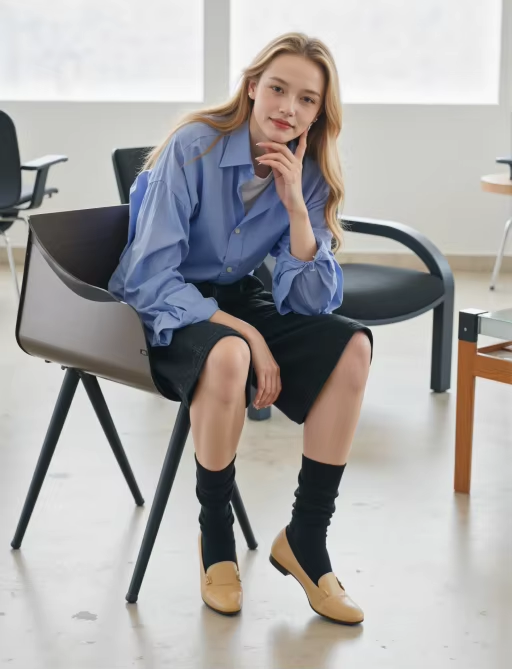
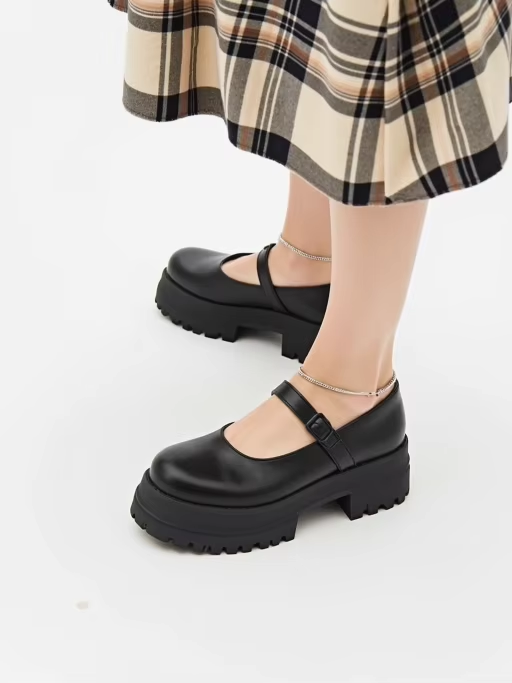
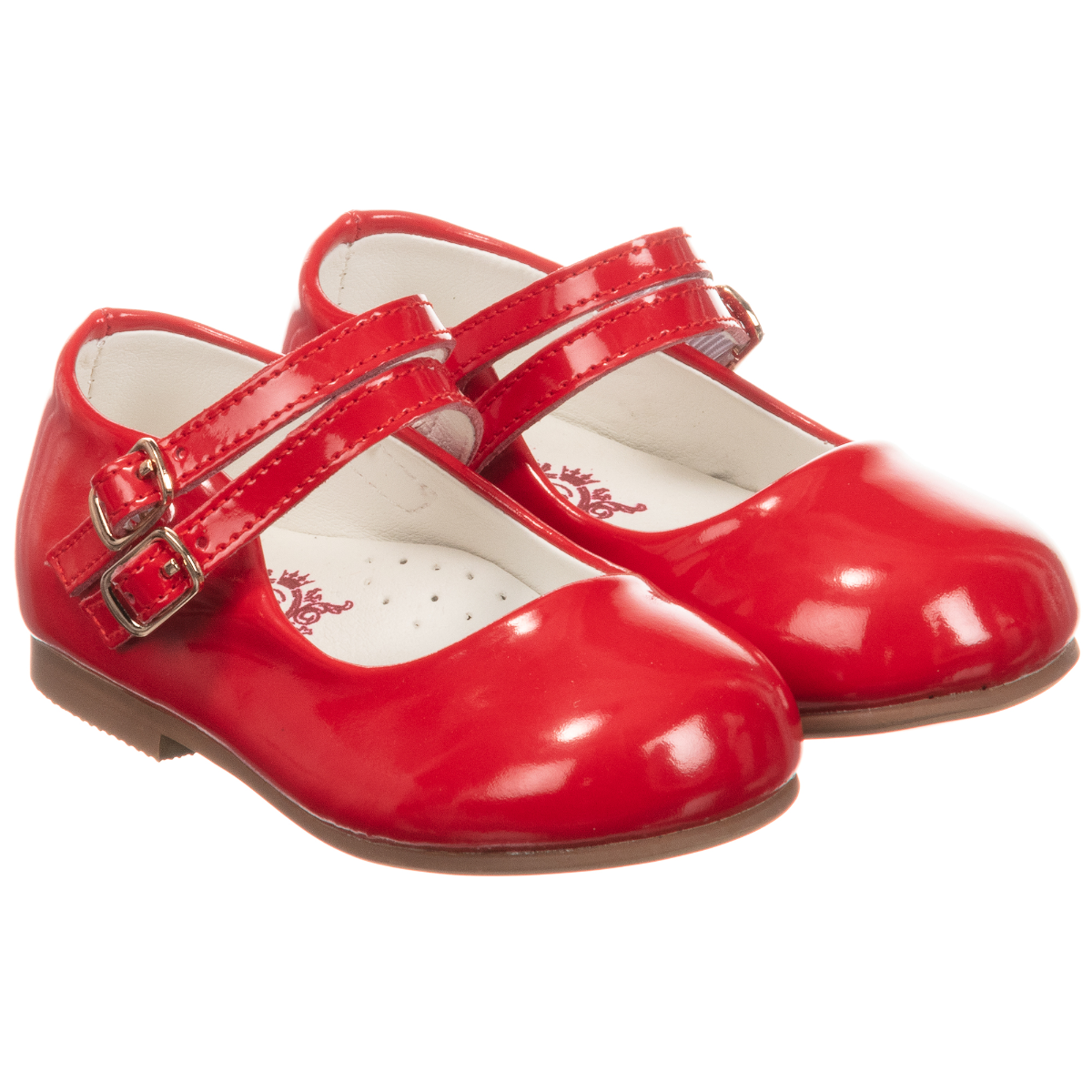
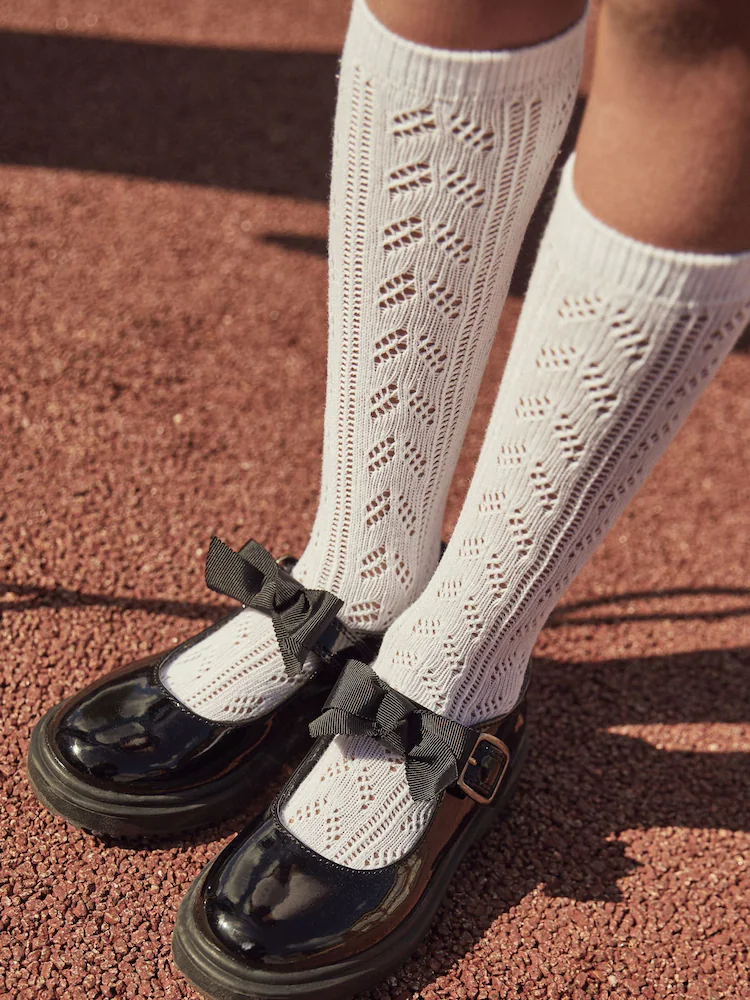
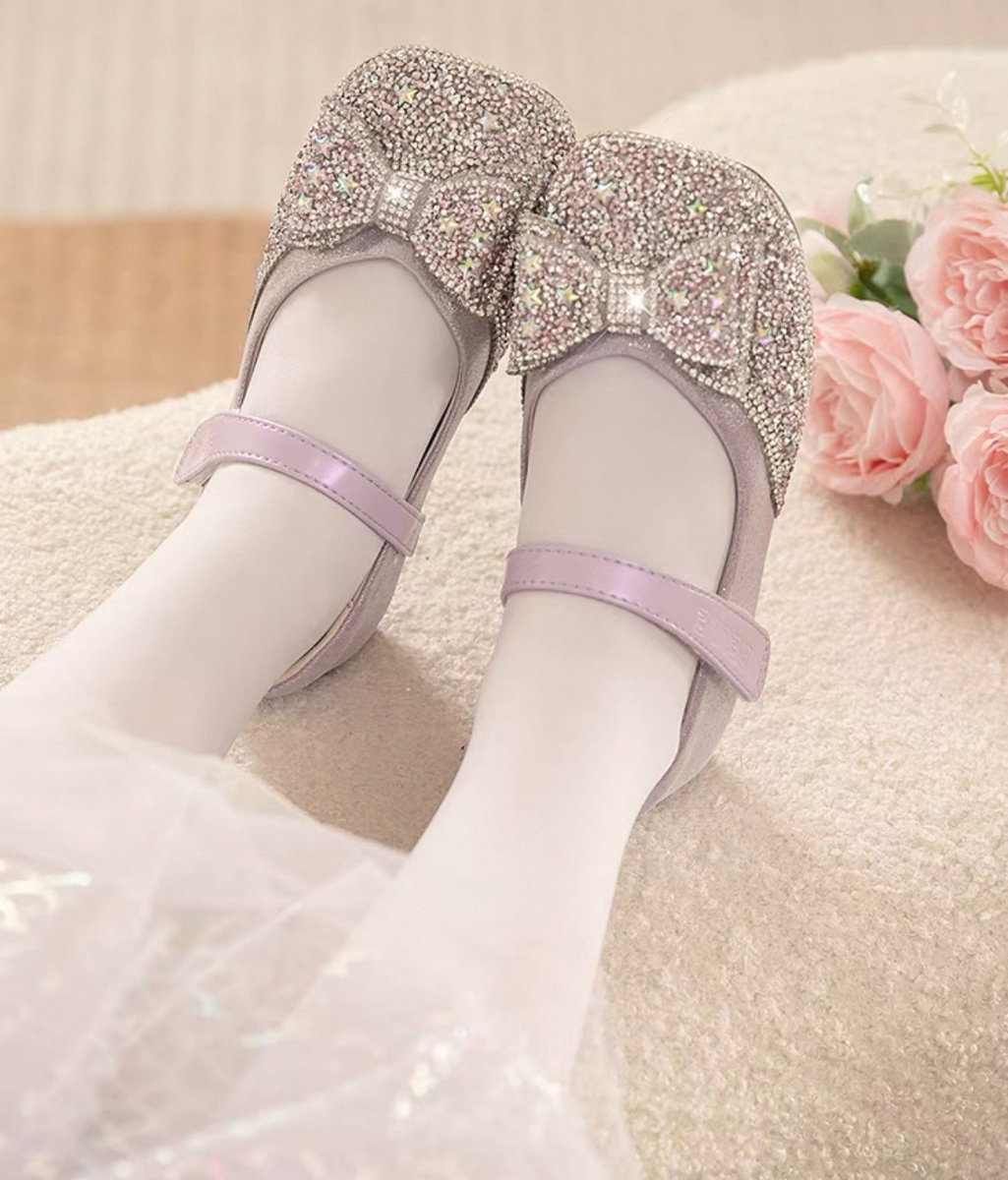
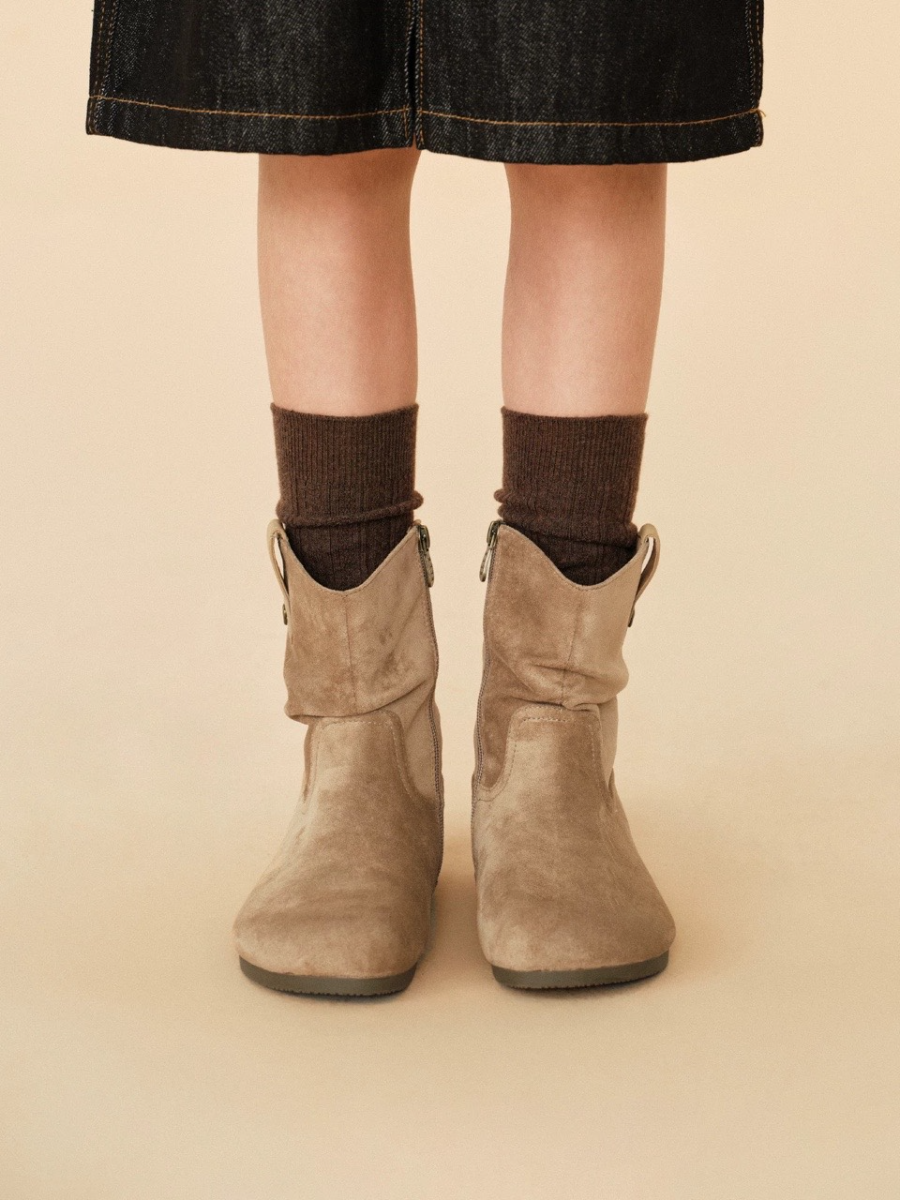
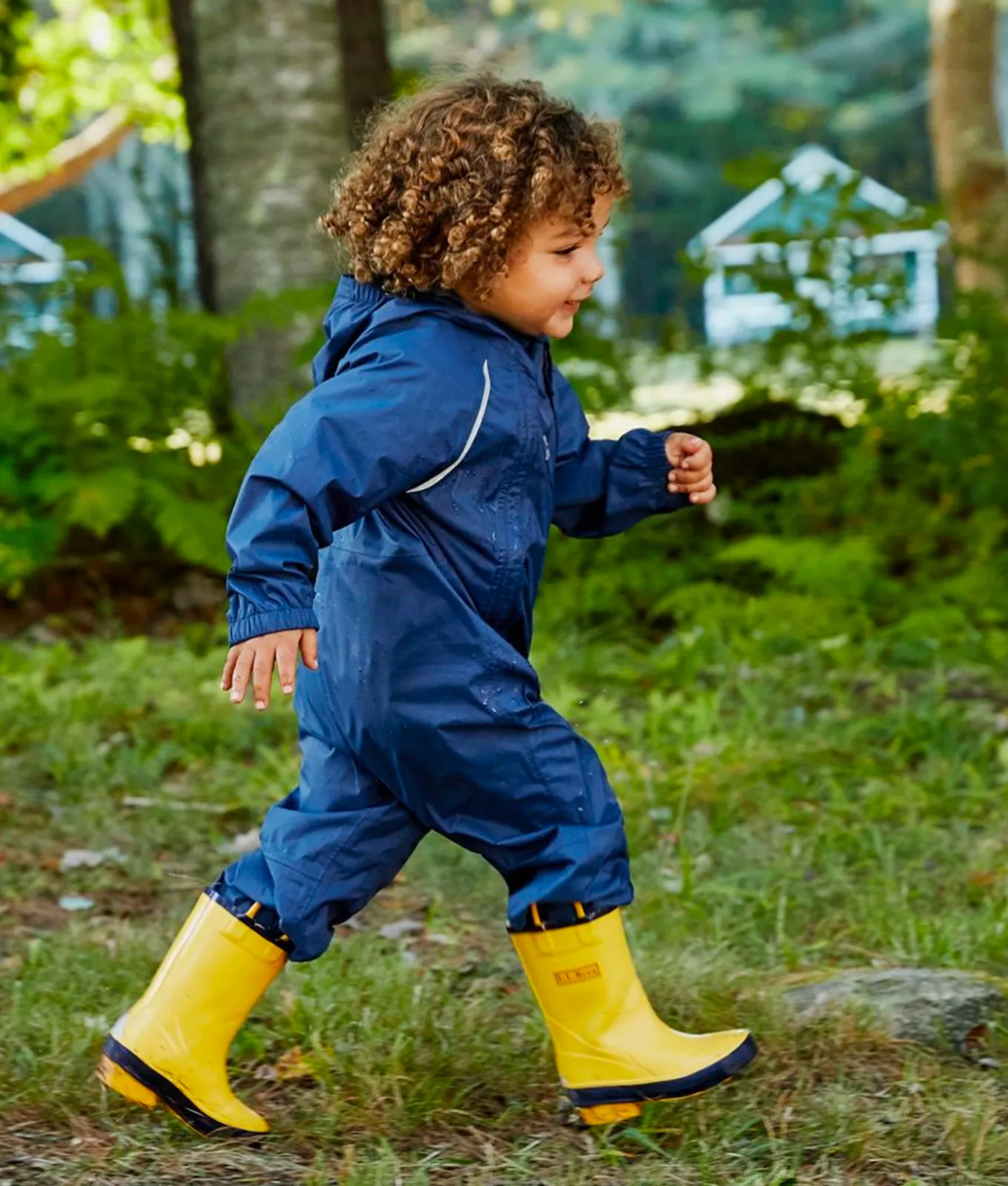
Step 3: Get the Generated Results
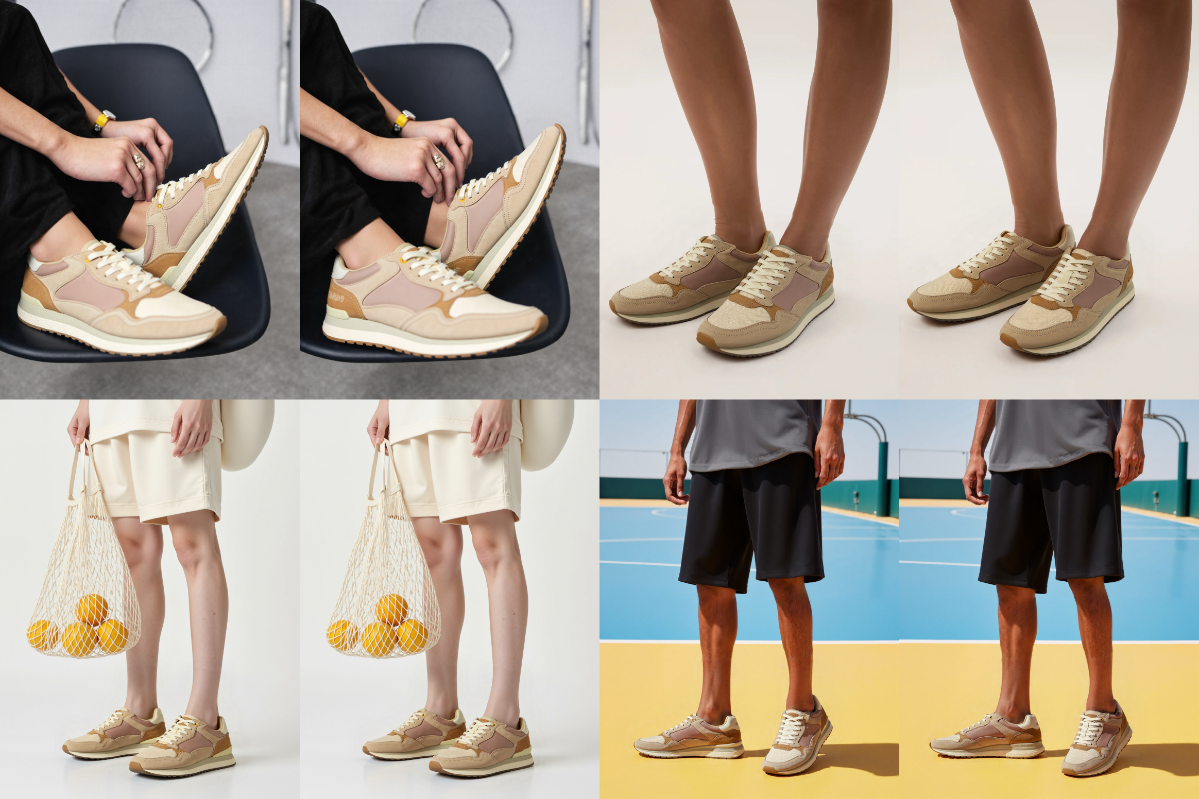
- After uploading the footwear image that meets the requirements and selecting a virtual model, wait approximately 10 seconds to get multiple try-on effects.
- You can select up to 4 model images at once, and each model image can generate 2 images for selection, totaling 8 images generated.
- You can combine these try-on results with other expanded features of Pic Copilot (such as background replacement, AI templates, UHD, etc.) to achieve more outstanding image effects.
- You can download the images to your computer or scan the QR code to save them to your mobile phone at any time.
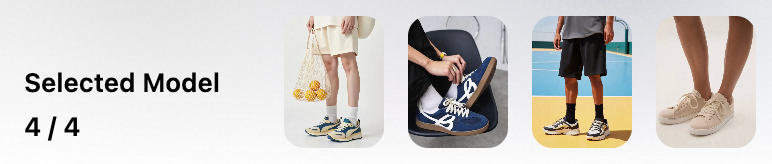
Other Tips
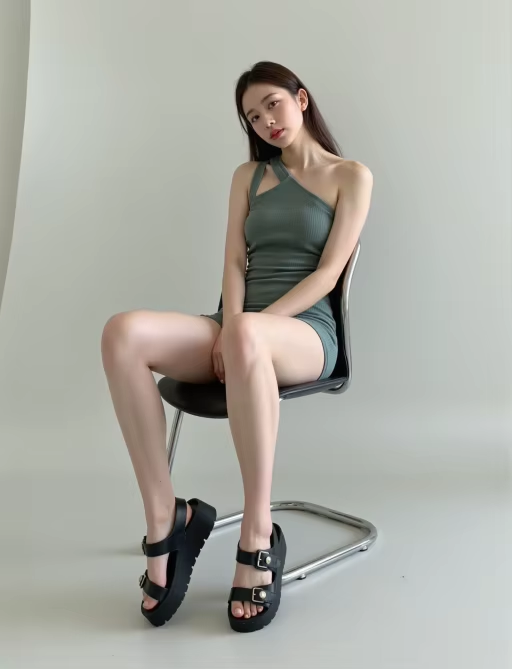
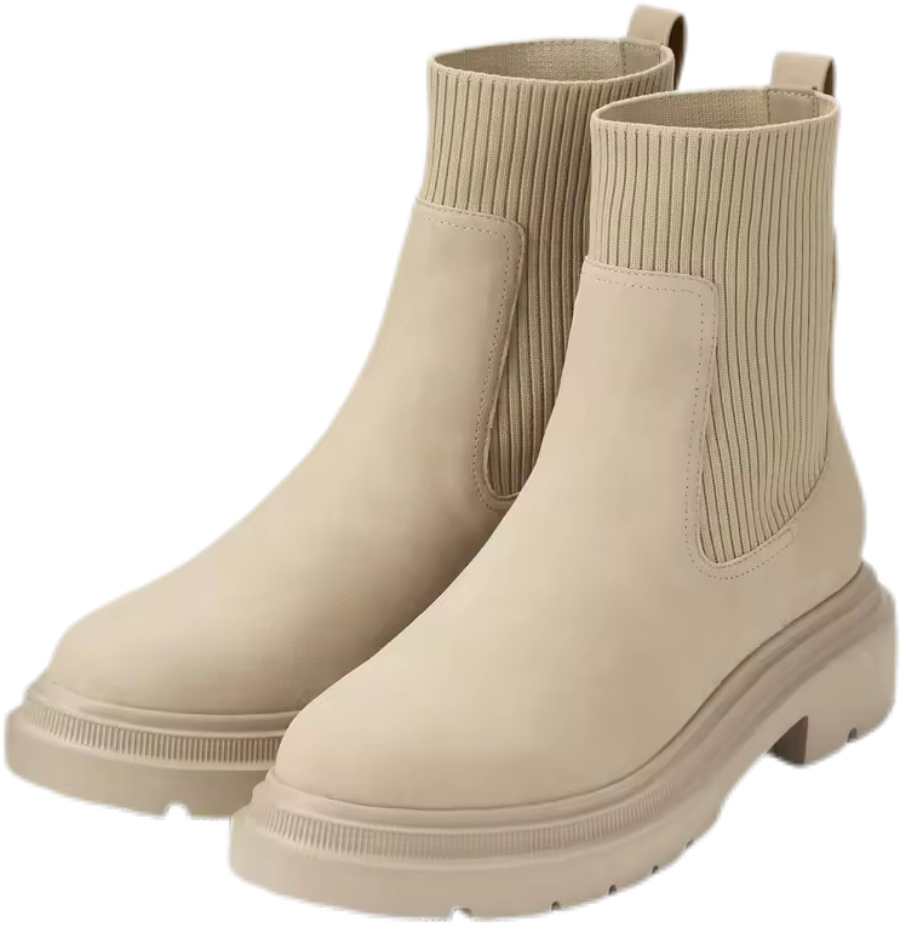
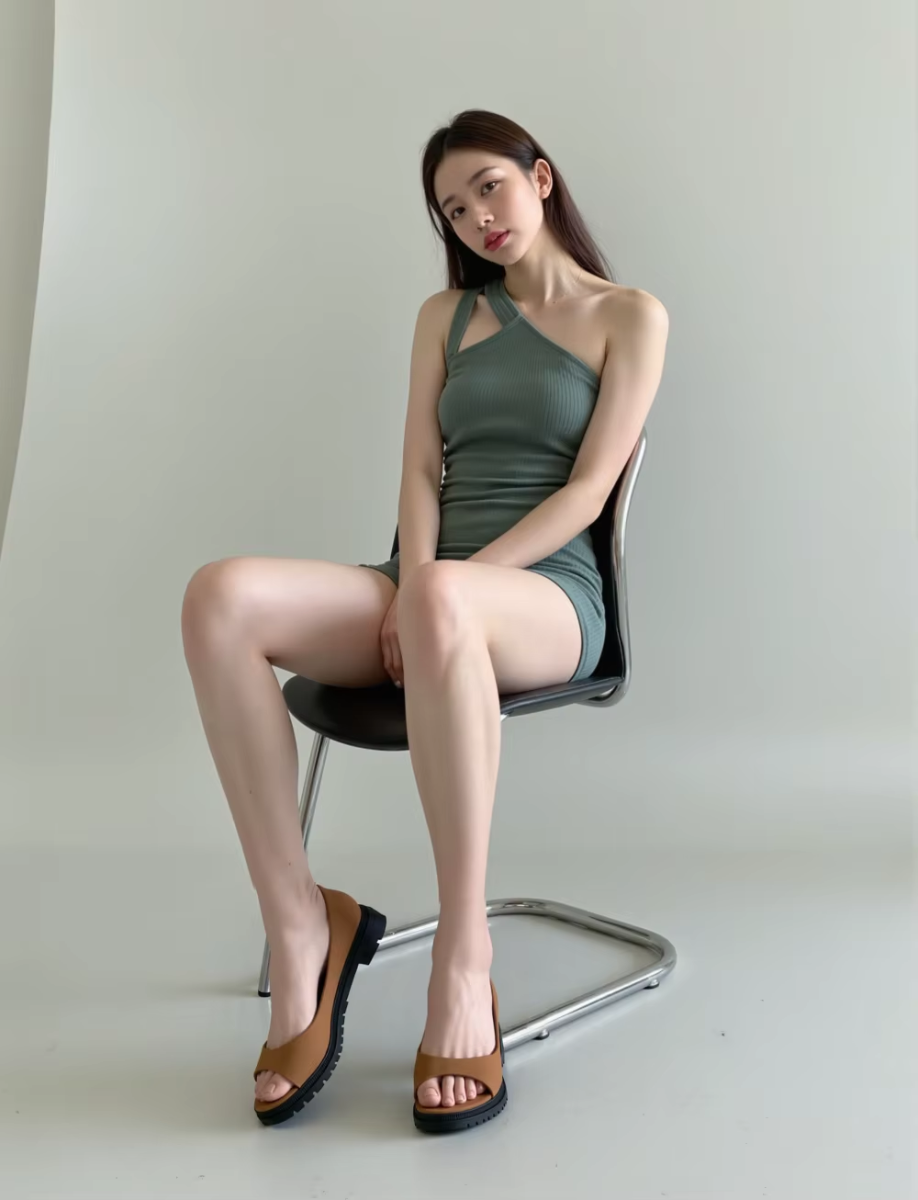
When using Pic Copilot's Virtual Try Shoes feature, both the choice of the shoe image and the virtual model significantly affect the final try-on result. Therefore, while ensuring the quality (clarity and aesthetics) of the input image, you should also select a model that matches the shoe category to achieve the best possible effect.
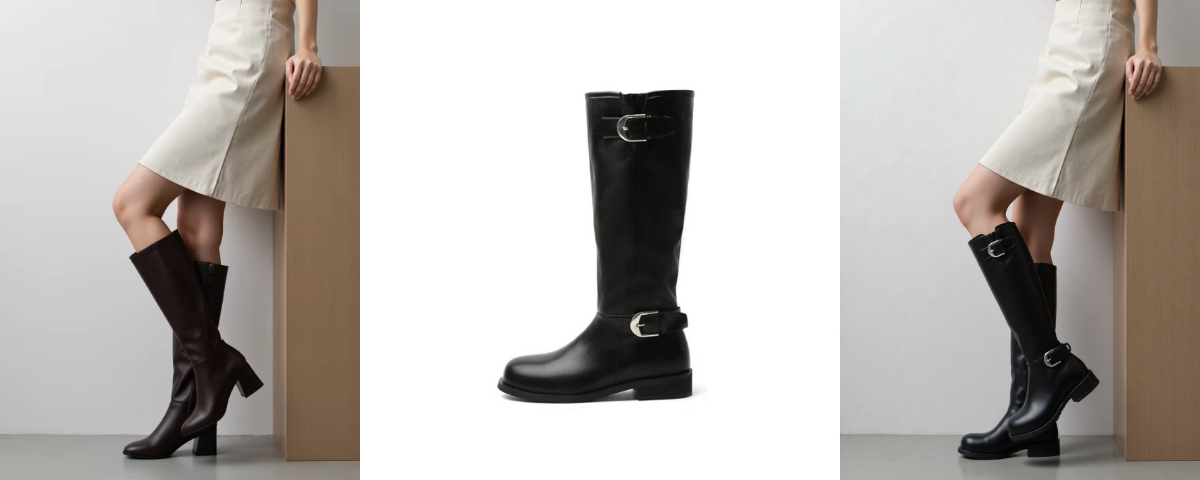
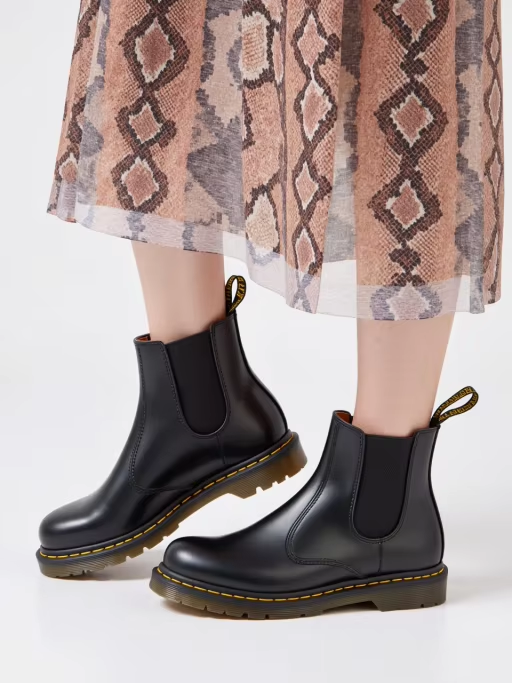
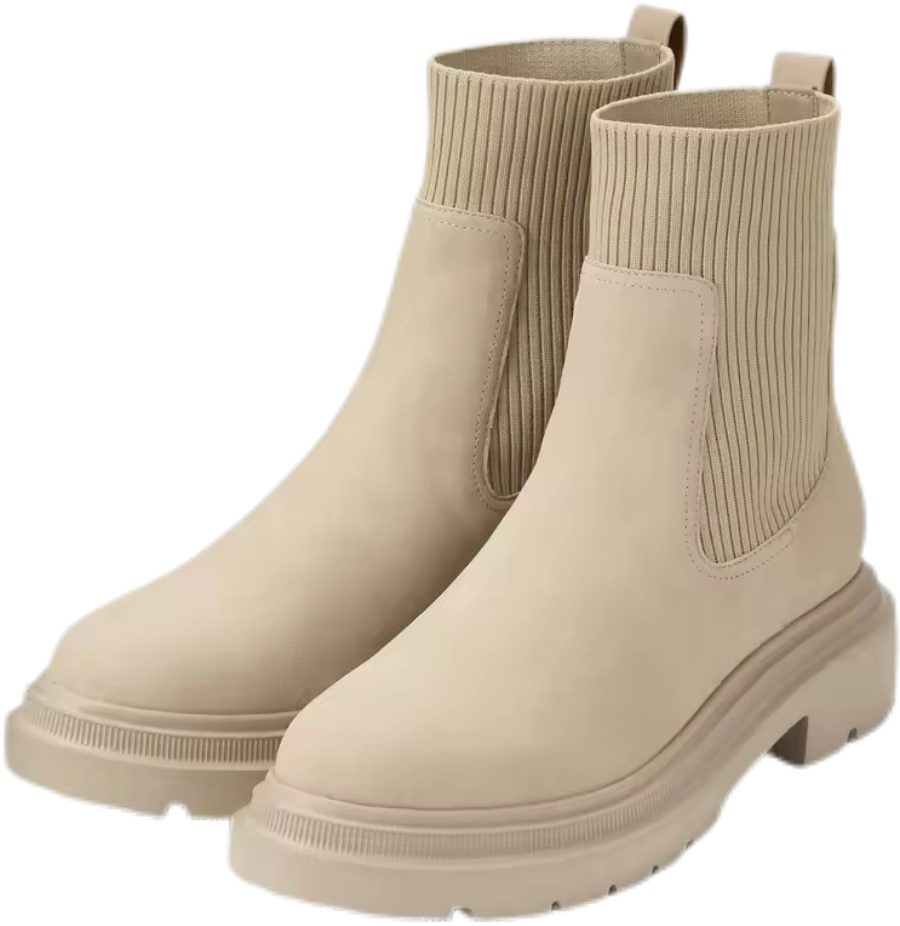
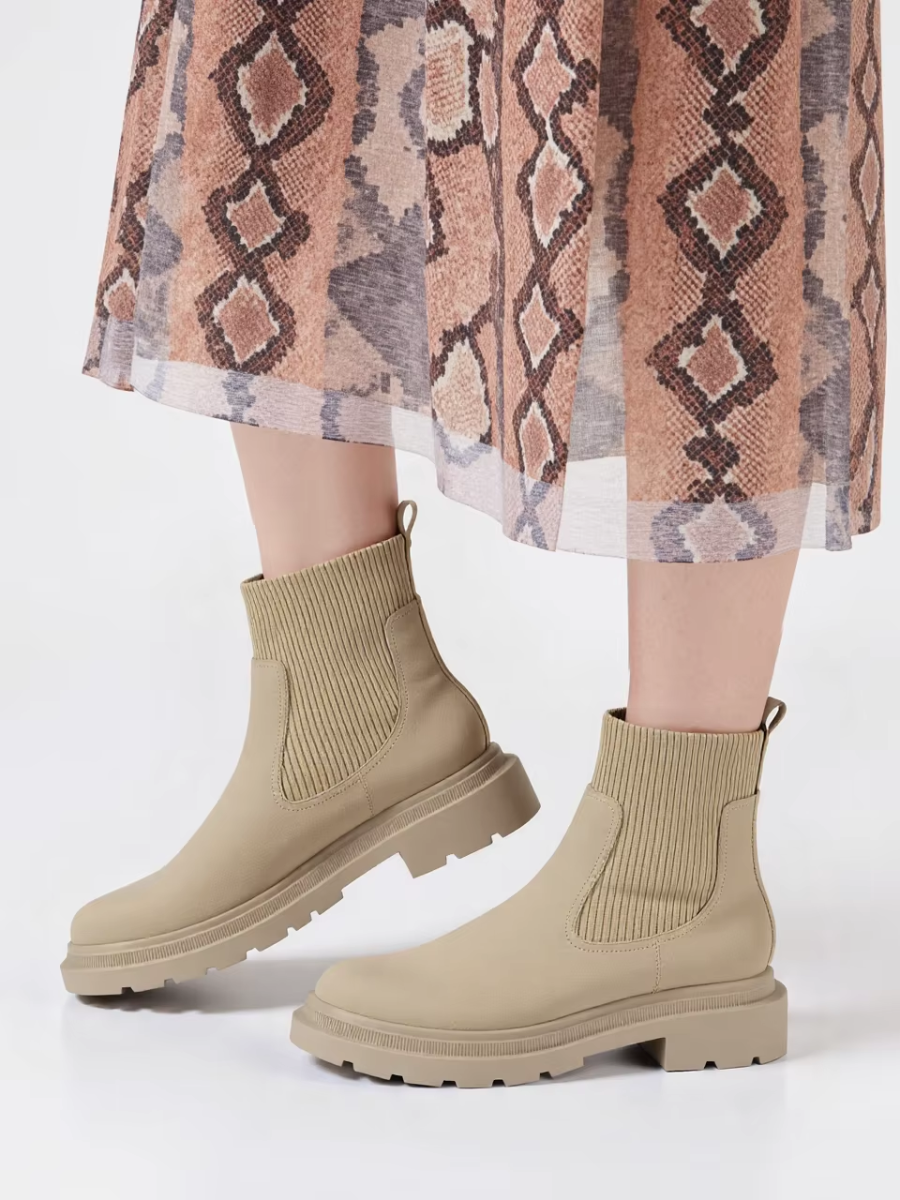
- Boots Try-On Tip:
When uploading product images, it is recommended to select model photos featuring the boots product category to achieve a better try-on effect.
Model | Shoes Image | Result | Model | Shoes Image | Result |
|
|
|
|
|
|
✅ | ❌ | ||||
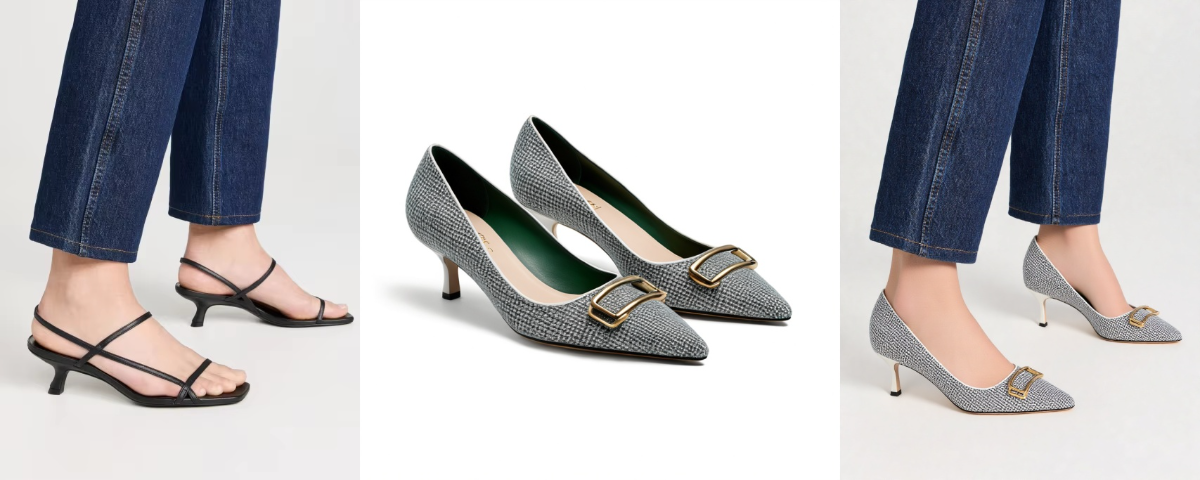
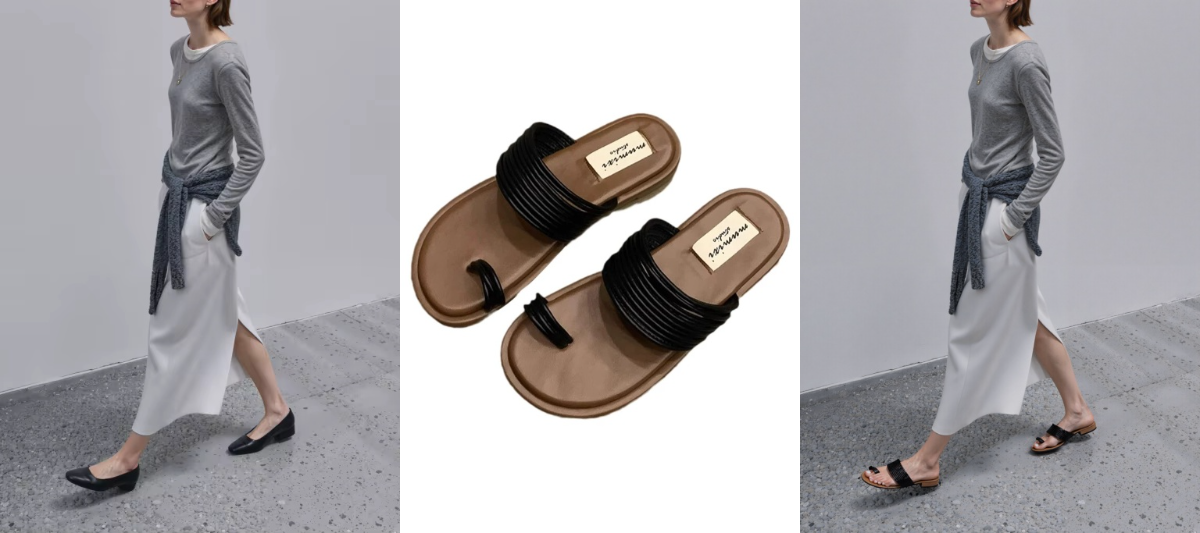
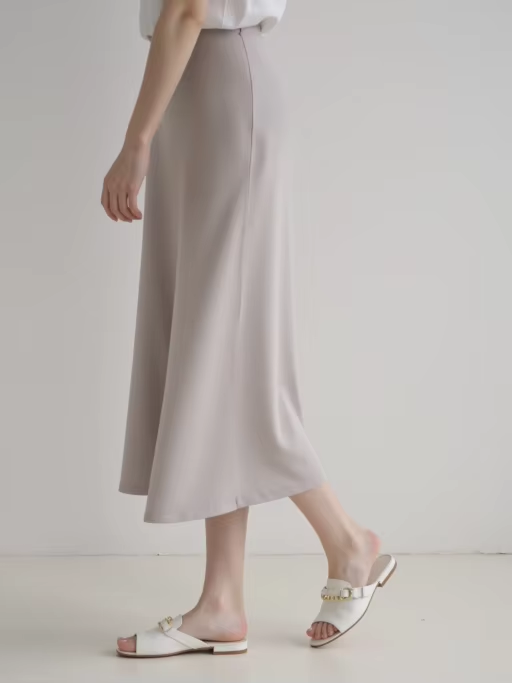
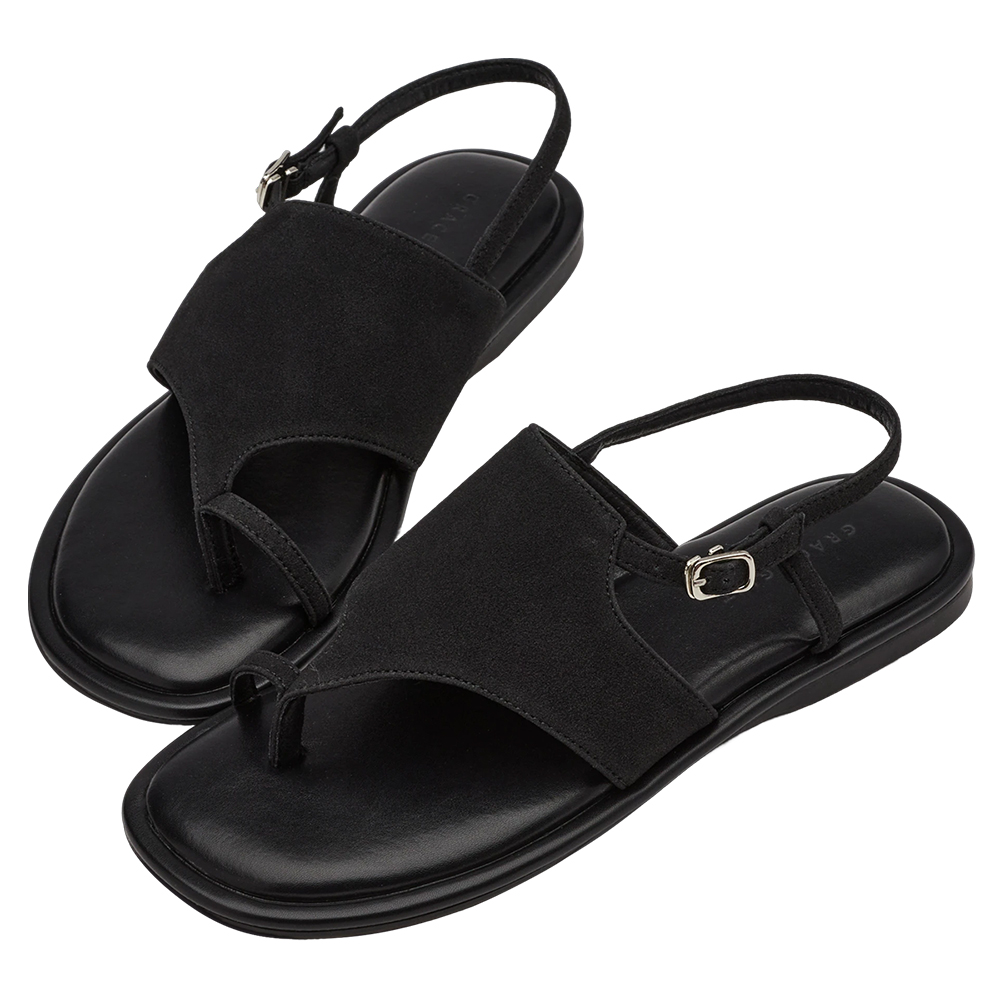
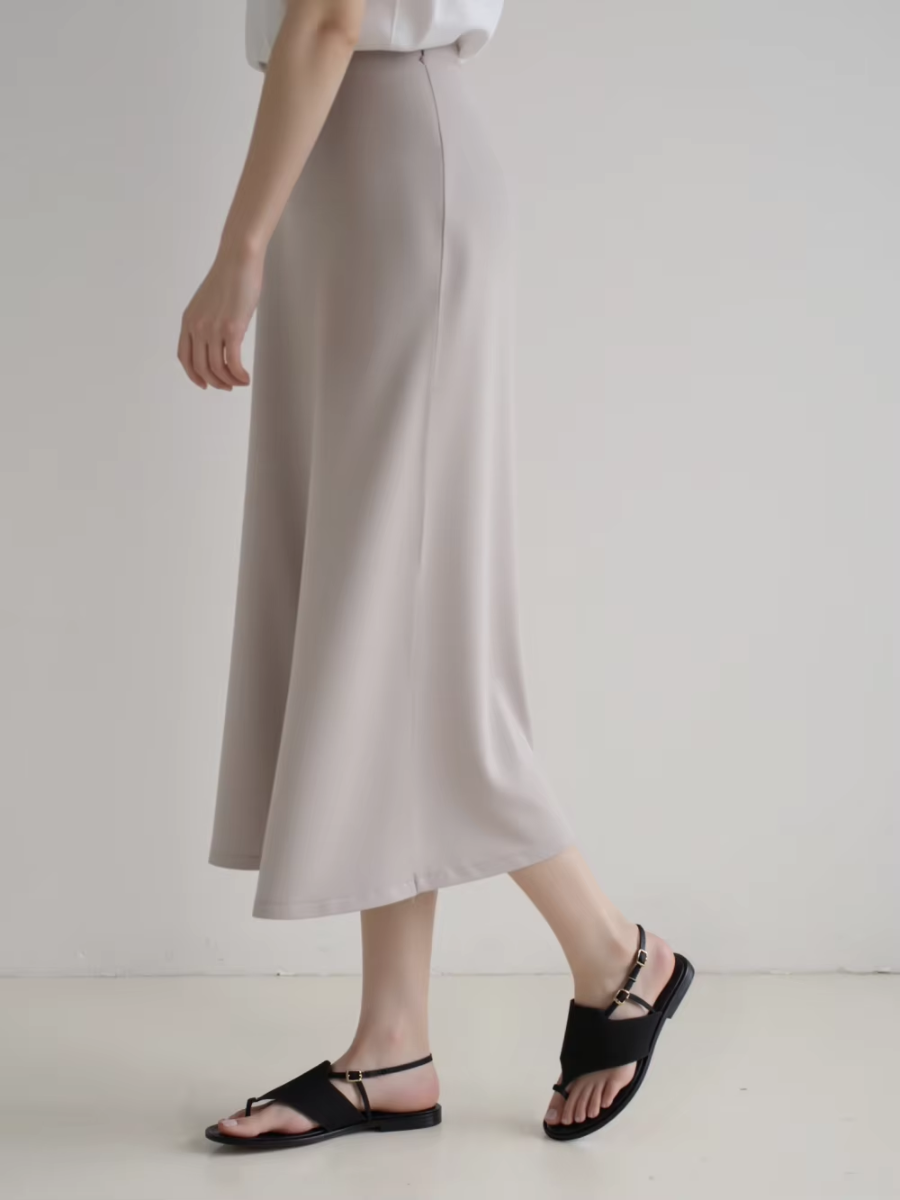
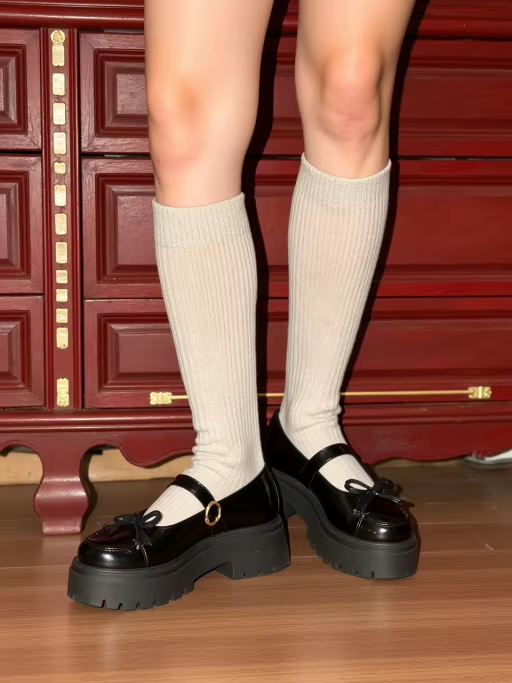
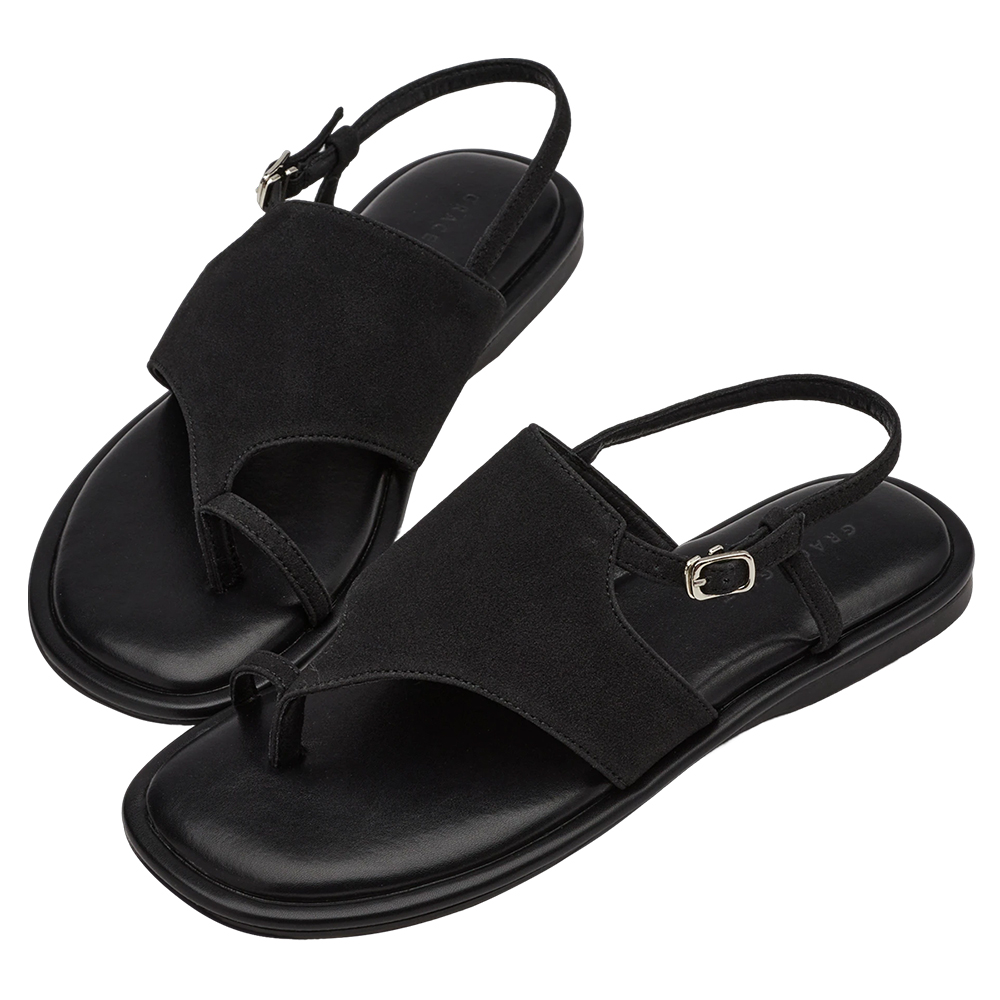
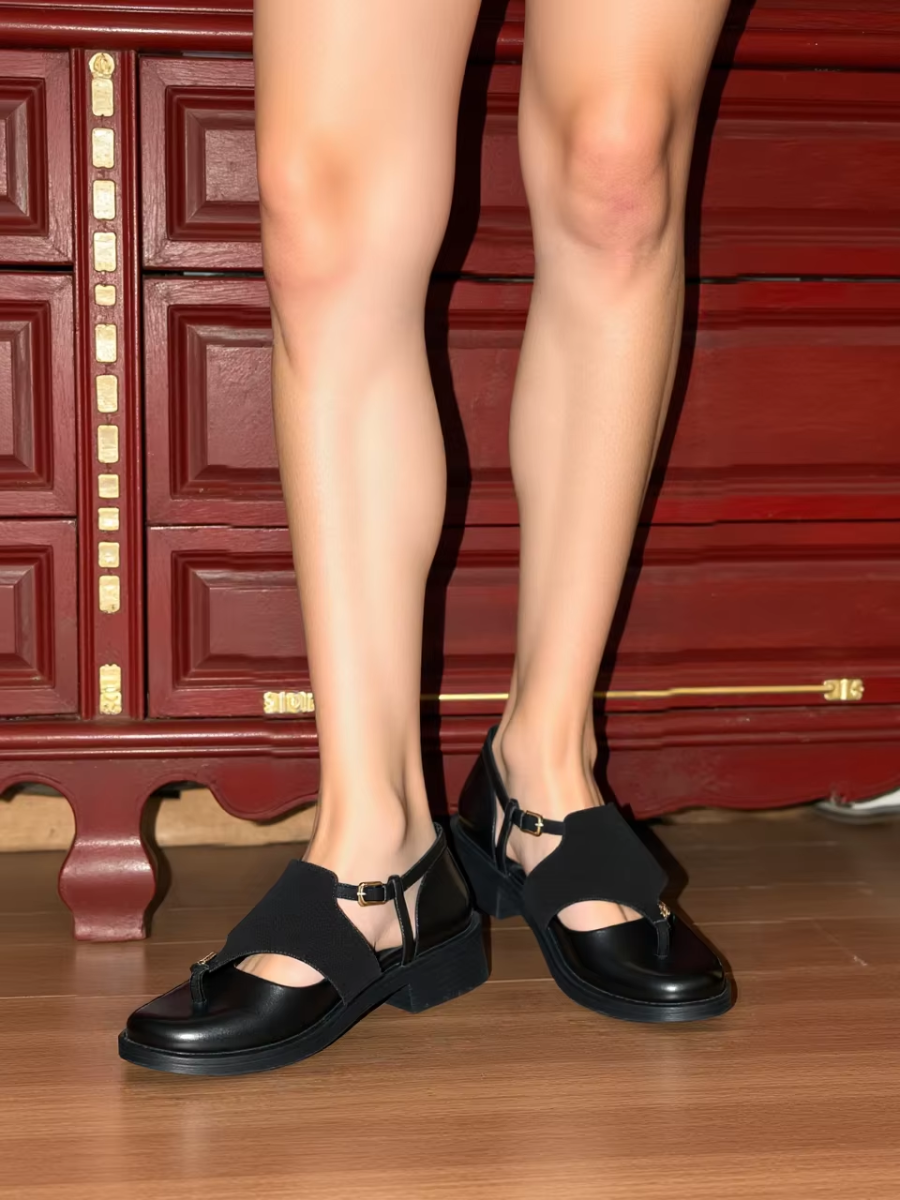
- Sandals/Slides Try-On Tip:
To ensure optimal try-on results, when uploading product images, it is recommended to select model photos featuring the sandals/slides product categories to achieve a better try-on effect.
Model | Shoes Image | Result | Model | Shoes Image | Result |
|
|
|
|
|
|
✅ | ❌ | ||||
- Heels Try-On Tip:
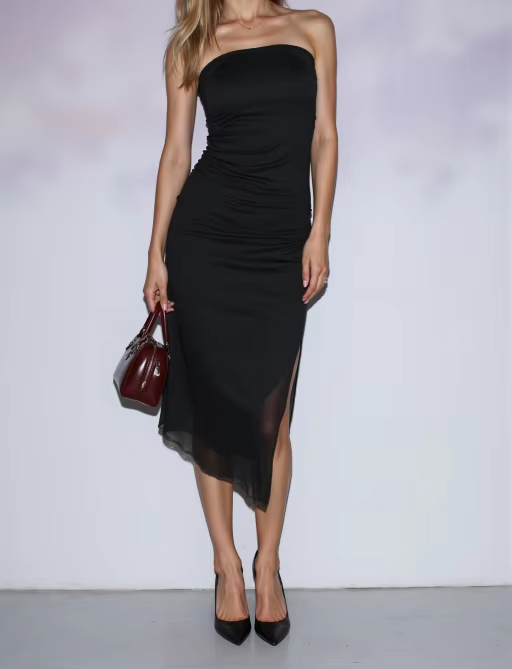
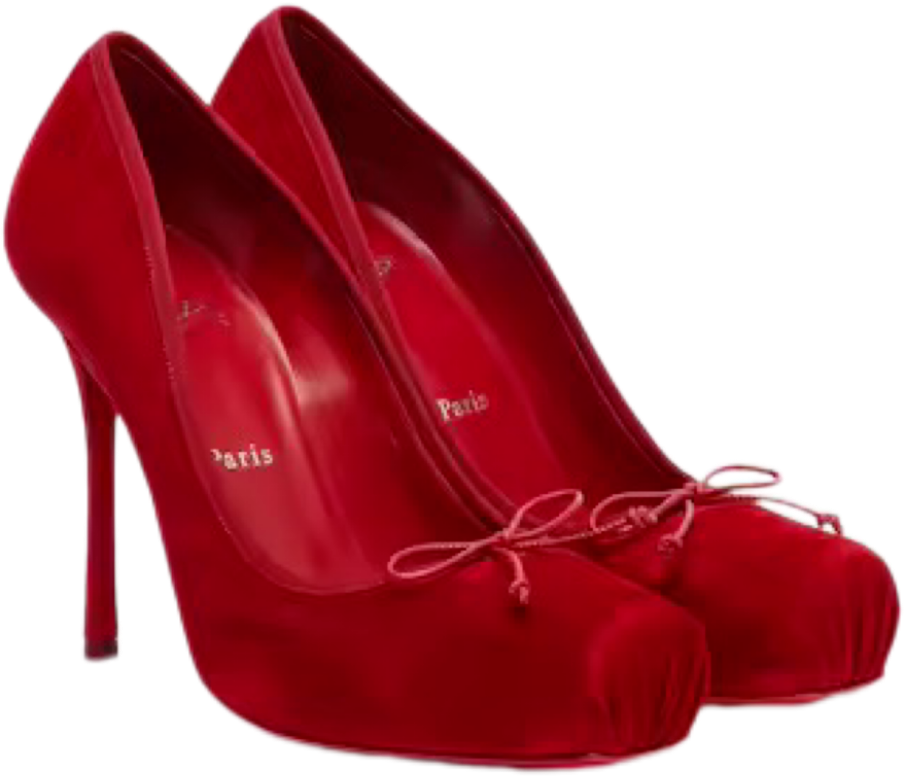
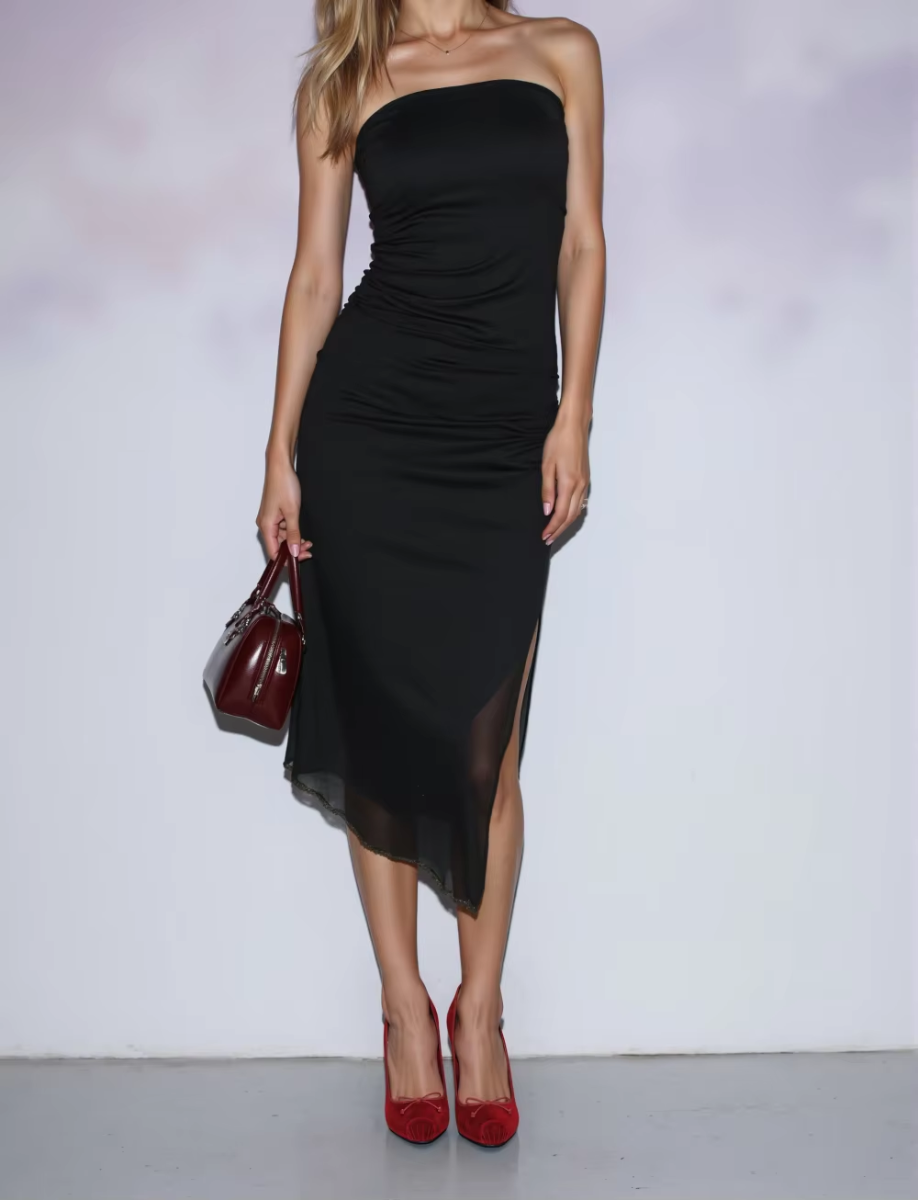
To ensure optimal try-on results, when uploading product images, it is recommended to select model photos featuring the Heels product category to achieve a better try-on effect.
Model | Shoes Image | Result | Model | Shoes Image | Result |
|
|
|
|
|
|
✅ | ❌ | ||||
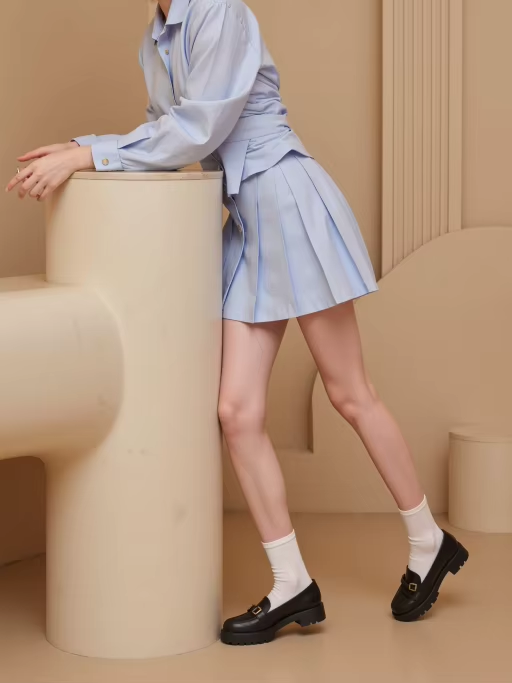
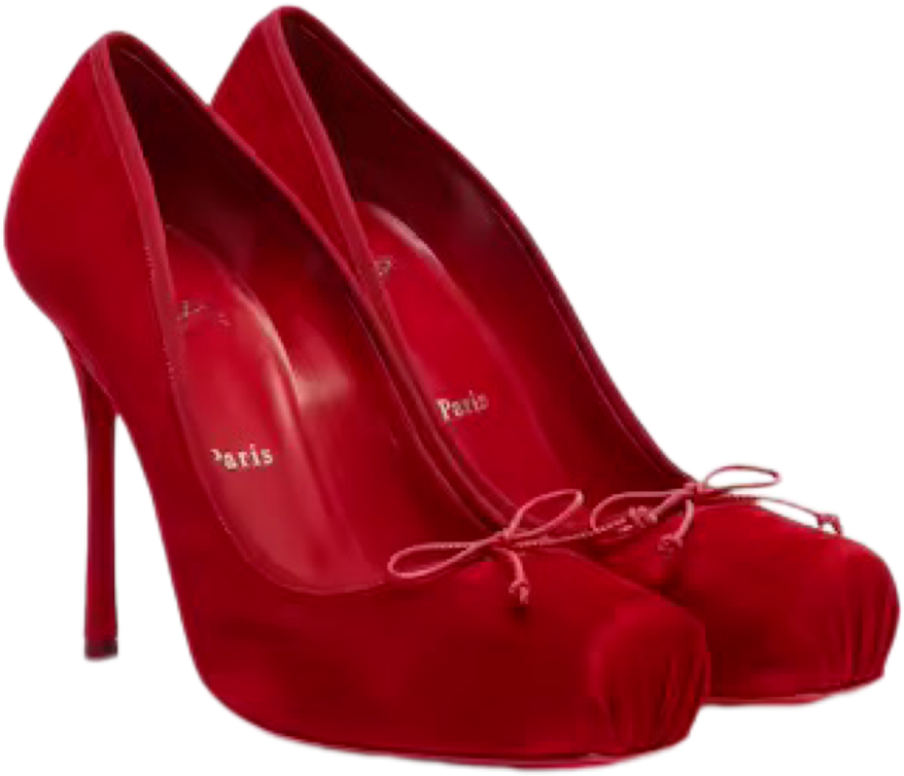
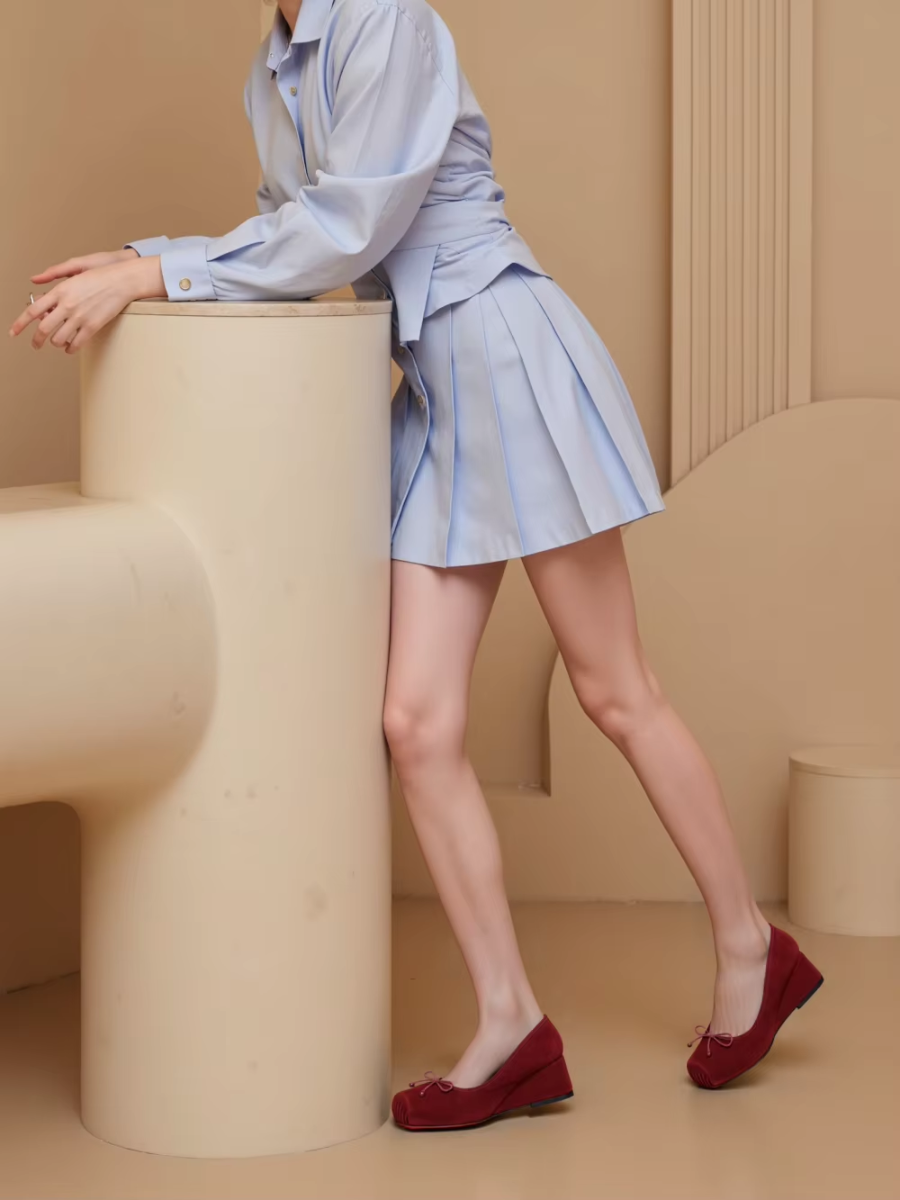
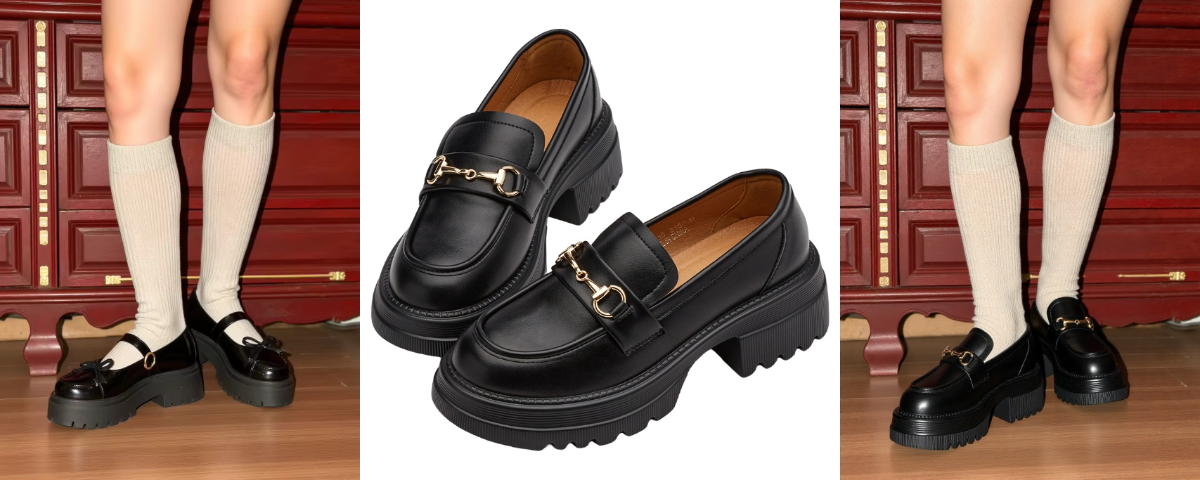
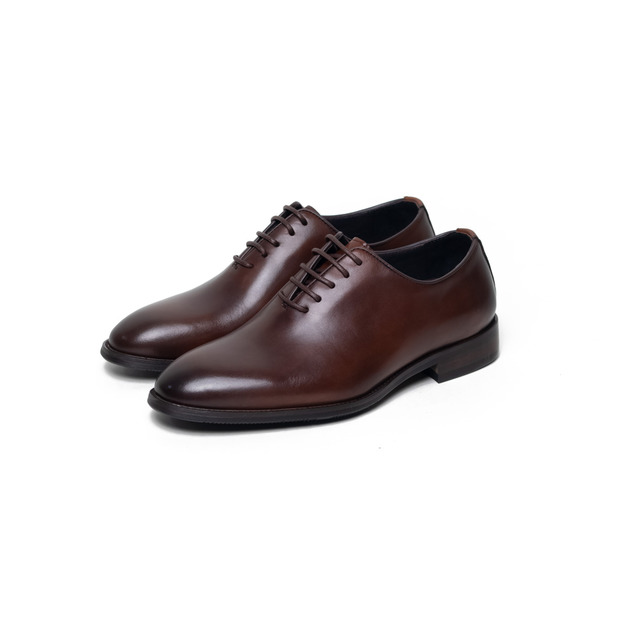
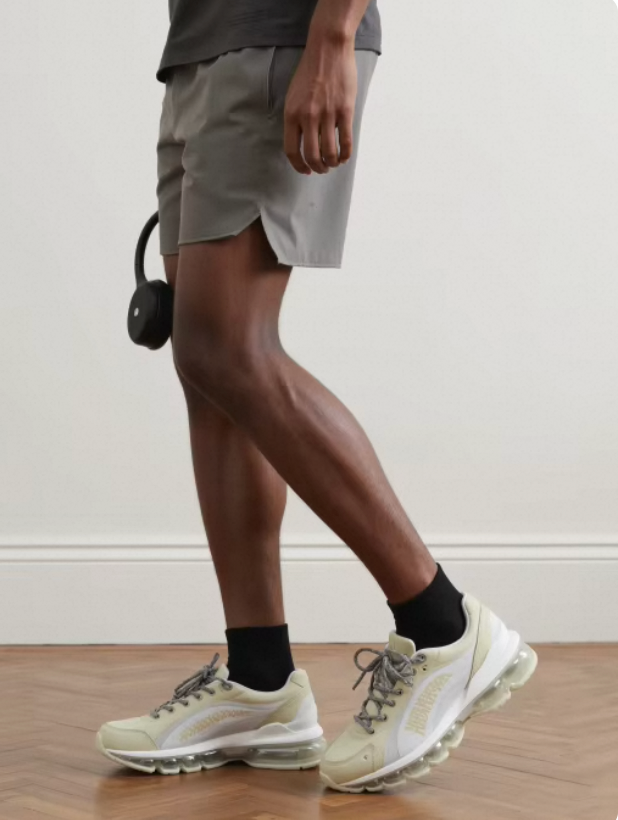
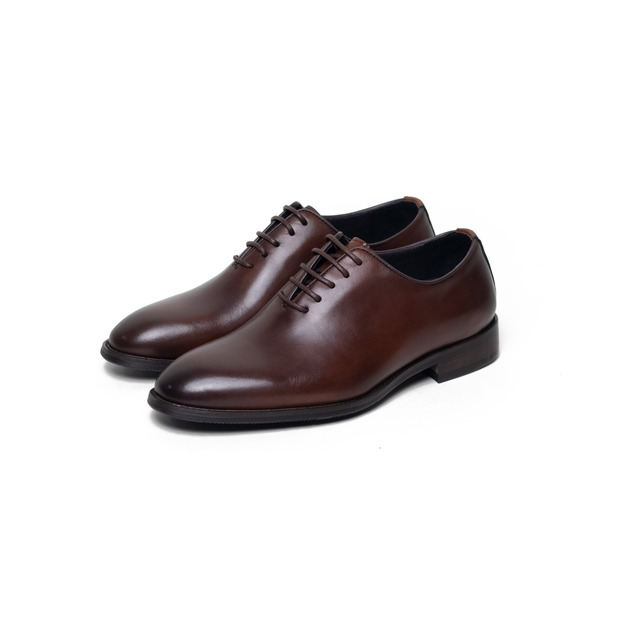
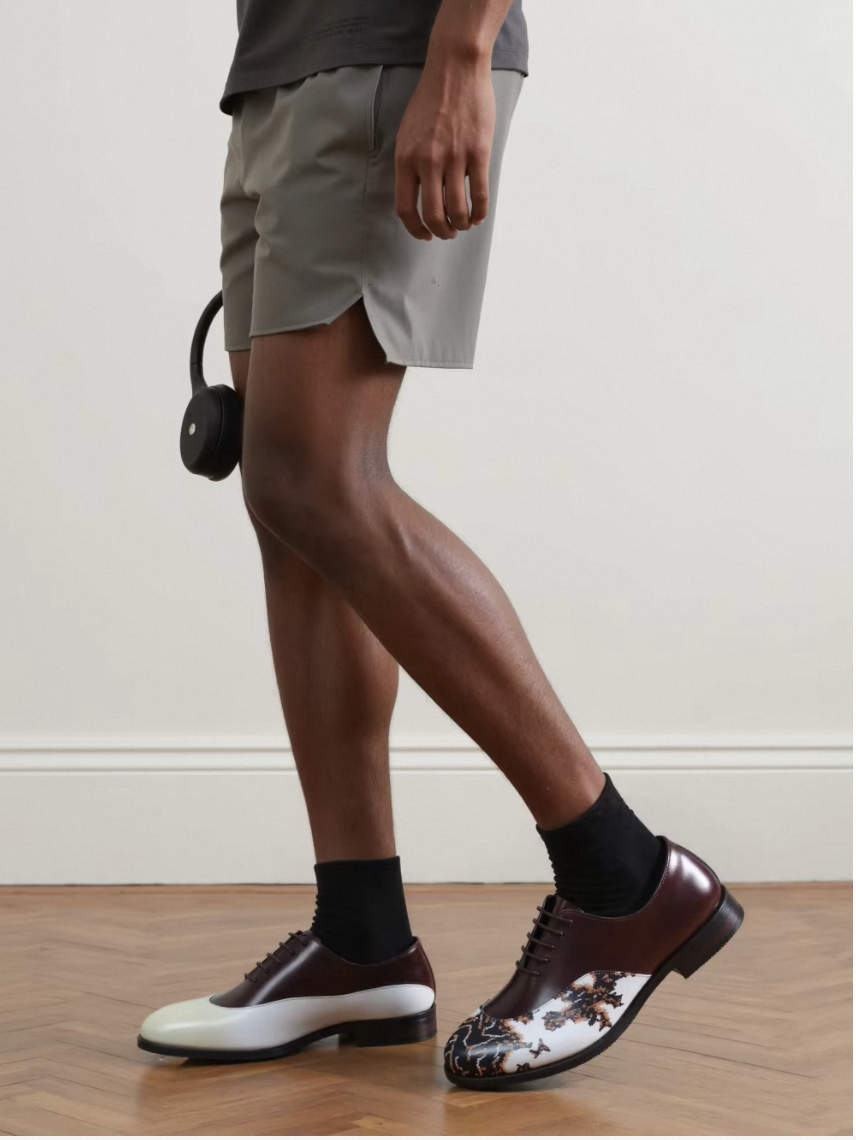
- Leather Shoes Try-On Tip:
To ensure optimal try-on results, when uploading product images, it is recommended to select model photos featuring the Leather Shoes product category to achieve a better try-on effect.
Model | Shoes Image | Result | Model | Shoes Image | Result |
|
|
|
|
|
|
✅ | ❌ | ||||


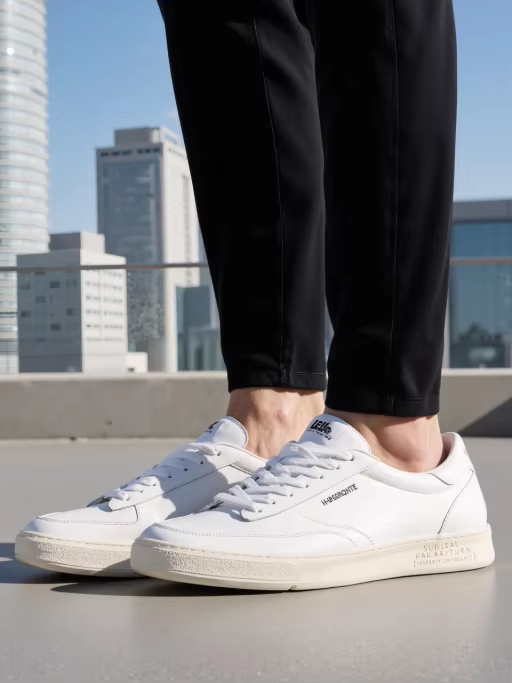
- Sneakers Try-On Tip:
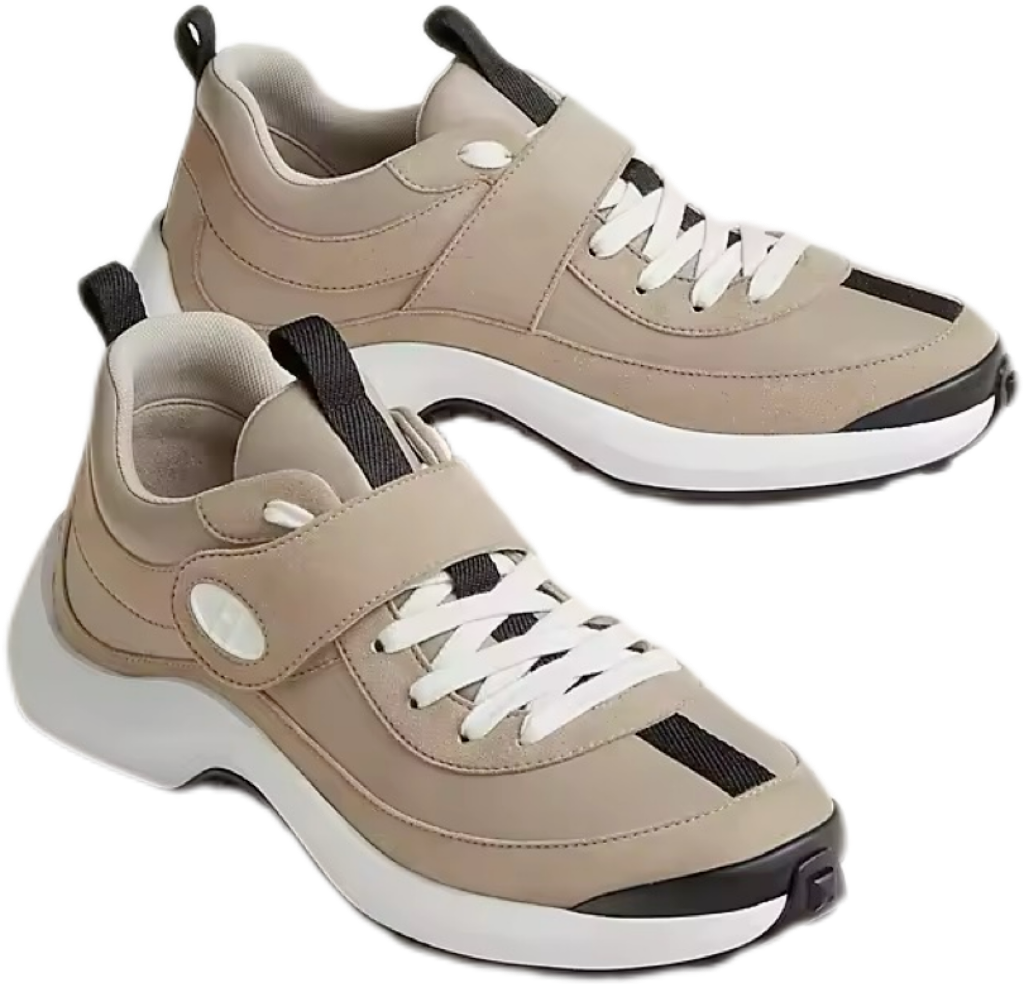
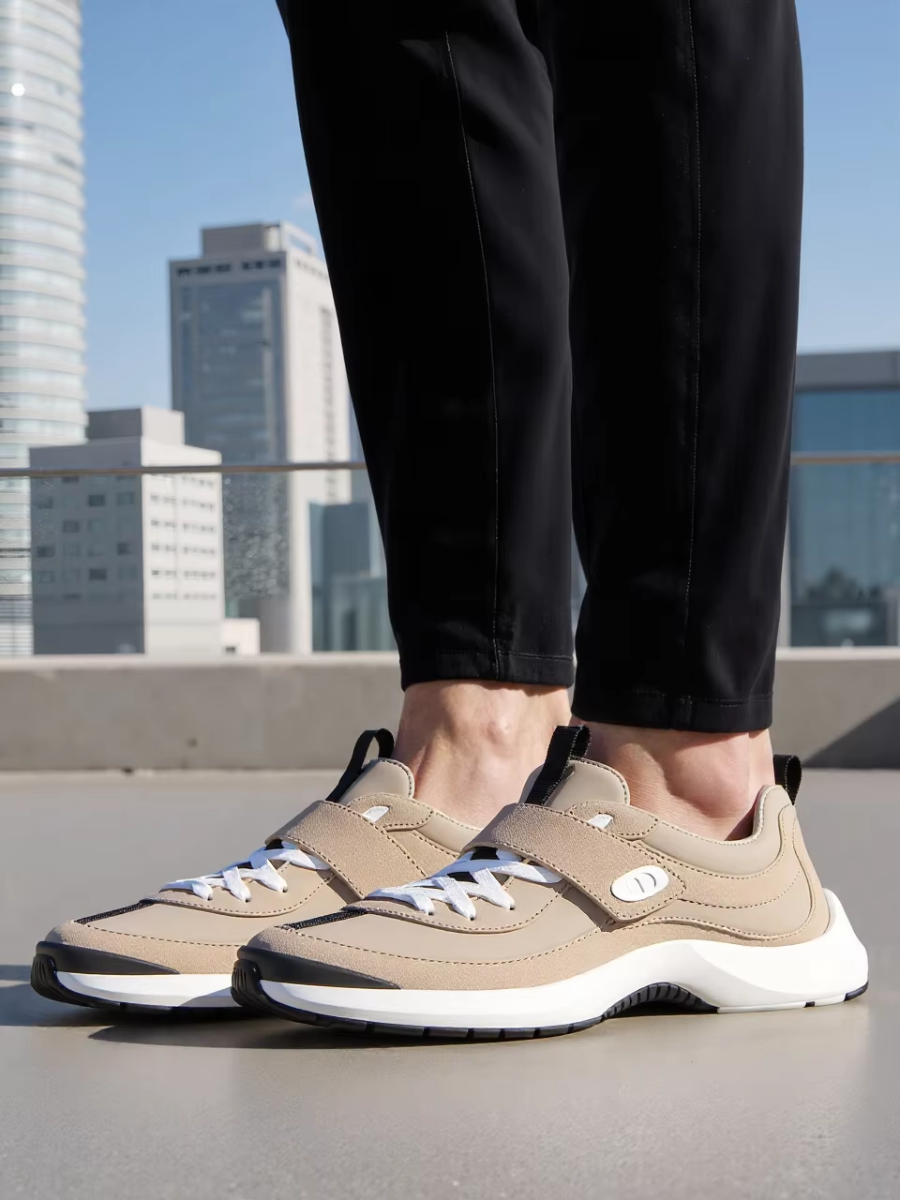
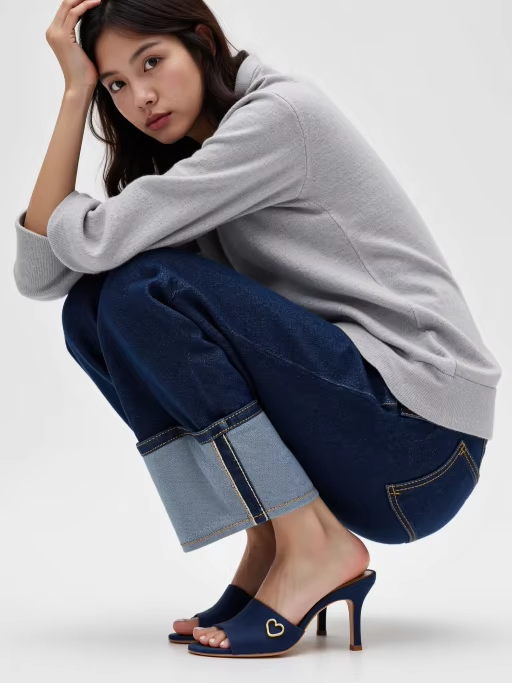
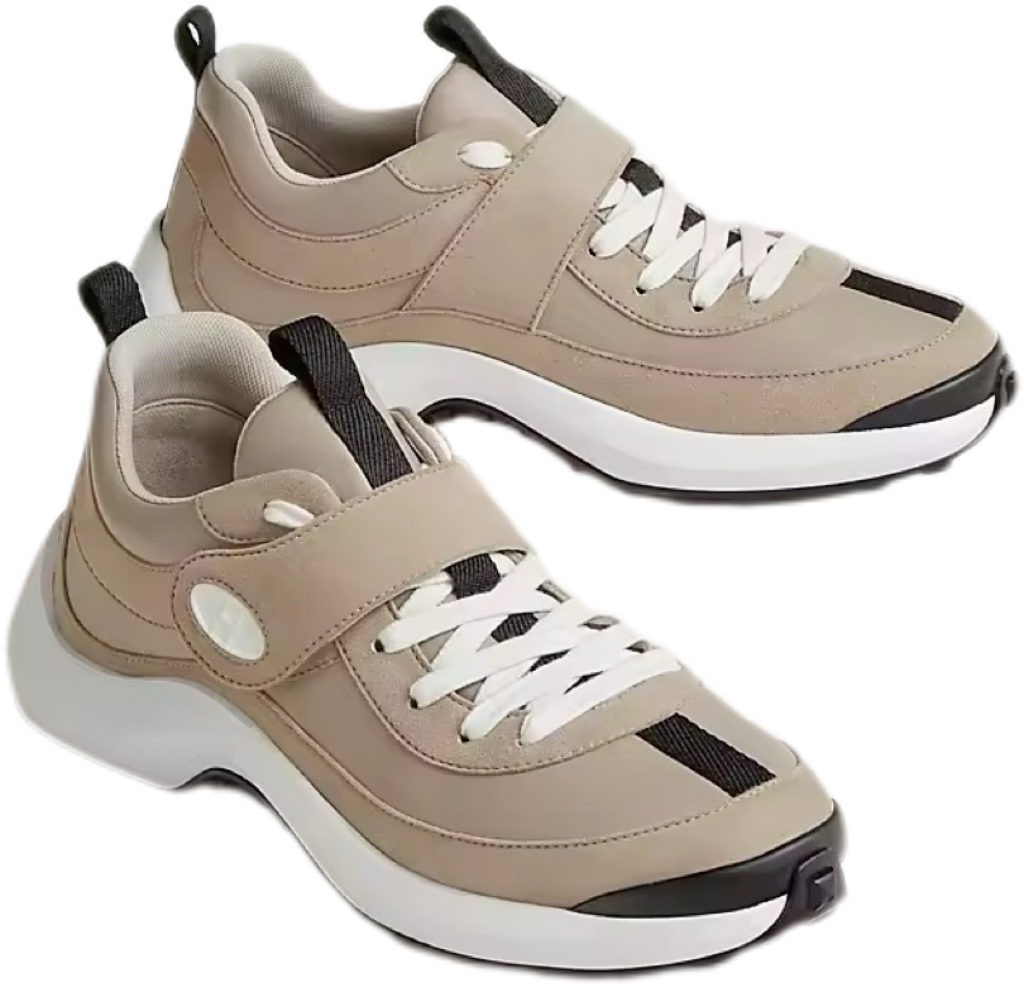
To ensure optimal try-on results, when uploading product images, it is recommended to select model photos featuring the sneaker product category to achieve a better try-on effect.
Model | Shoes Image | Result | Model | Shoes Image | Result |
|
|
|
|
|
|
✅ | ❌ | ||||
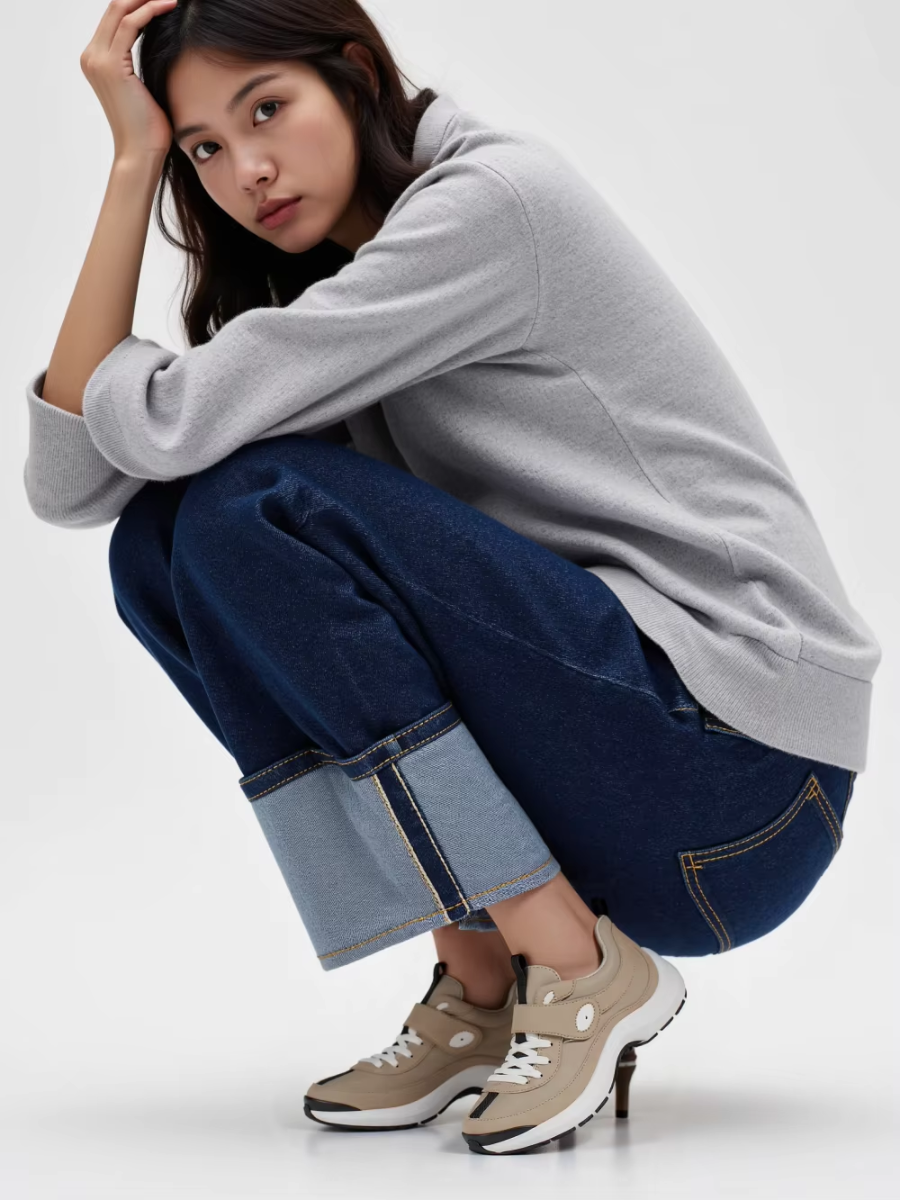
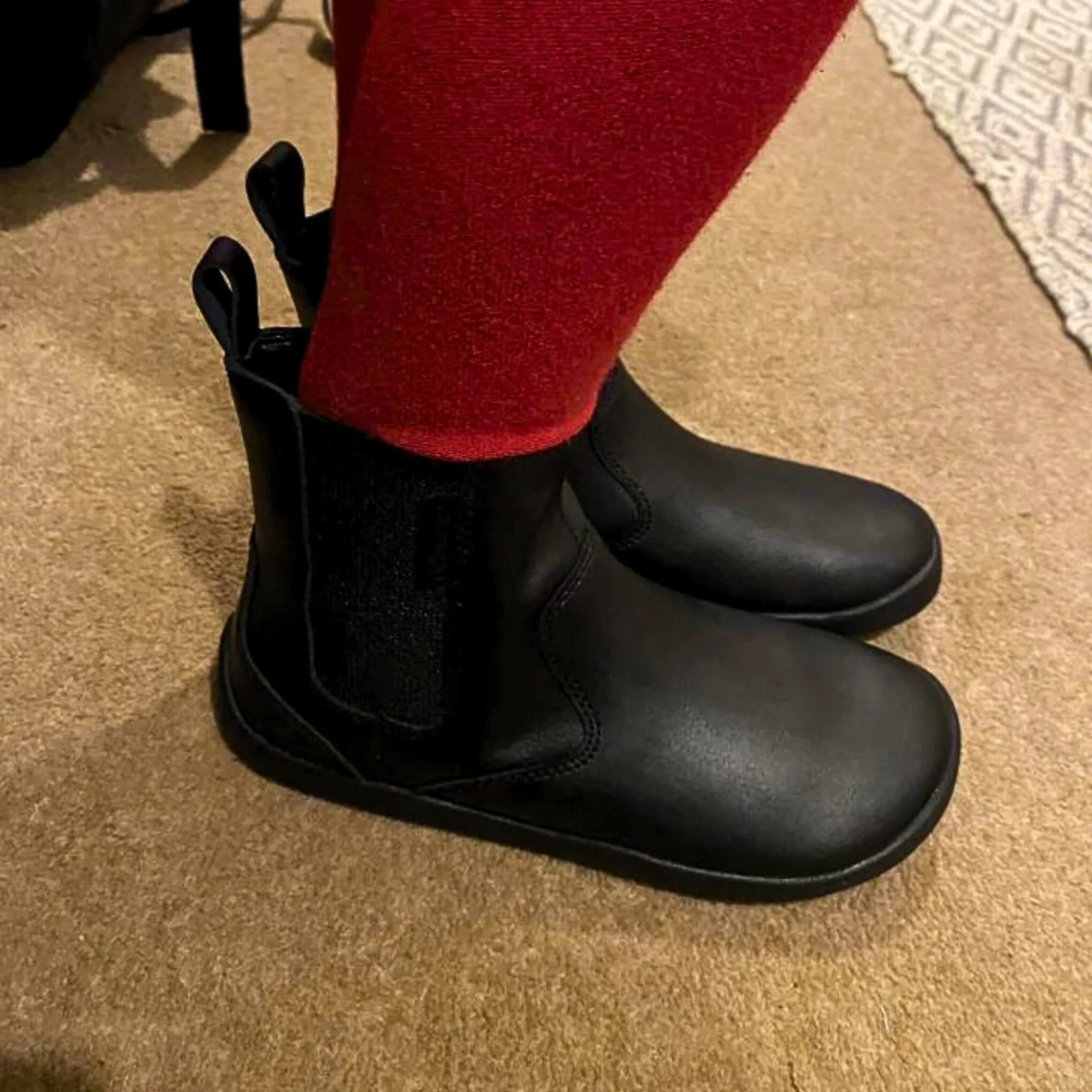
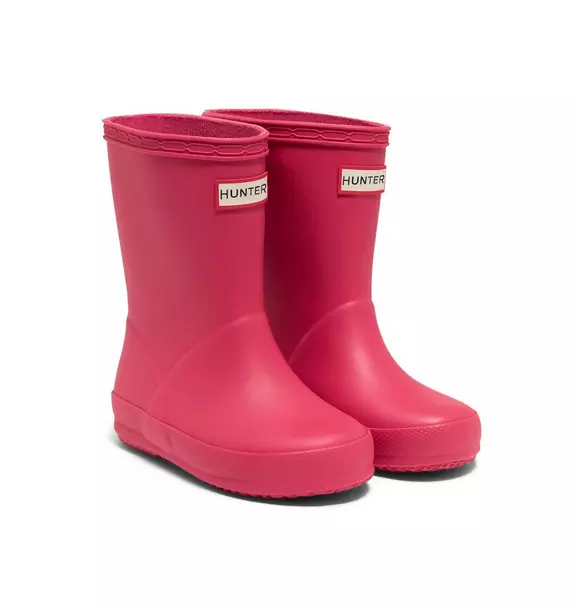
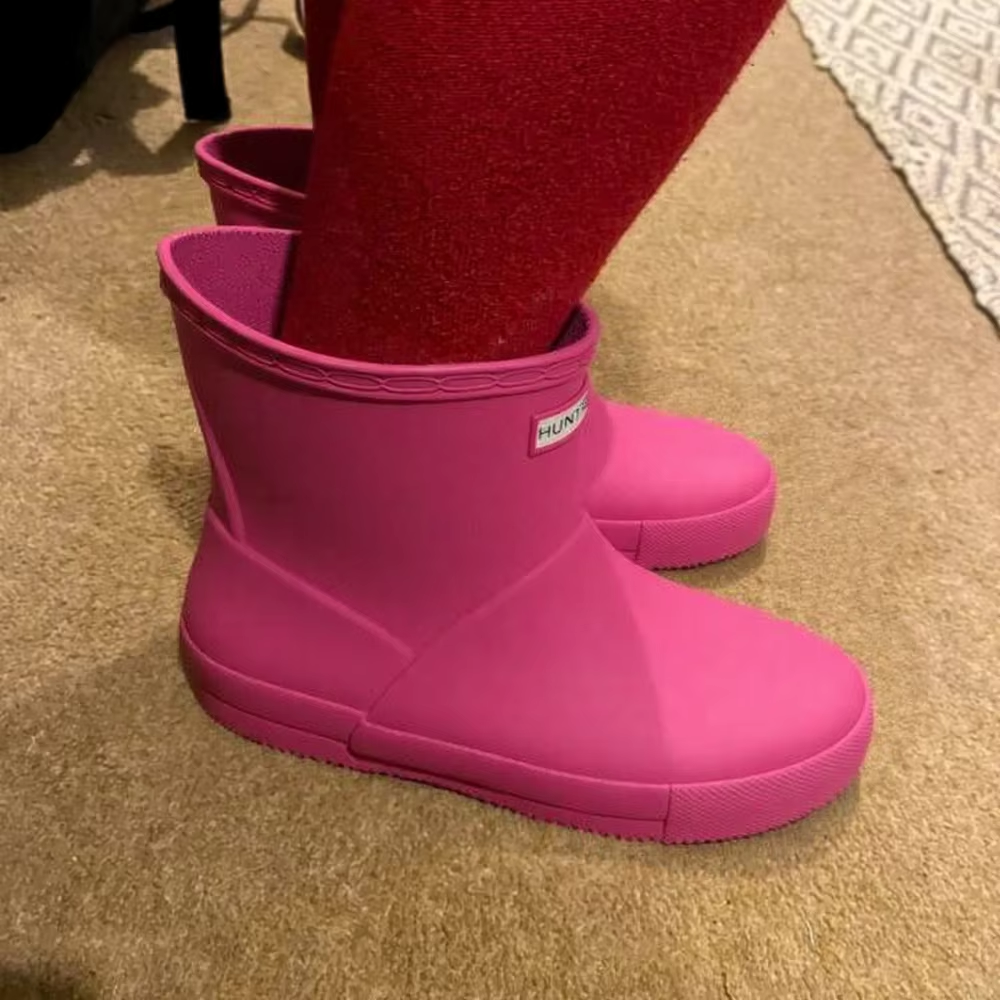
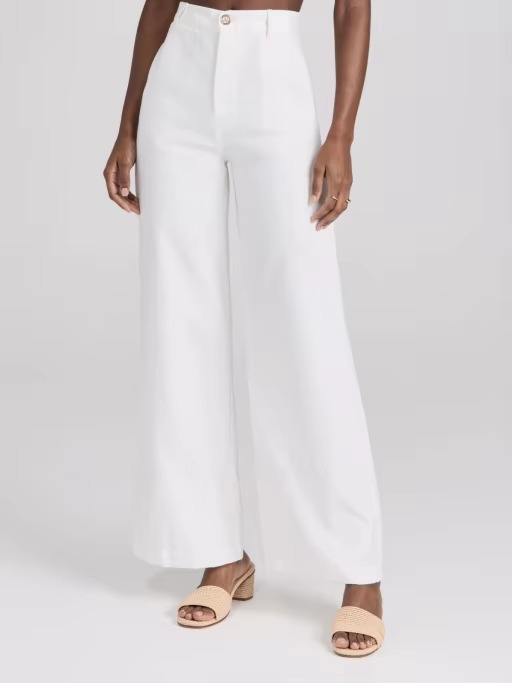
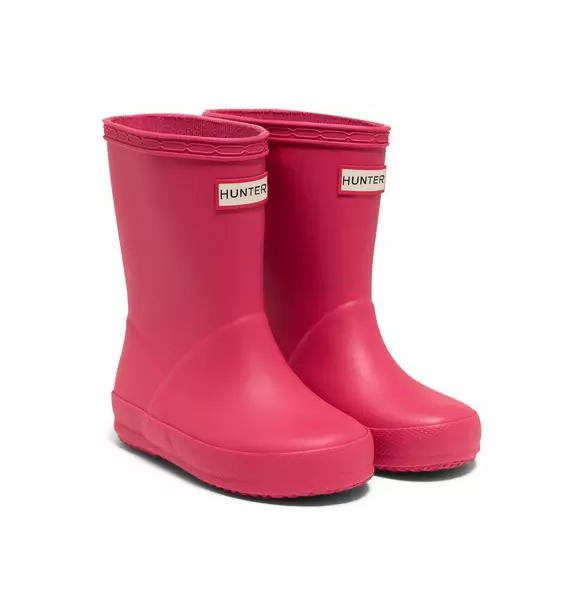
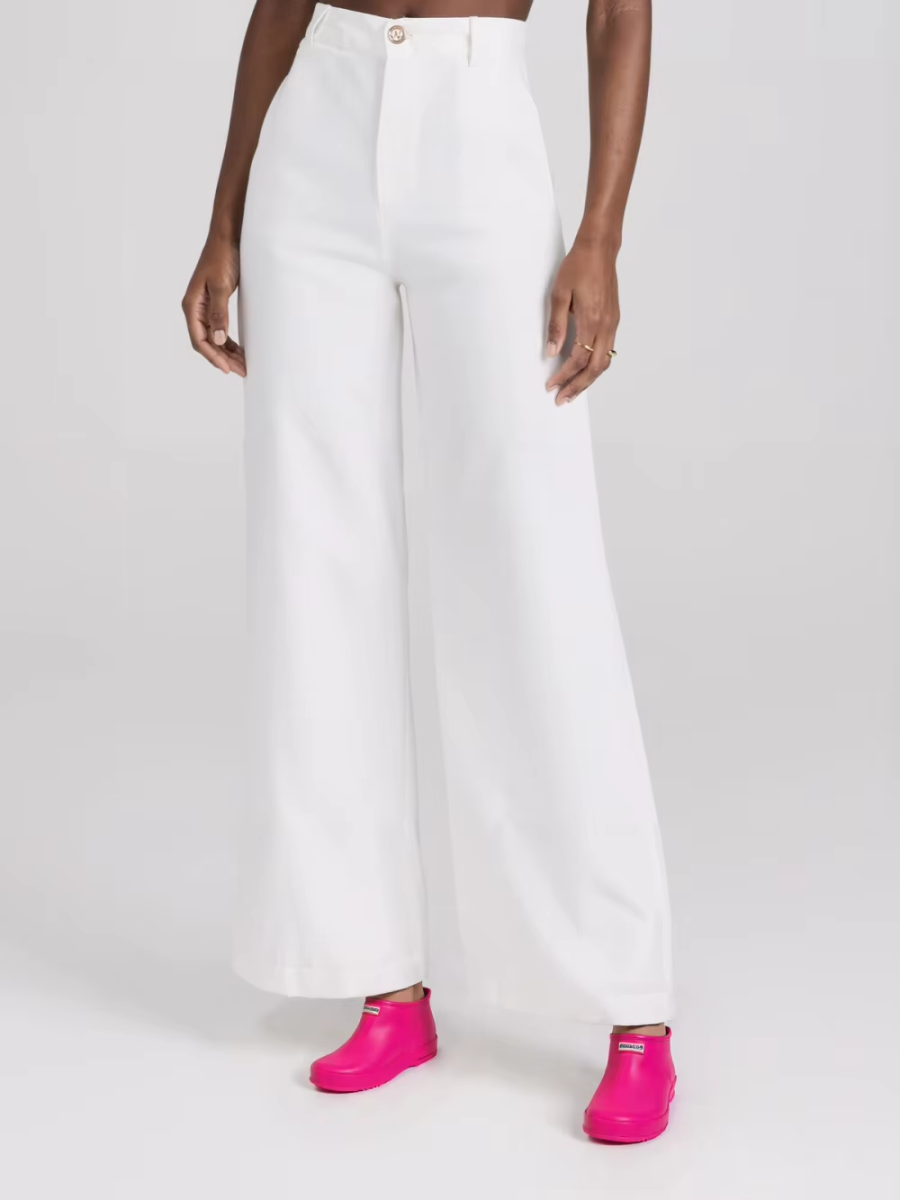
- Kids' ShoesTry-On Tip:
When your product is children's footwear, you may upload a custom child model to generate images for your product. To avoid inaccuracies in the generated product images, we do not recommend selecting an adult model to generate product images.
Model | Shoes Image | Result | Model | Shoes Image | Result |
|
|
|
|
|
|
✅ | ❌ | ||||
III. Important Notes
The current model may exhibit deviations in the rendering of footwear details, particularly when the shoe occupies a small proportion of the overall image or when it features extensive small text. Recognition errors concerning fine text, brand logos, and intricate details remain common issues in current virtual try-on technology.
We are committed to continuously optimizing this aspect to more effectively support AI applications in the field of footwear marketing, and we sincerely welcome your valuable feedback. Thank you for your attention!
Link of AI Virtual Try-Shoes:https://www.piccopilot.com/tools/tryon-shoes