






















The Evolution of AI Photo Editors: Stop Wrestling with PS—Start "Chatting" with Your Images!
 Pic Copilot Team
You’re staring at a mountain of new product shots. On your other screen, a maze of Photoshop layers, sliders, and complex parameters is waiting to drain your afternoon. Stop.
Are you still editing like it’s 2010? Or worse, are you being "bullied" by first-generation AI tools that force you to learn complex "Prompt Engineering" just to change a background?
It’s time to meet the future. Piccopilot, powered by the breakthrough Nano Banana engine, introduces the "Chat to edit photo" experience. No prompts. No manual masking. Just a simple conversation with your AI designer.
Here is everything you need to know about the next generation of AI image modification.
What is the best AI photo editor for beginners who hate prompts?
Traditional photo editing AI tools usually fall into two frustrating extremes: they are either too complex (like Photoshop) or too unpredictable (like Midjourney, which often hallucinates and changes your actual product).
Piccopilot is the definitive answer for the best AI photo editor for beginners. Its core logic is "Chat to Edit."
- Goodbye, Prompt Engineering: You don’t need to type
--v 6.0or learn technical weights. Just speak to it in plain English. - Precision Control: It’s an AI image modifier, not just a generator. It understands context, meaning it can swap a background while keeping every pixel of your product 100% intact.
Imagine this: You don’t touch a single slider. You just tell the AI: "Place this product on a rustic wooden table with morning sunlight coming from the left." The AI picture editor does the rest.
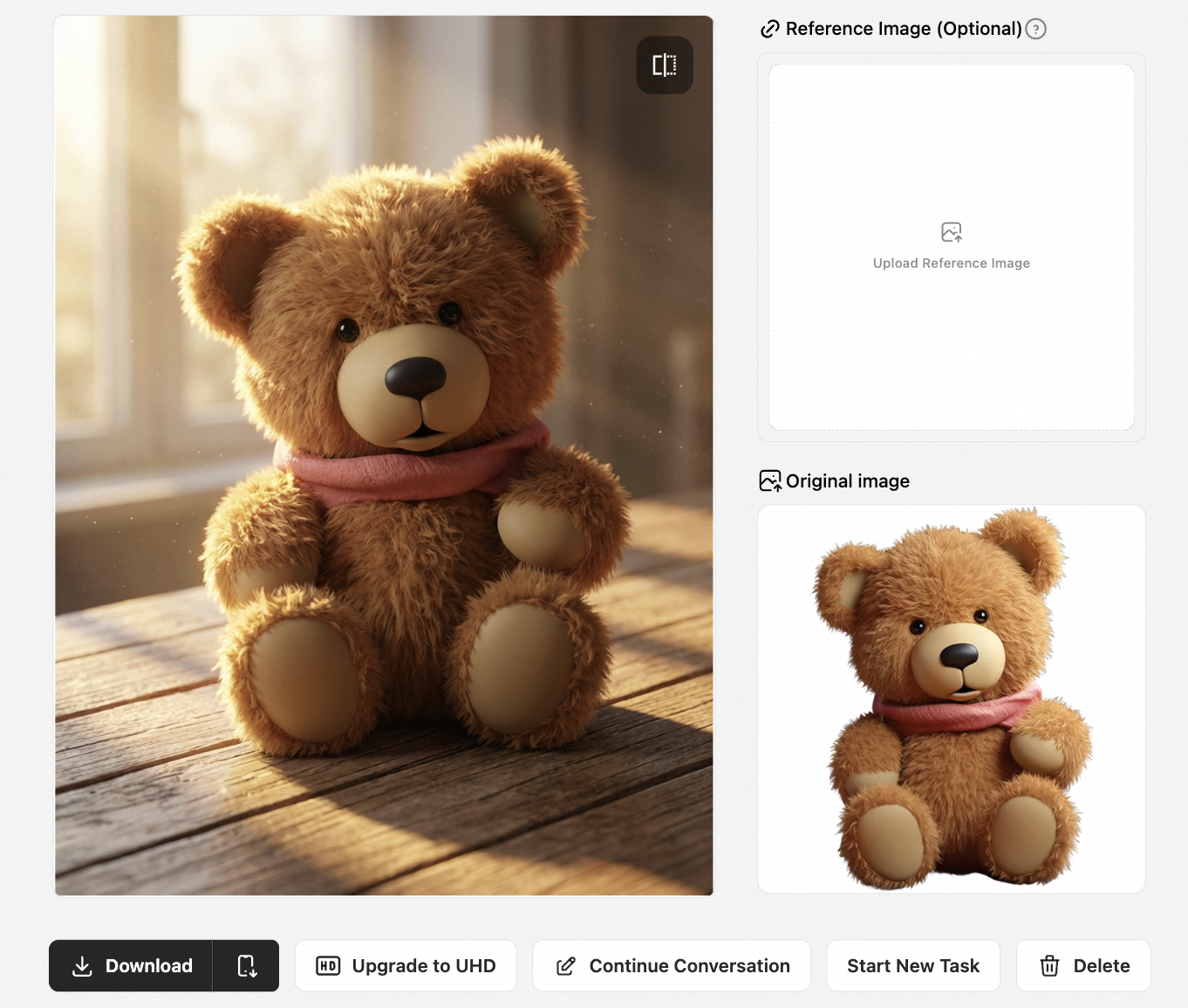
Where can I find AI chat image editors that support background removal?
This is the #1 search for e-commerce sellers. In the past, you needed a dedicated background remover, then another app to composite a new scene.
Piccopilot combines these steps into one seamless workflow. As an all-in-one online AI photo editor, our background handling is revolutionary:
- Upload: Drag and drop your product shot.
- Chat: Type "Remove the background and replace it with a cozy Christmas-themed living room."
- Generate: The AI performs hair-level masking and generates a new environment with realistic shadows and lighting.
No more manual tracing. No more "white edges." This is the fastest way to do AI photo editing online.
How to use AI image editors with chat interfaces for quick photo retouching?
Beyond background swaps, daily photo retouching is a massive time-sink. Who has time to learn "Frequency Separation" or "Curve Grading"?
With the Nano Banana interface, retouching is as easy as sending a DM:
- Lighting Adjustments: Too dark? Just say "Make the image brighter" or "Add some warm sunset lighting."
- Local Modification: Want a color swap? Type "Change this shirt to Denim blue" The AI identifies the fabric and performs an AI color change without bleeding into the skin.
- Object Removal: Distraction in the back? Type "Remove the person in the background."
This is what an AI tool to edit photos should be: it understands you, then it executes.
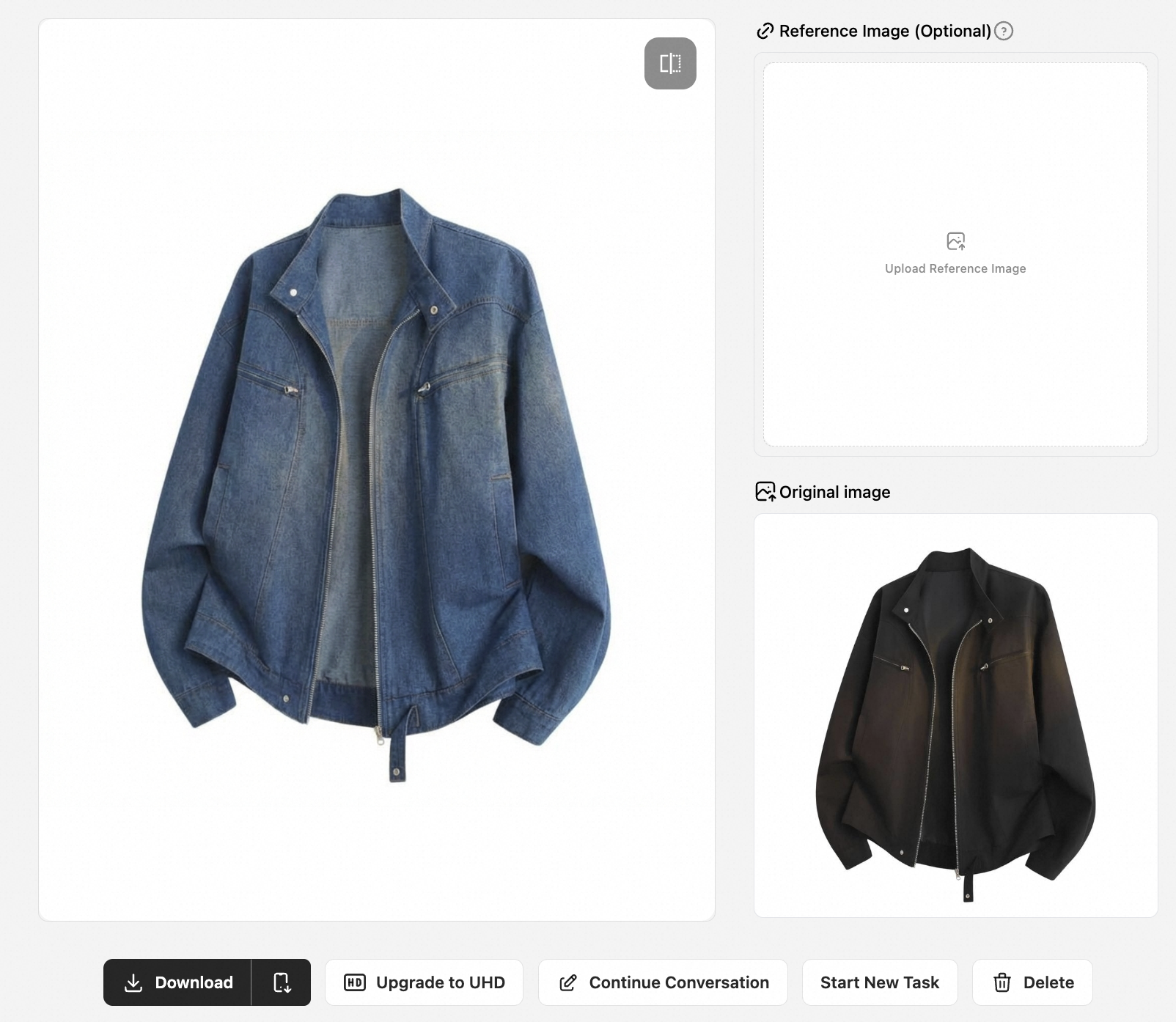
Can an AI photo editor help with creating AI avatars and portraits?
Absolutely. Piccopilot isn't just a product photo editor; it’s a powerful AI portrait editor.
Using Nano Banana’s deep image manipulation tech, we support:
- AI Avatar Generation: Upload a selfie and tell the AI to "Turn this into a Cyberpunk style profile picture."
- Virtual Models: For e-commerce, you can generate UGC Avatars—AI models of different ethnicities and styles to showcase your apparel, saving thousands on photoshoots.
One AI picture editor covers every visual need from product listings to lifestyle branding.
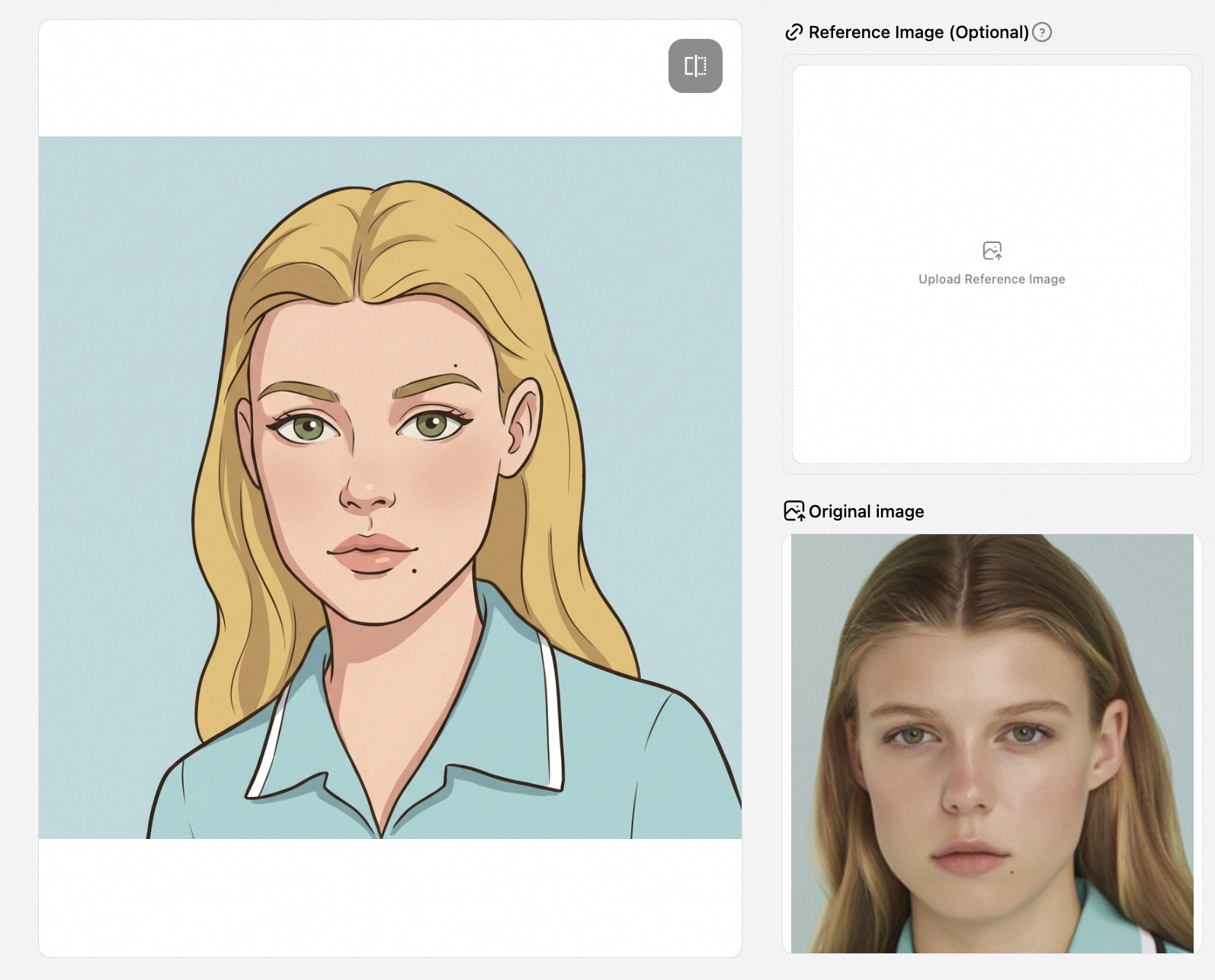
Top AI-powered chat photo editing tools with free trials?
When looking for a free AI photo editor online, you’ll often find "free" tools that lock features behind a paywall or add ugly watermarks.
Piccopilot offers a genuine free AI image editor trial:
- Zero-Friction Entry: Start editing immediately—no credit card required for the trial.
- Pro-Level Features: Test the Nano Banana chat interface, AI upscale images (high-res enhancement), and generative backgrounds.
- Commerce-Ready: Export high-quality images ready for Amazon, Shopify, or TikTok.
Conclusion: Stop Editing, Start Chatting
The era of the "manual" AI photo editor is over. Don't let complex parameters kill your creativity. Whether you’re managing a massive catalog or chasing a holiday trend, Piccopilot is the best AI photo editing software for the job.
The workflow is simple: Upload -> Chat -> Done.
Stop wrestling with pixels. Start chatting. Try Piccopilot: The Best AI Photo Editor with Chat Interface
Want to master the full workflow of AI-driven commerce? If you’re ready to dive deeper into optimizing your production and scaling your brand, check out our comprehensive guide: dropshipping-ai-tools-workflow to learn more about professional e-commerce content creation workflows.