







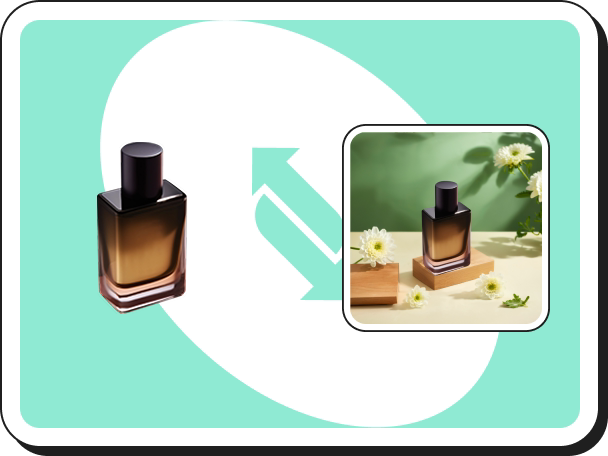
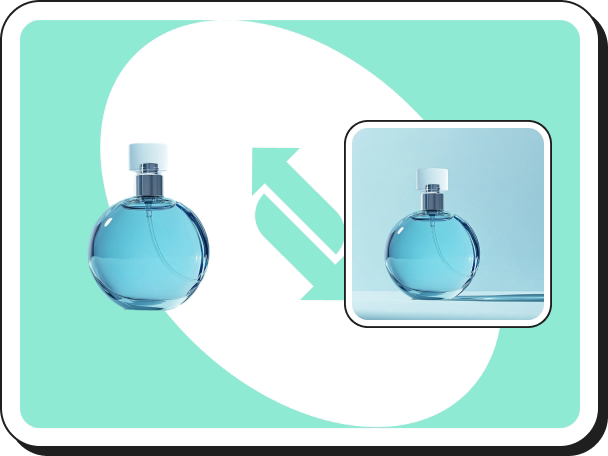
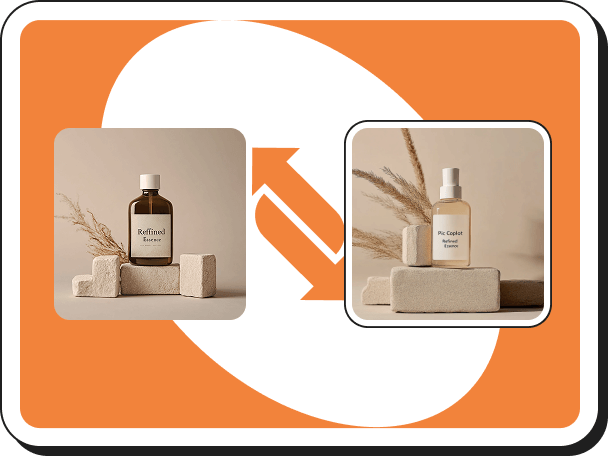
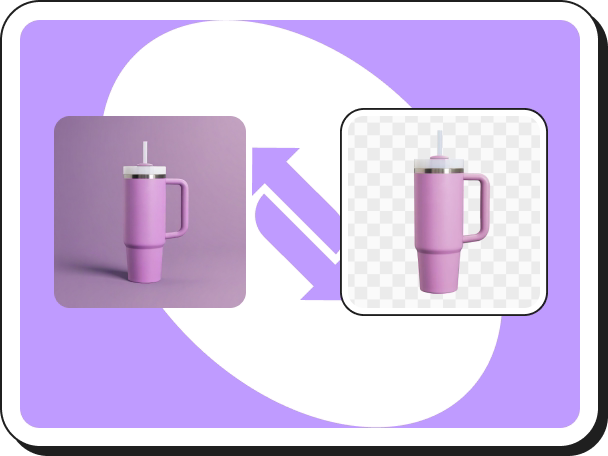




【Style Clone】Usage Guide
Step 1
Find the【Style Clone】tool on the Create page and click into it.
Step 2
Click【Upload image】to enter the image upload page and upload your product images.
Step 3
Click【Upload Background Image】to upload the image you want to reference.
Note: You can click "Change Image" in the right editing panel to switch the product, or click "Manually Remove Background" for more precise background removal.
Step 4
Adjust the product to the desired position by modifying its location, angle, and size. Click【Start Cloning】.
Step 5
Click【Download】to save the generated product image, or click【UHD】to download a high-definition image. You can also click【Start Cloning】to regenerate.
 Bắt đầu tạo ngay


